



Stupendous Visuals for Minecraft 26.2
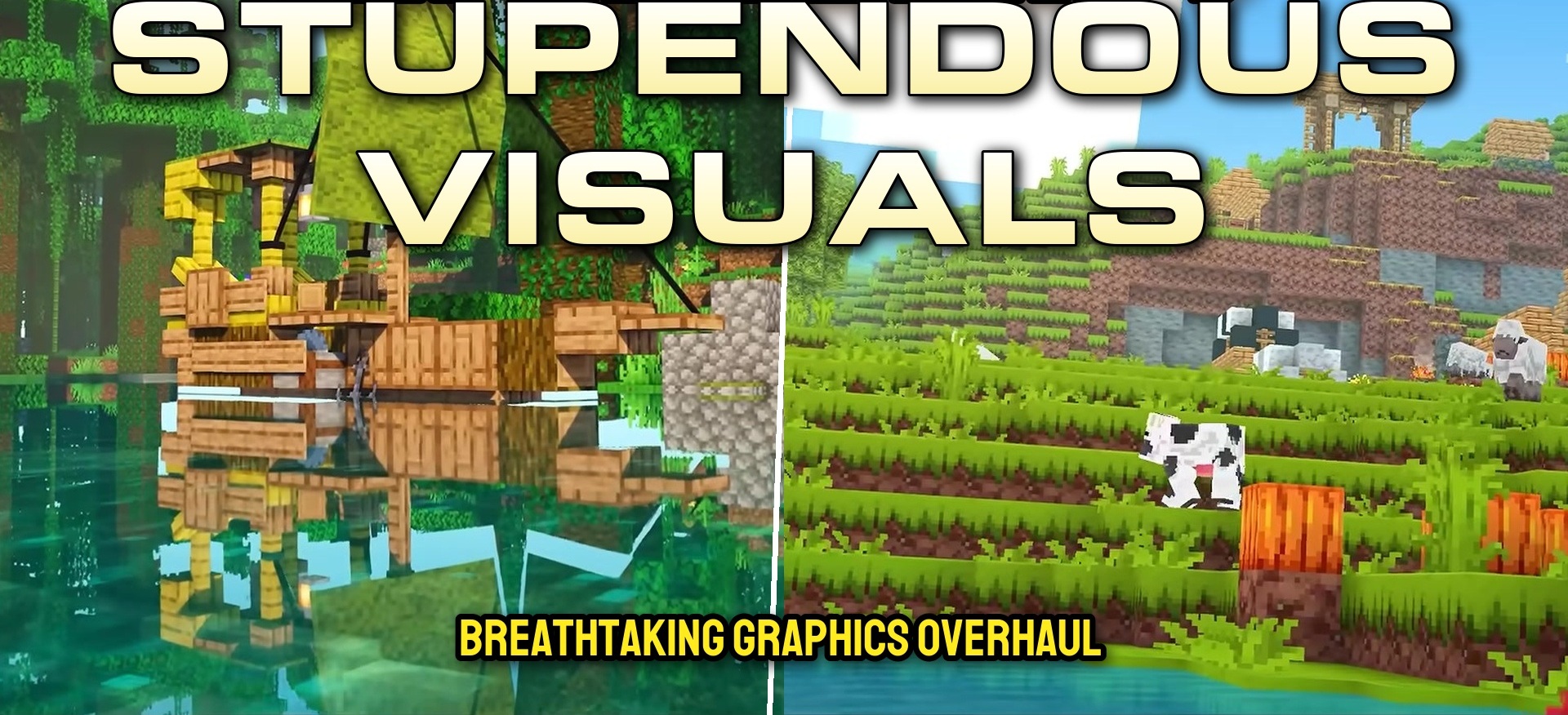
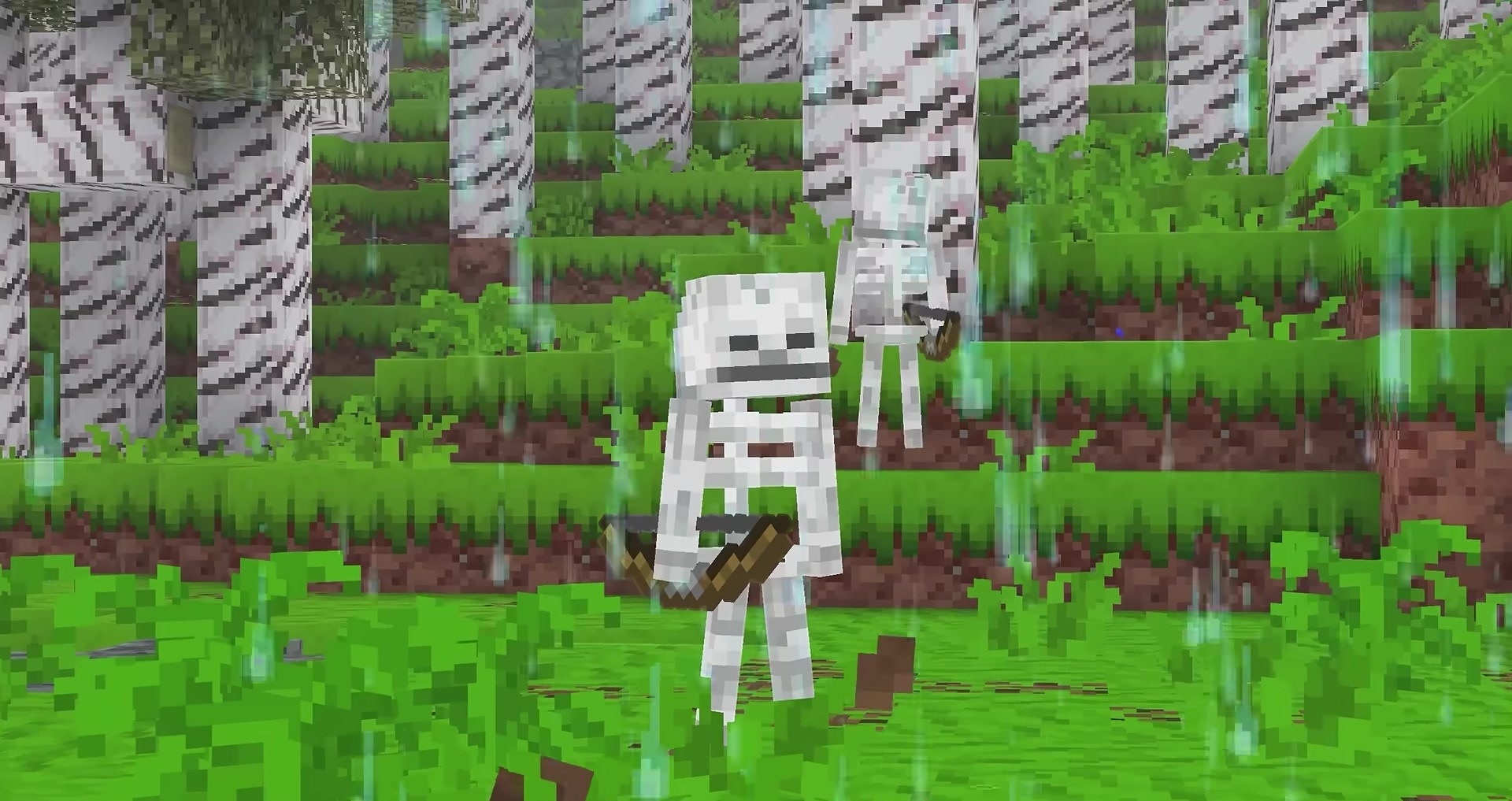
The usual Minecraft color palette becomes brighter here, but without completely losing its vanilla character. Stupendous Visuals recolors blocks and items with richer, livelier shades and also adds animations to certain items. Some animals and creatures receive an updated appearance to better match the overall colorful style.
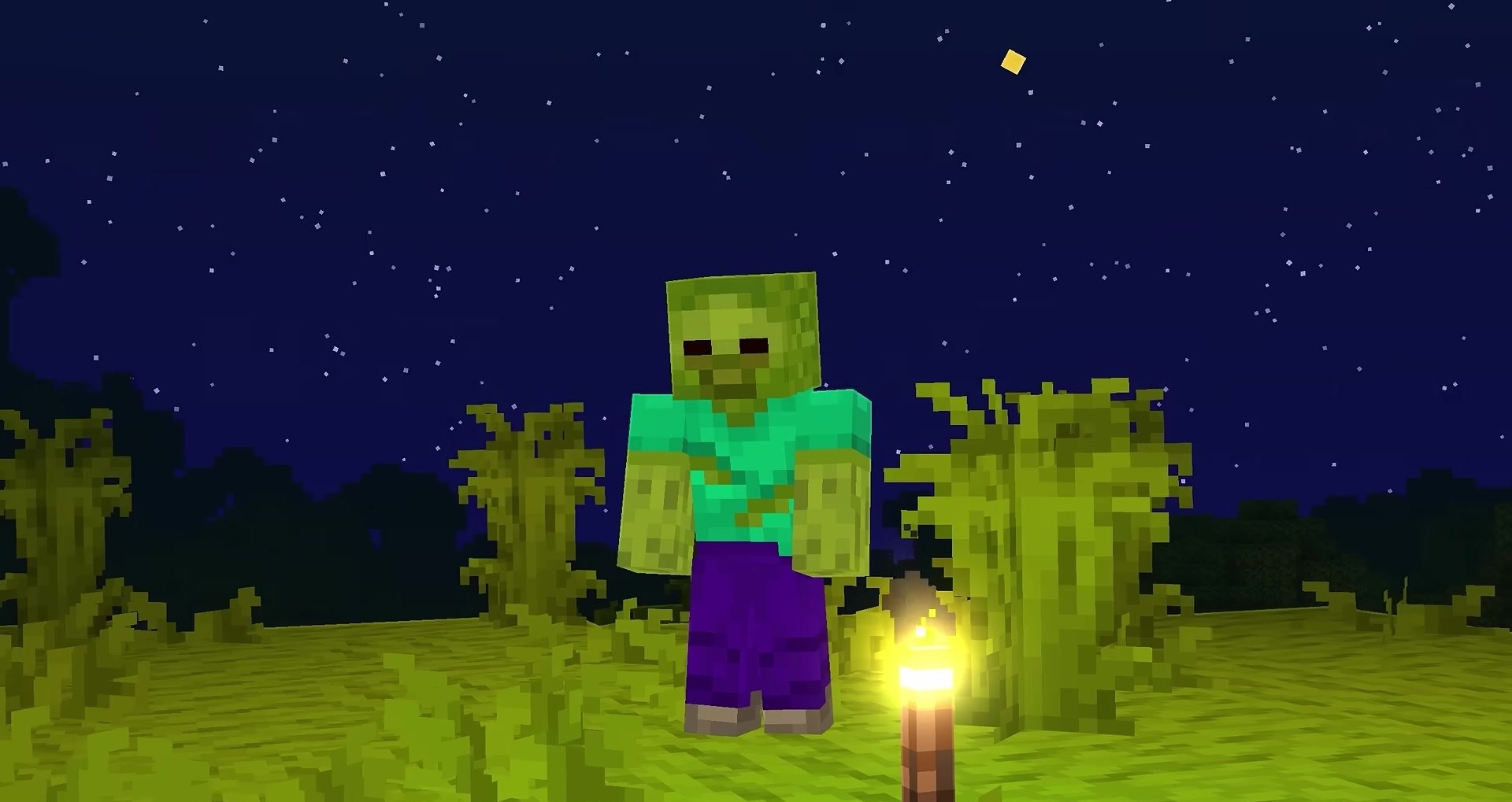
The pack does not try to turn the game into realism: the shapes remain familiar, but the textures look fresher and more expressive. Additional components responsible for colors, models, and variable entity textures are required for correct operation.
How to install the texture pack:
First step: download and install Stupendous Visuals
Second step: copy the texture pack to the C:\Users\USER_NAME\AppData\Roaming\.minecraft\resourcepacks
Third step: in game settings choose needed resource pack.
Comments (0)