



Stupendous Visuals for Minecraft 26.2
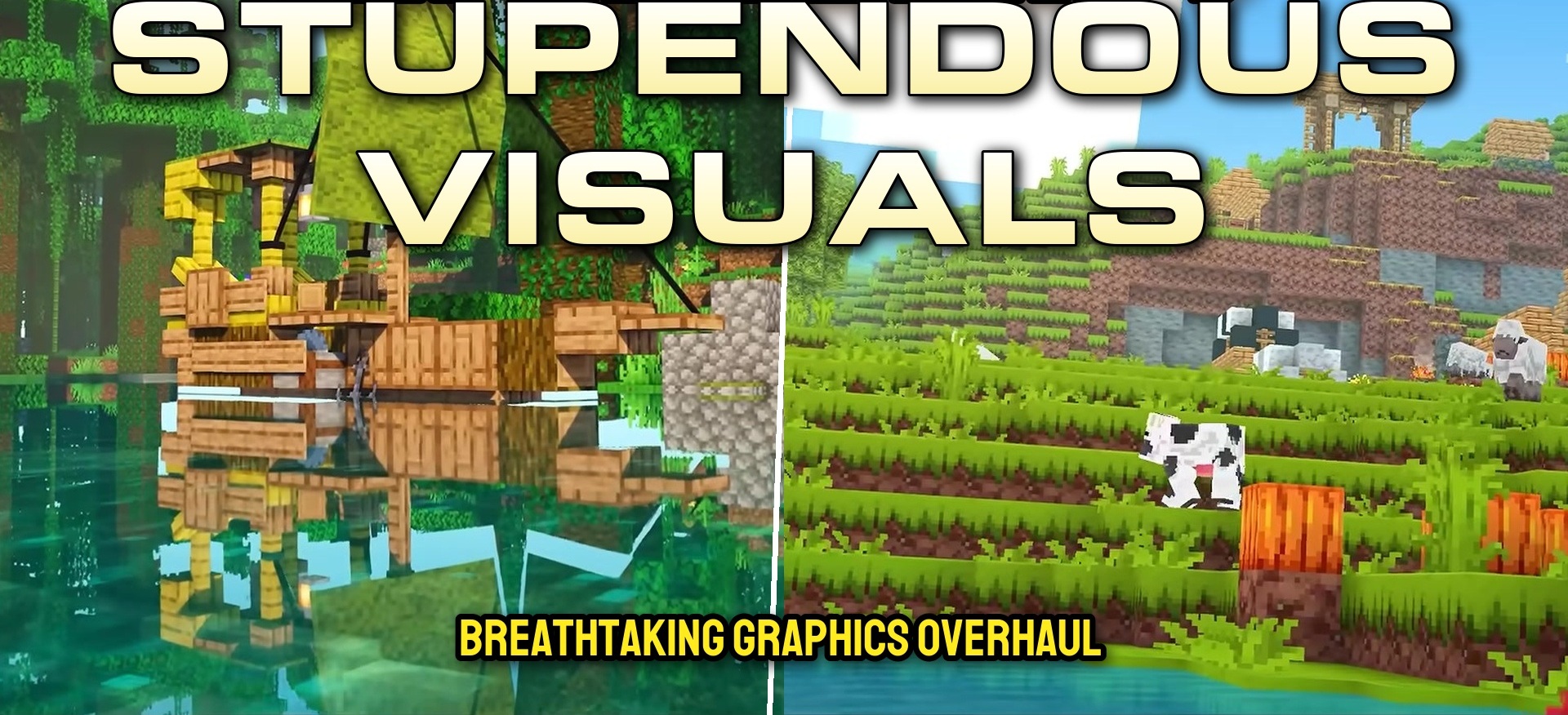
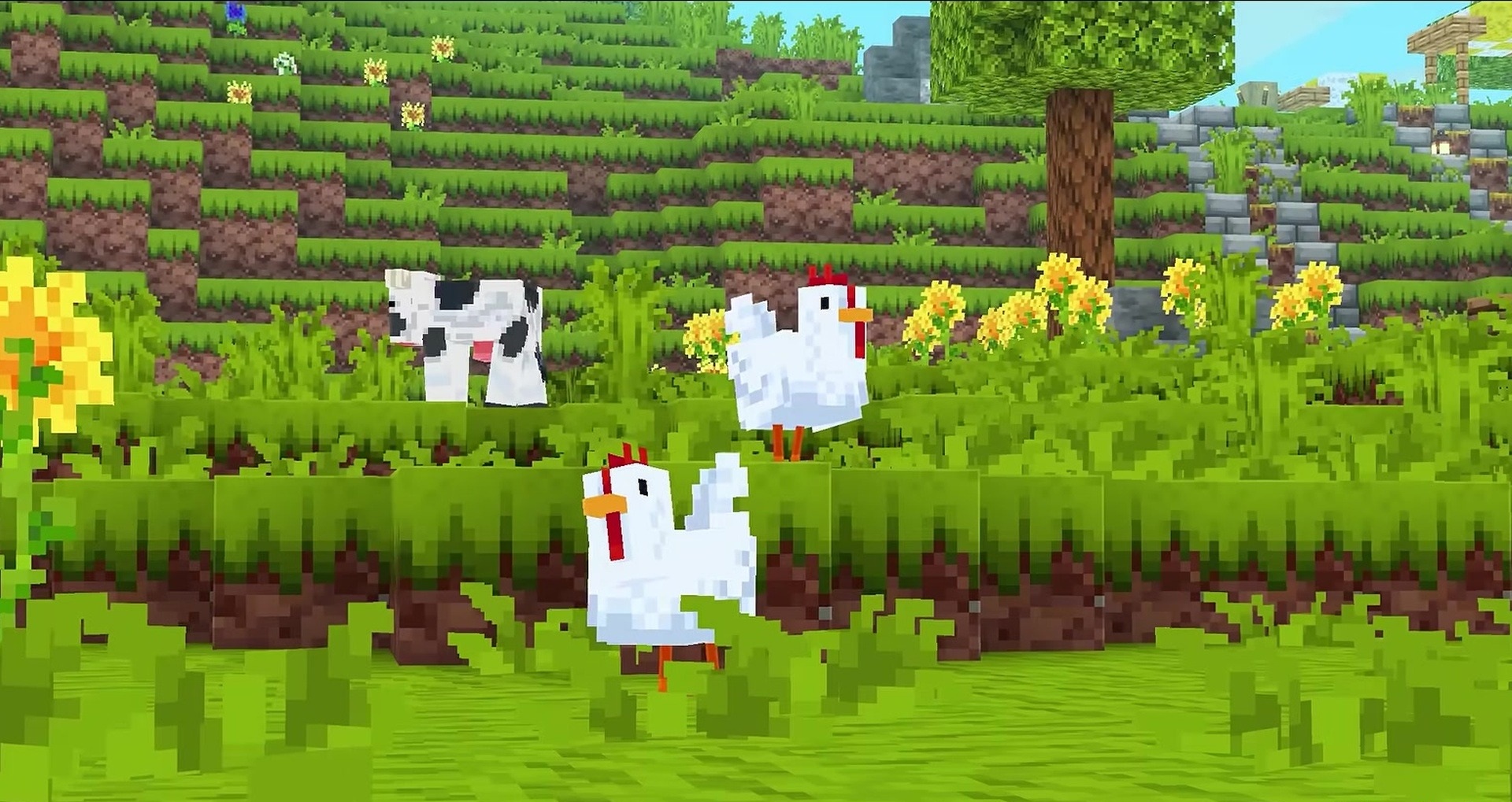
Stupendous Visuals makes the Minecraft color palette brighter while preserving the familiar shapes of blocks, items, and creatures. Wood, stone, plants, and other materials receive richer colors, making the world look more lively without completely replacing the standard style.
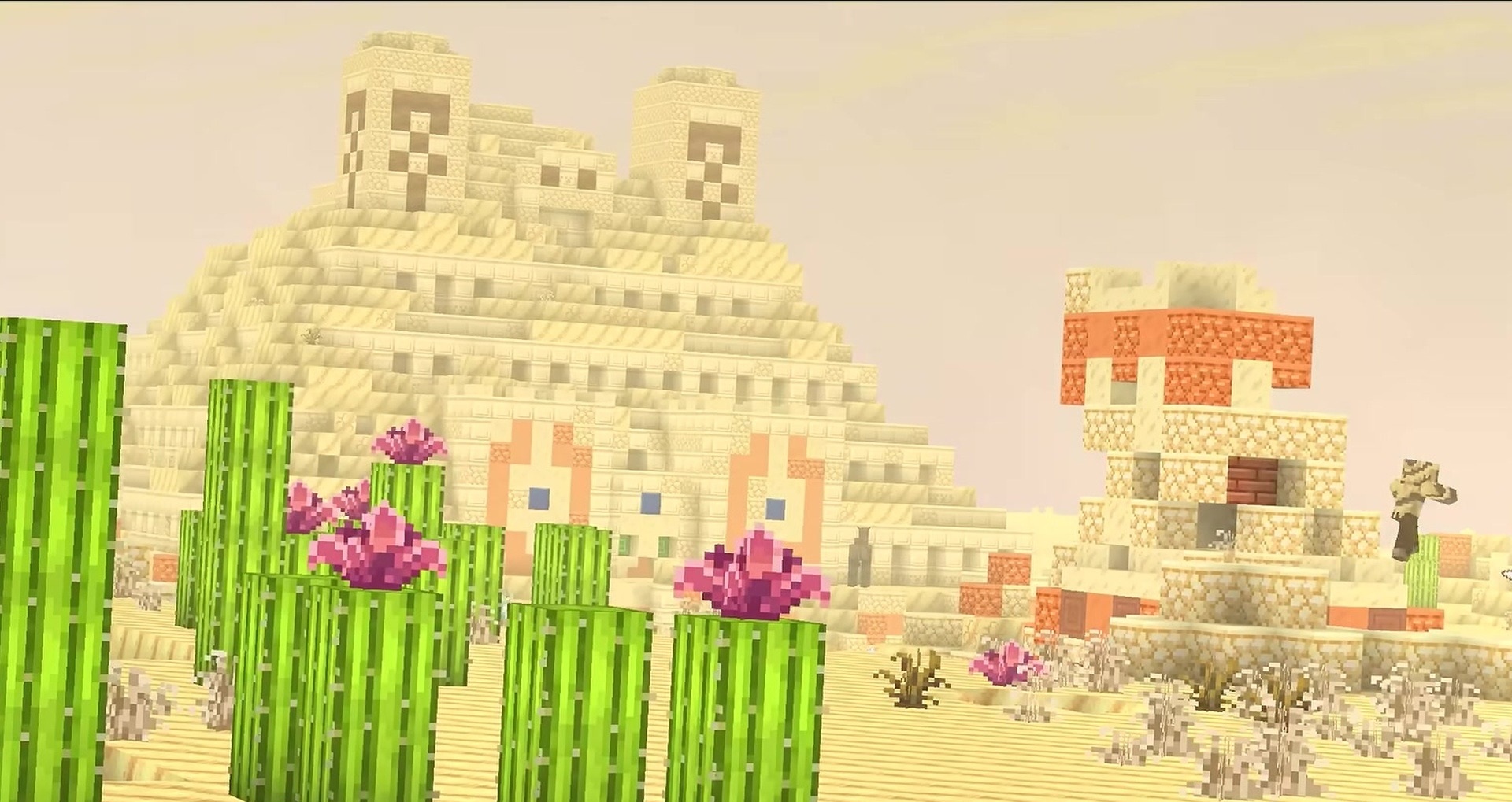
Some items are supplemented with small animations, while certain animals and mobs receive updated models or textures. The pack supports popular modifications, but Polytone, Entity Texture Features, and Entity Model Features are required for it to work correctly. If water or birch wood suddenly changes color, reloading the resources with the F3 + T key combination usually helps.
How to install the texture pack:
First step: download and install Stupendous Visuals
Second step: copy the texture pack to the C:\Users\USER_NAME\AppData\Roaming\.minecraft\resourcepacks
Third step: in game settings choose needed resource pack.
Comments (0)