



Sunbathing Godrays for Minecraft 26.2
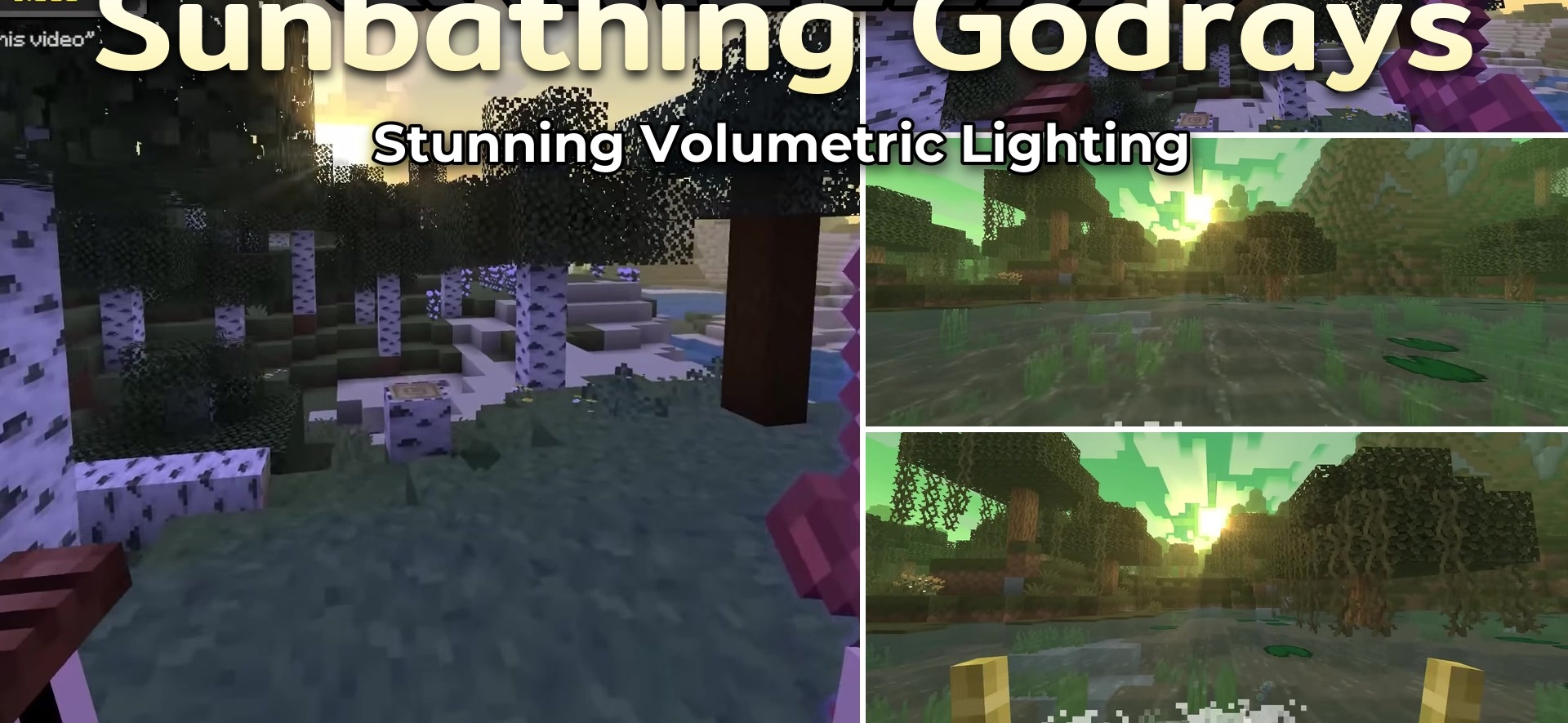
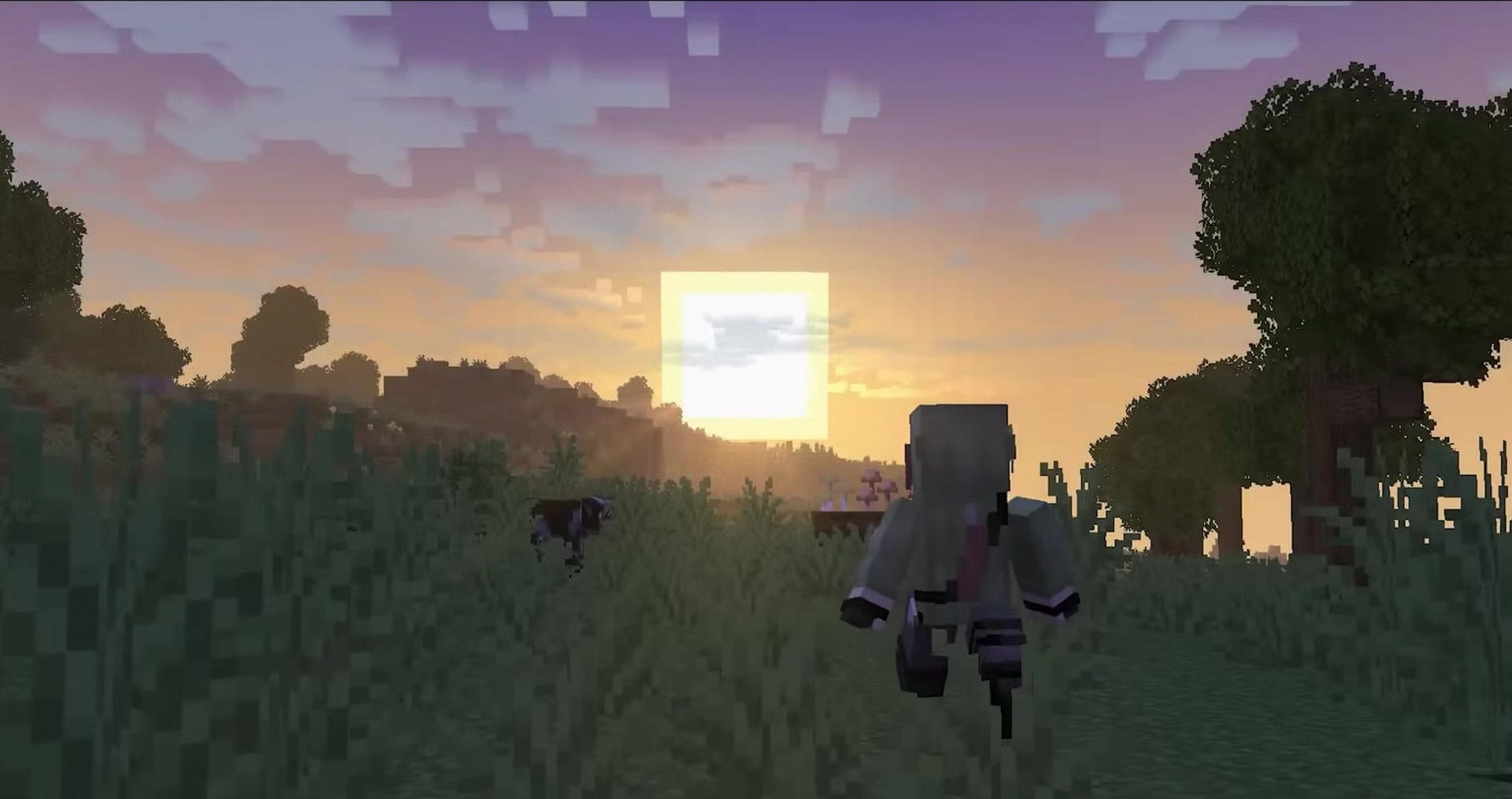
The sky becomes more expressive not through a heavy shader pack, but through a separate lighting effect. Sunbathing Godrays adds sunbeams and moonbeams that fall from above and create a soft glow in the world. Bright streams from the sun are visible during the day, while calmer rays appear around the moon at night.
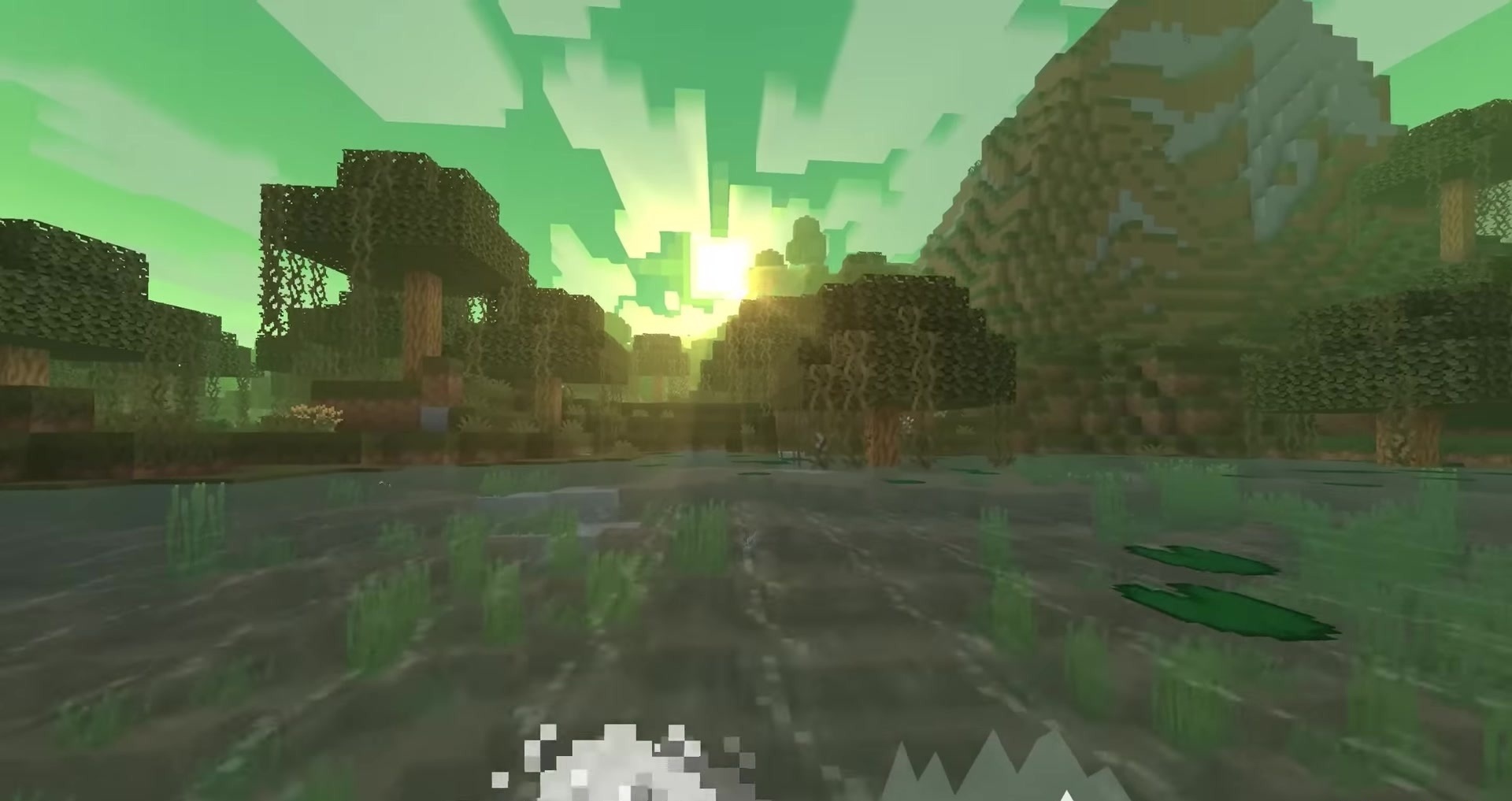
The pack works through Polytone and uses simple screen effects, so it does not turn the lighting into a full, complex system with a heavy performance cost. Open spaces, mountain views, forest clearings, and the night sky change visually: light begins to feel like a separate layer of the scene. The pack does not replace block textures or change the weather, but gives the sky a softer lighting presentation.
How to install the texture pack:
First step: download and install Sunbathing Godrays
Second step: copy the texture pack to the C:\Users\USER_NAME\AppData\Roaming\.minecraft\resourcepacks
Third step: in game settings choose needed resource pack.
Comments (0)