



Transparent GUI and HUD Ultimate for Minecraft 26.2
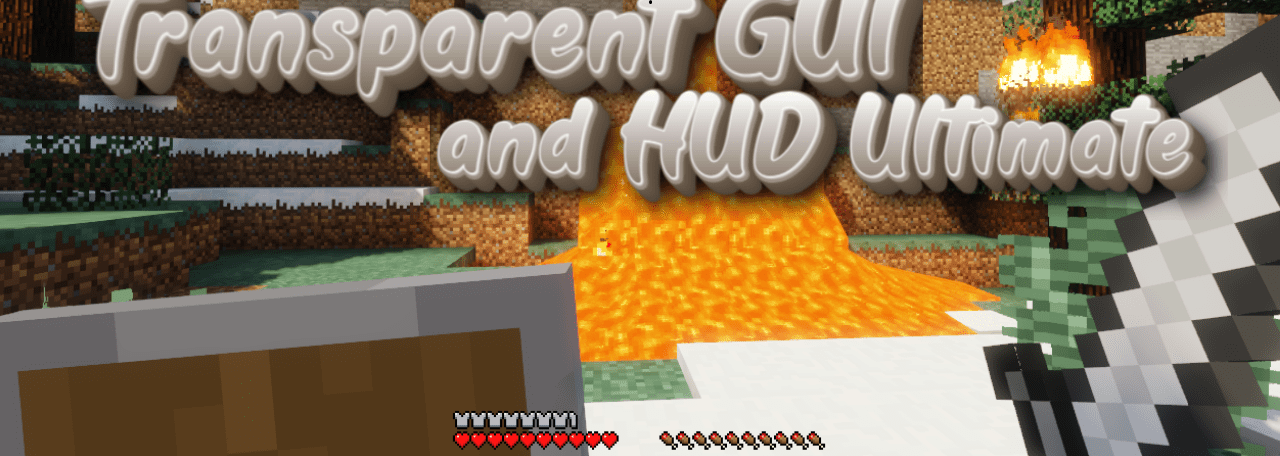
Transparent GUI and HUD Ultimate solves a simple problem: when the interface covers too much of what is happening on the screen. The pack makes GUI windows and HUD elements transparent, allowing you to see the world even while working with the inventory, chests, and other menus. This is convenient in dangerous places where it is important to notice mob movement, lava, falling, or other players.
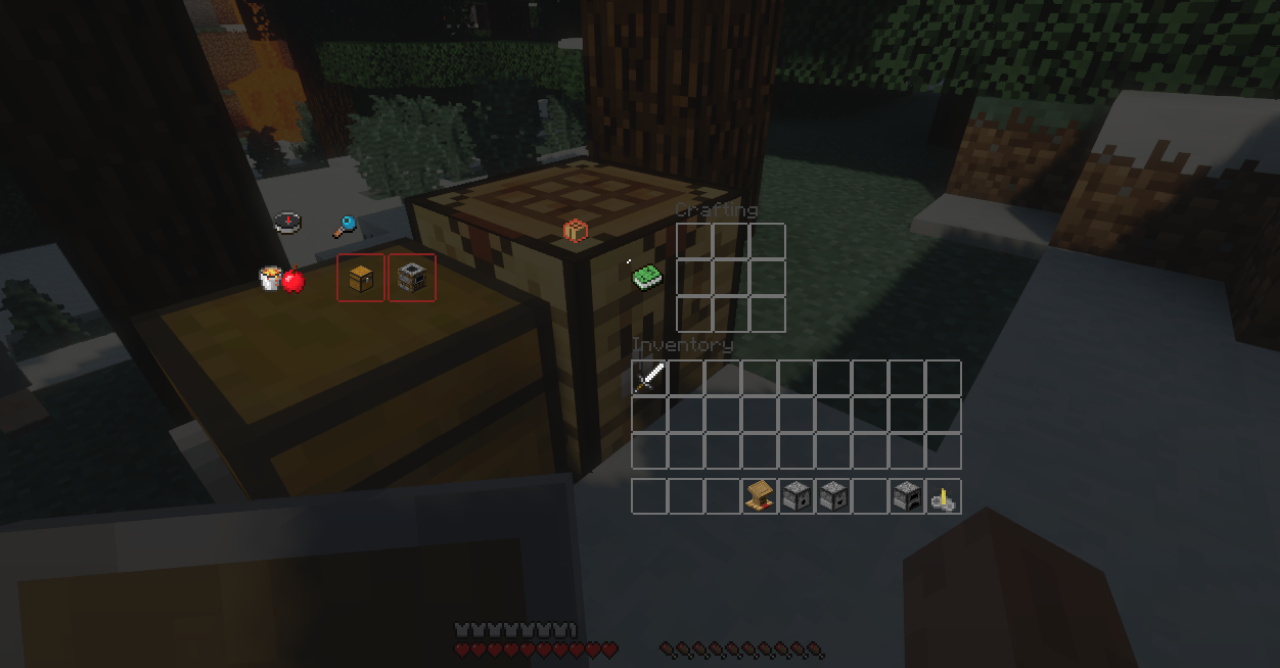
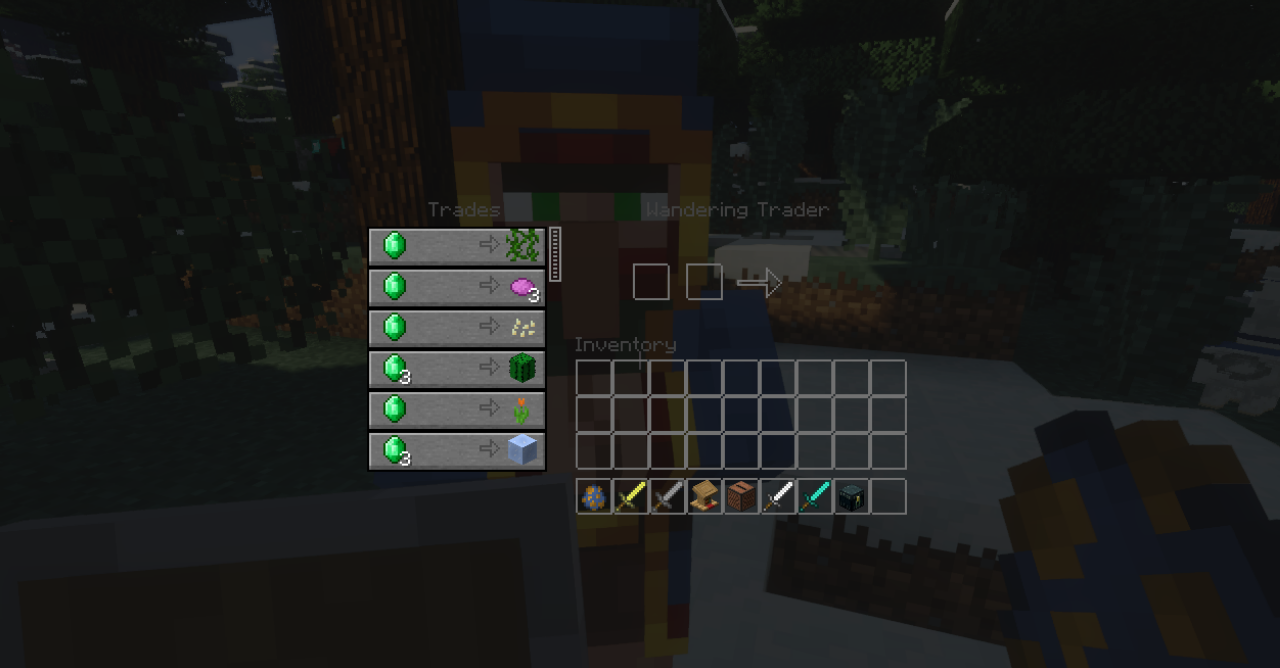
Items in slots remain readable, but the background no longer looks like a solid wall over the game. Visually, Minecraft becomes lighter and freer: the interface does not press down on the screen and distracts less from the surroundings. The pack does not change mechanics and does not rearrange controls, so almost no getting used to it is needed.
How to install the texture pack:
First step: download and install Transparent GUI and HUD Ultimate
Second step: copy the texture pack to the C:\Users\USER_NAME\AppData\Roaming\.minecraft\resourcepacks
Third step: in game settings choose needed resource pack.
Comments (0)