



Volcanic Dark for Minecraft 26.2
Volcanic Dark builds the interface around a dark palette similar to obsidian, volcanic stone, and the muted warmth of lava. Menus, inventory, and HUD elements become darker, but do not lose readability: slots, buttons, and frames remain contrasting enough not to blend into each other.
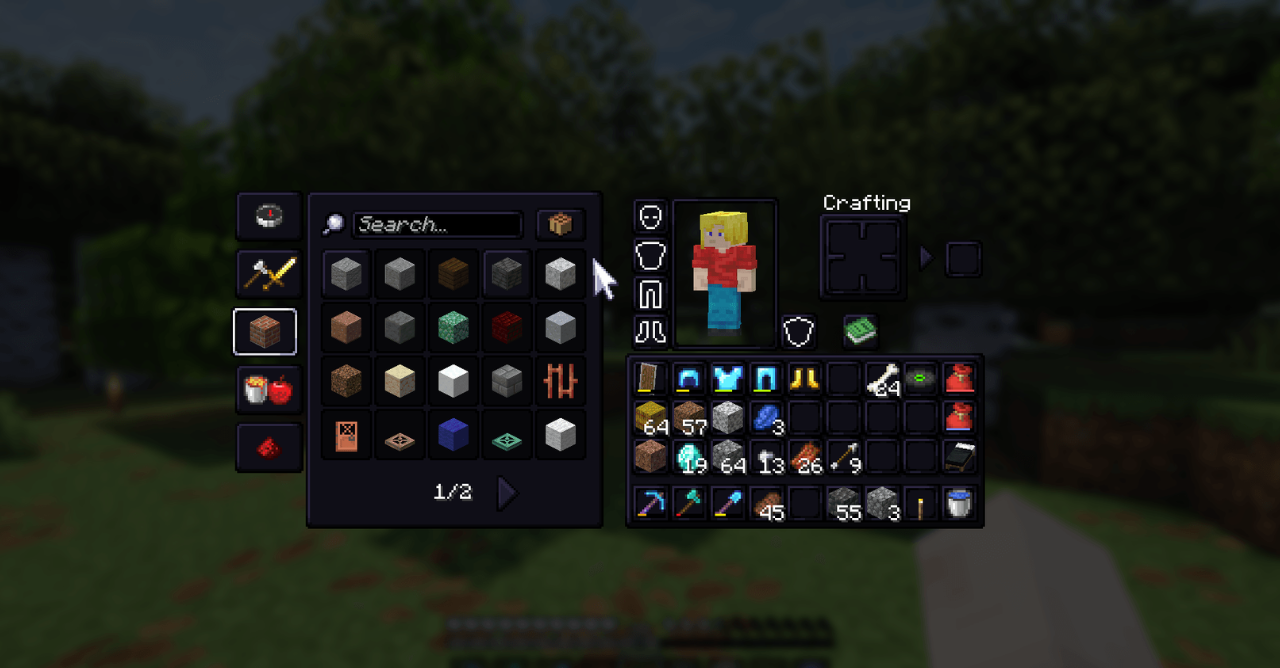
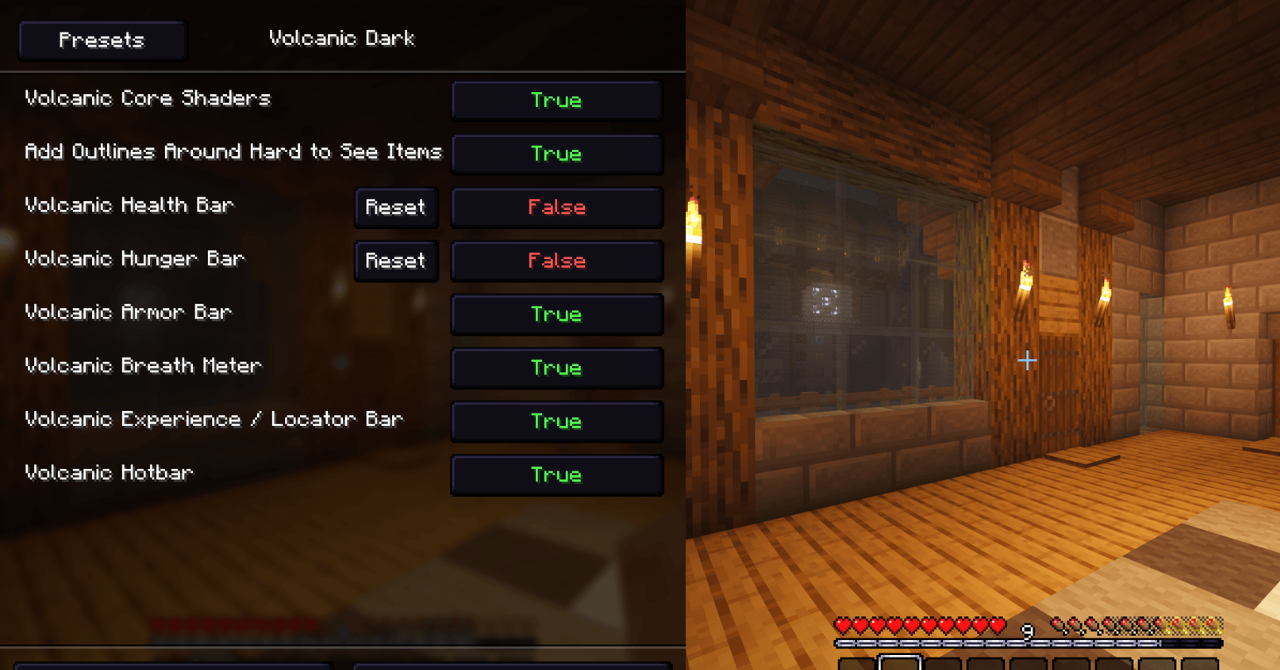
Unlike simple GUI darkening, the pack adds the feeling of a complete theme — heavier, stone-like, and minimalistic. Visual noise is reduced, light panels disappear, and the interface stops sharply standing out against caves, the Nether, and night scenes. Additional elements like improved item outlines make the menu neater.
How to install the texture pack:
First step: download and install Volcanic Dark
Second step: copy the texture pack to the C:\Users\USER_NAME\AppData\Roaming\.minecraft\resourcepacks
Third step: in game settings choose needed resource pack.
Comments (0)