



Wolfhound Classic Medieval for Minecraft 26.2
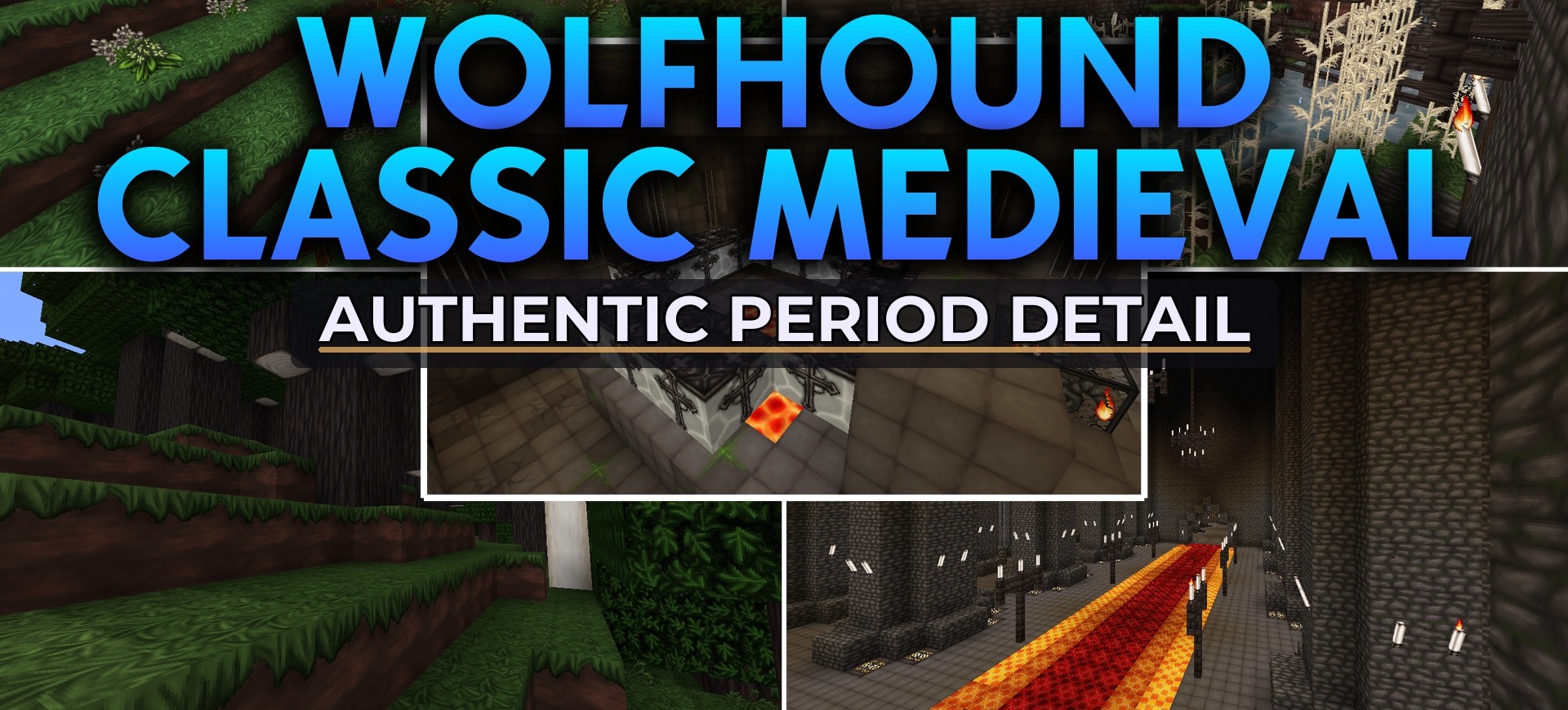
Wolfhound Classic Medieval brings the visual style of Minecraft into the European Middle Ages of the 12th–14th centuries. Bright standard surfaces are replaced with dark stone, muted shades of wood, and decorative patterns reminiscent of old manuscripts.
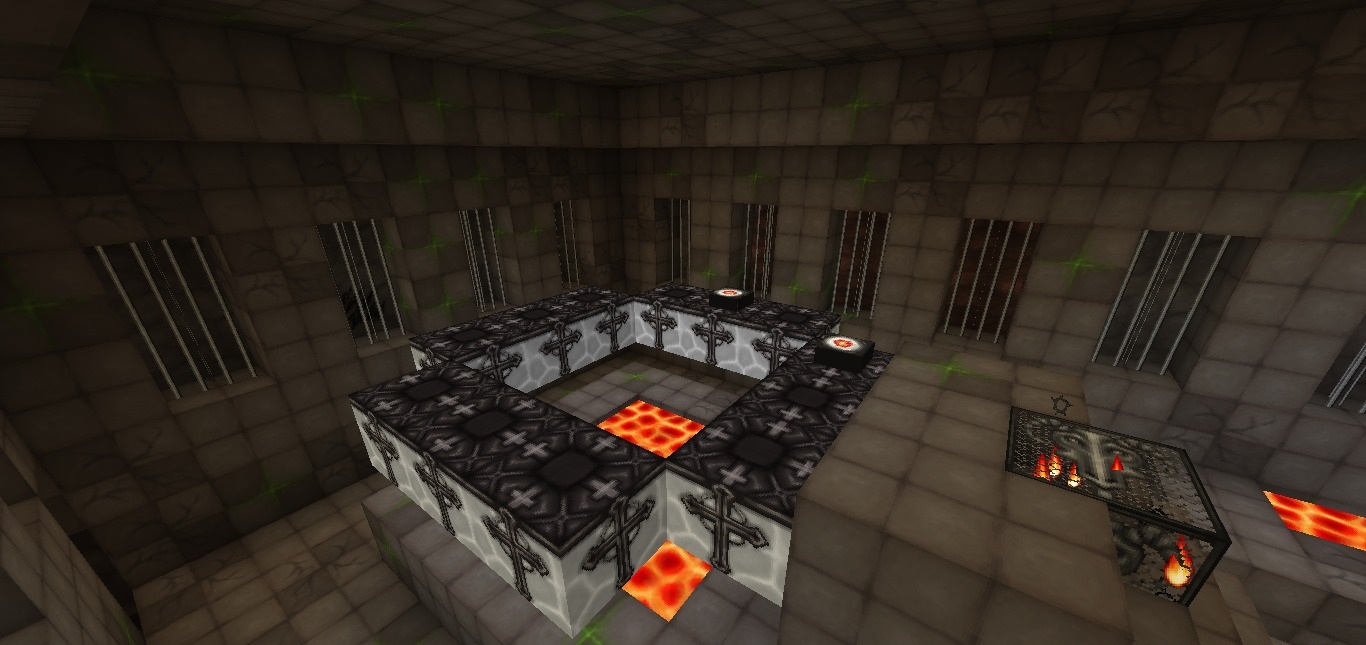
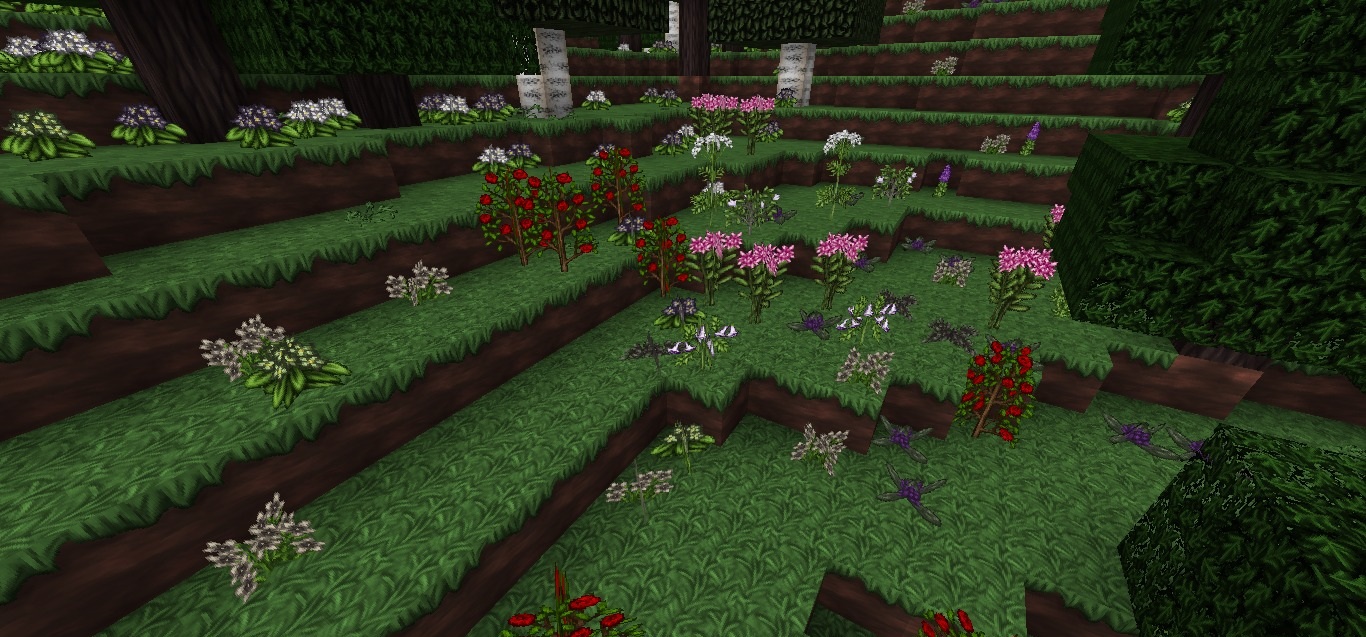
Special attention is paid to building materials: fortresses can be decorated with carved stone elements, heavy walls, and details suitable for castles with towers and gargoyles. Forests, plants, and flowers are also reworked so that the modern palette does not stand out from the overall atmosphere. Even the End portal receives a darker appearance.
How to install the texture pack:
First step: download and install Wolfhound Classic Medieval
Second step: copy the texture pack to the C:\Users\USER_NAME\AppData\Roaming\.minecraft\resourcepacks
Third step: in game settings choose needed resource pack.
Comments (0)