



1×1 Ultimate for Minecraft 26.3
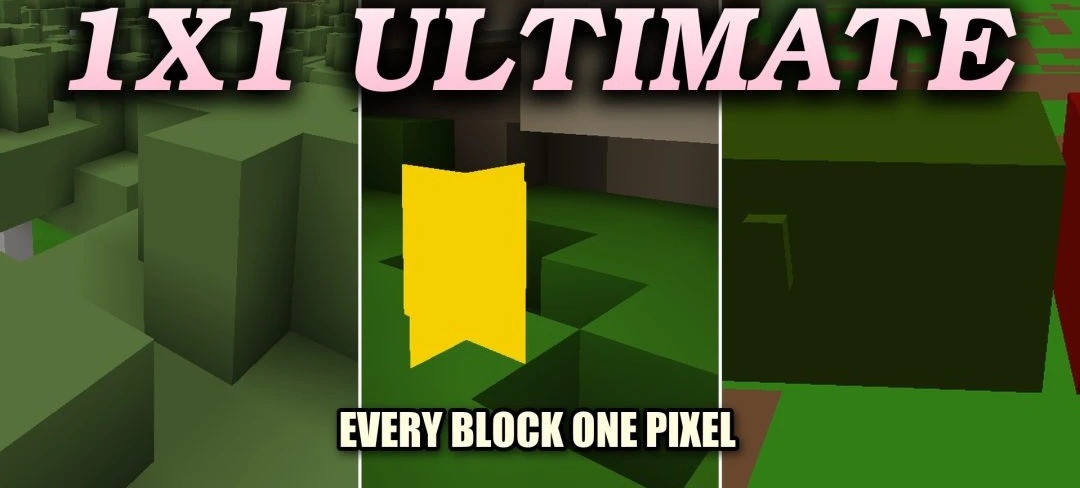
1×1 Ultimate transforms the world into a series of solid patches of colour: the textures of blocks, items and creatures are reduced to a single pixel. Stone and cobblestone may look exactly the same, and you have to distinguish between materials based on their shades and context. Even tripwires become almost imperceptible thin lines, which means that exploring the world as usual requires greater attention.
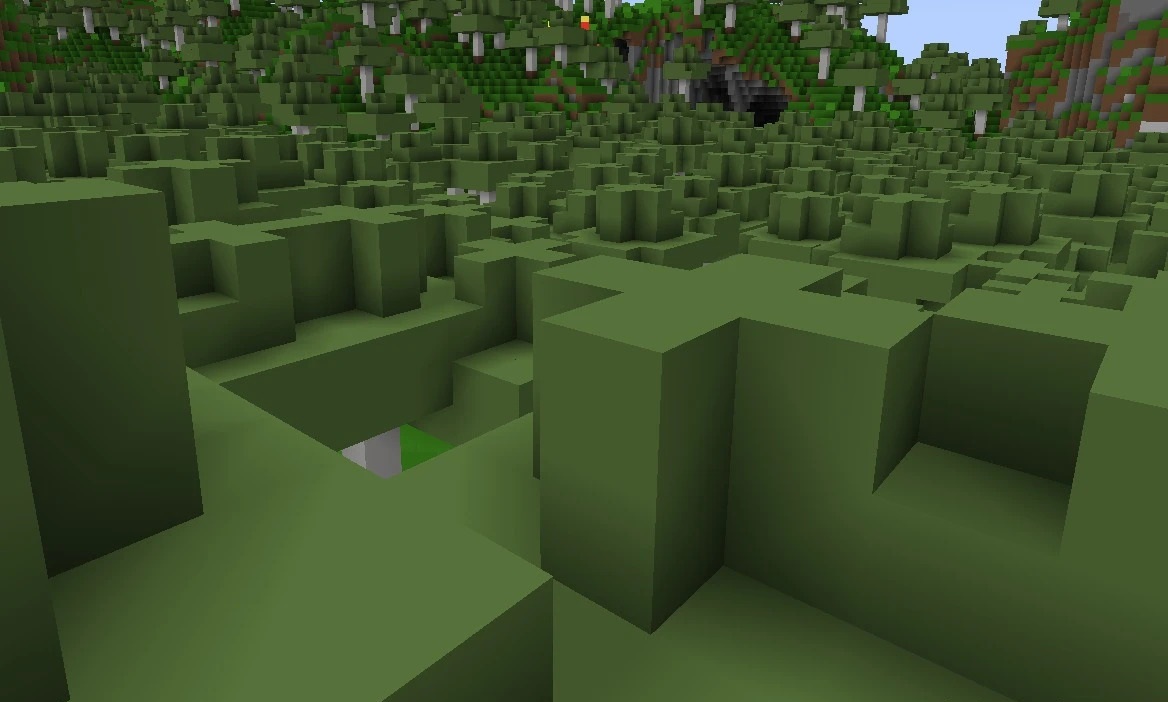
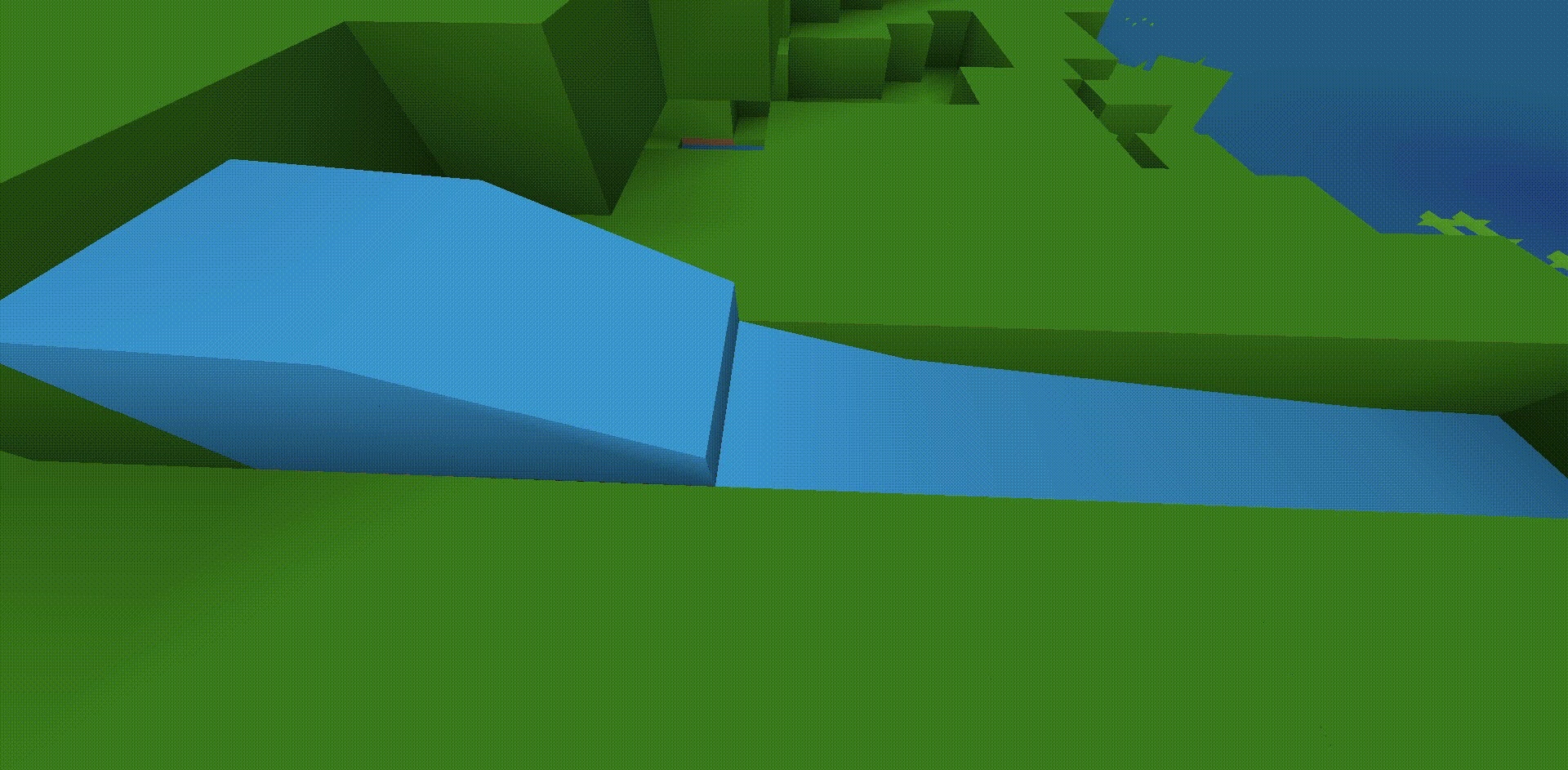
The appearance of rain and other weather effects has been revised to complement the extremely simple graphics. Text, menus and the inventory interface remain clearly legible: the challenge lies in recognising objects in the world, rather than in navigating the game windows.
How to install a texture pack:
Step 1: Download the texture pack using the link below.
Step 2: Extract the downloaded archive and copy the folder 1×1 Ultimate to the following path: c:\Users\Пользователь\AppData\Roaming\.minecraft\resourcepacks\ (if this folder does not exist, create it yourself) (For Windows)
Step 3: In the game, go to Settings, then Resource Packs. In the left-hand list, click on the icon for the newly added texture pack.
Comments (0)