



3D Items Vanillaism for Minecraft 26.3
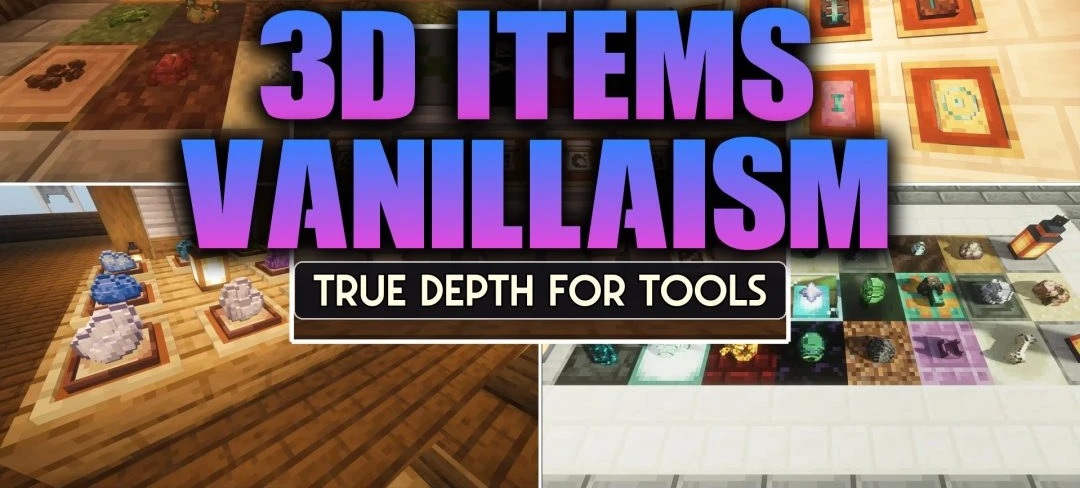
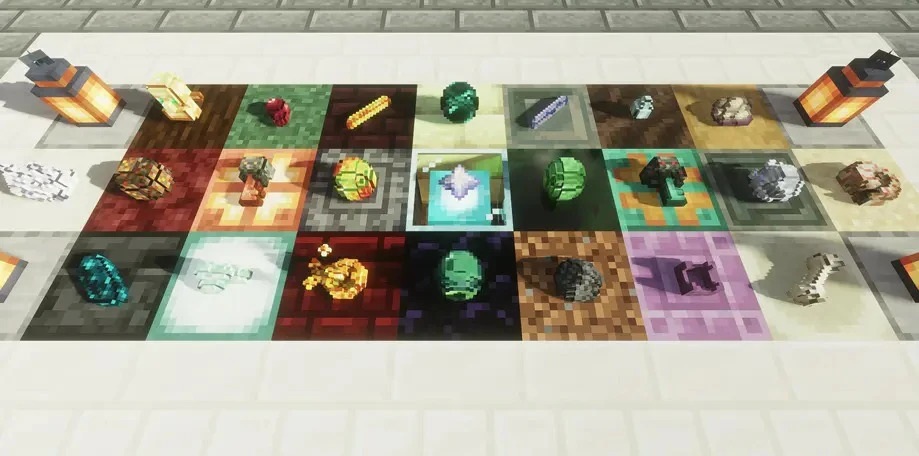
3D Items Vanillaism adds depth to standard items only where it is actually visible during gameplay. Tools, weapons, food, and materials gain thickness and fully modeled edges when held in the hands or lying on the ground. As a result, dropped loot looks like a small physical object rather than a thin, flat card.
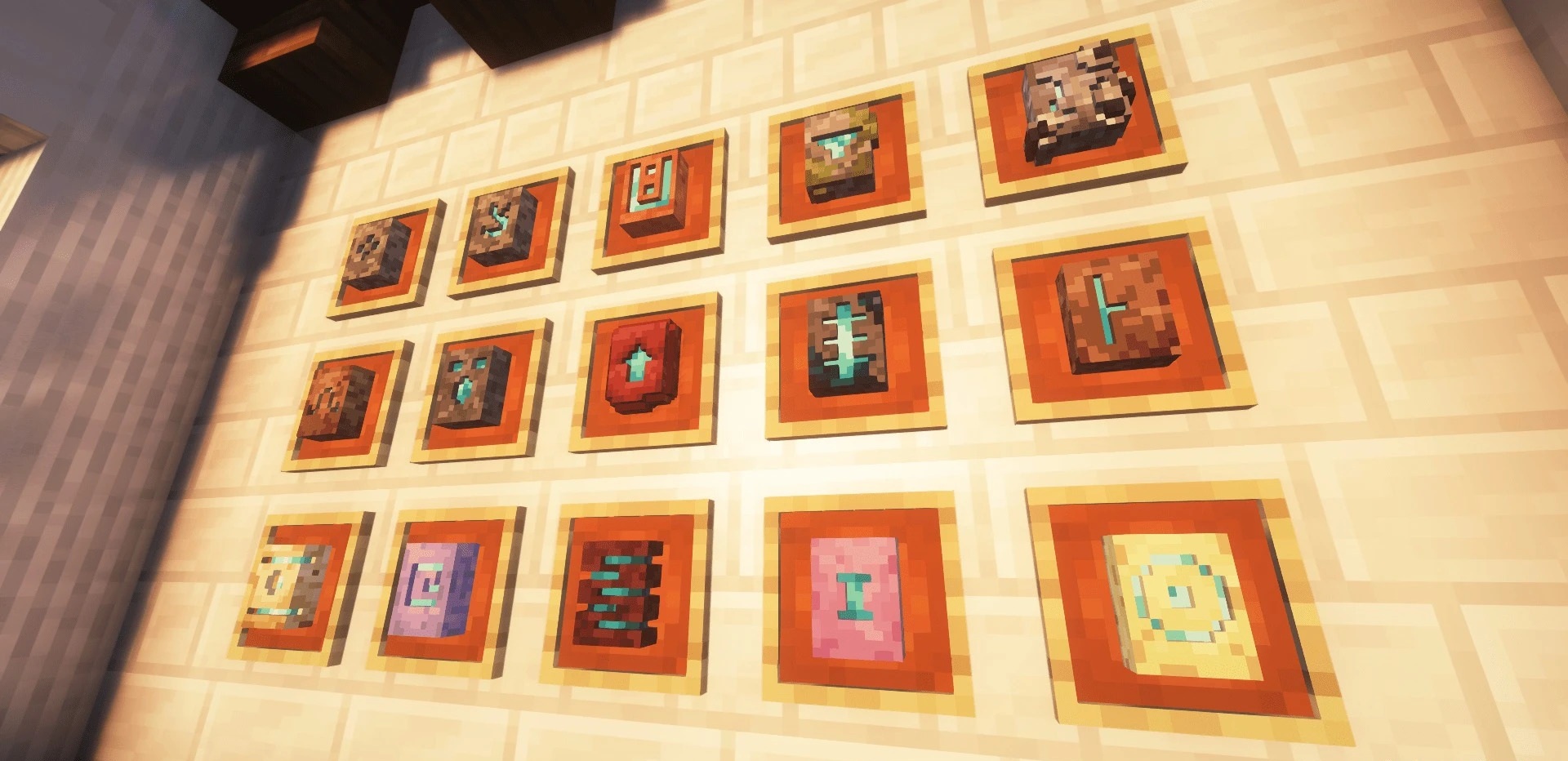
In the inventory and chests, however, items retain their usual two-dimensional icons, so the interface remains compact and is not overloaded with complex models. The style is fully tied to Minecraft's standard colors and pixel design, so the new shapes blend into the environment.
How to install the texture pack:
First step: download and install 3D Items Vanillaism
Second step: copy the texture pack to the C:\Users\USER_NAME\AppData\Roaming\.minecraft\resourcepacks
Third step: in game settings choose needed resource pack.
Comments (0)