



4×4 Pvp for Minecraft 26.3
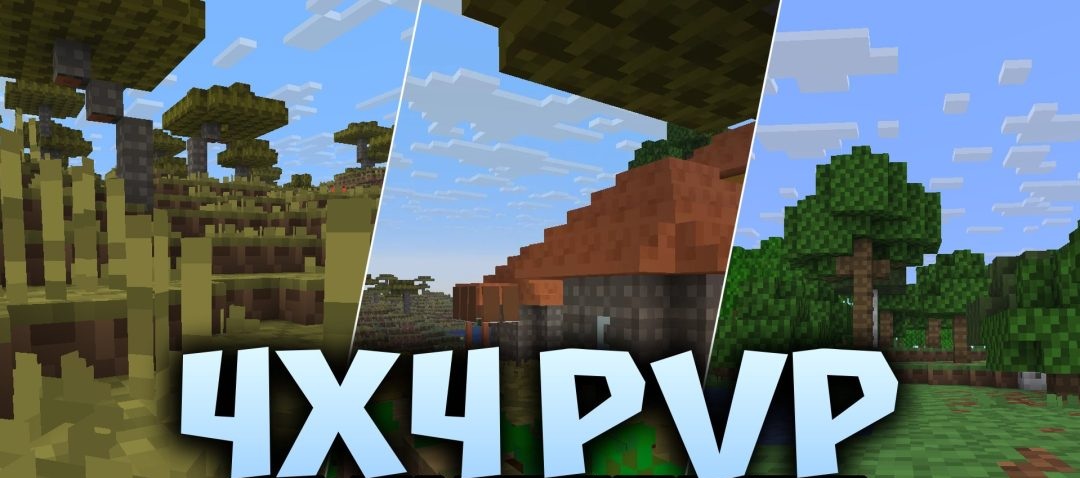
Minimal detail becomes an advantage in 4×4 Pvp. Blocks are reduced to a resolution of 4×4, while items and entities remain at 8×8 to make them easier to recognize during combat. These graphics reduce the amount of fine detail on the screen and also help increase FPS on less powerful computers.
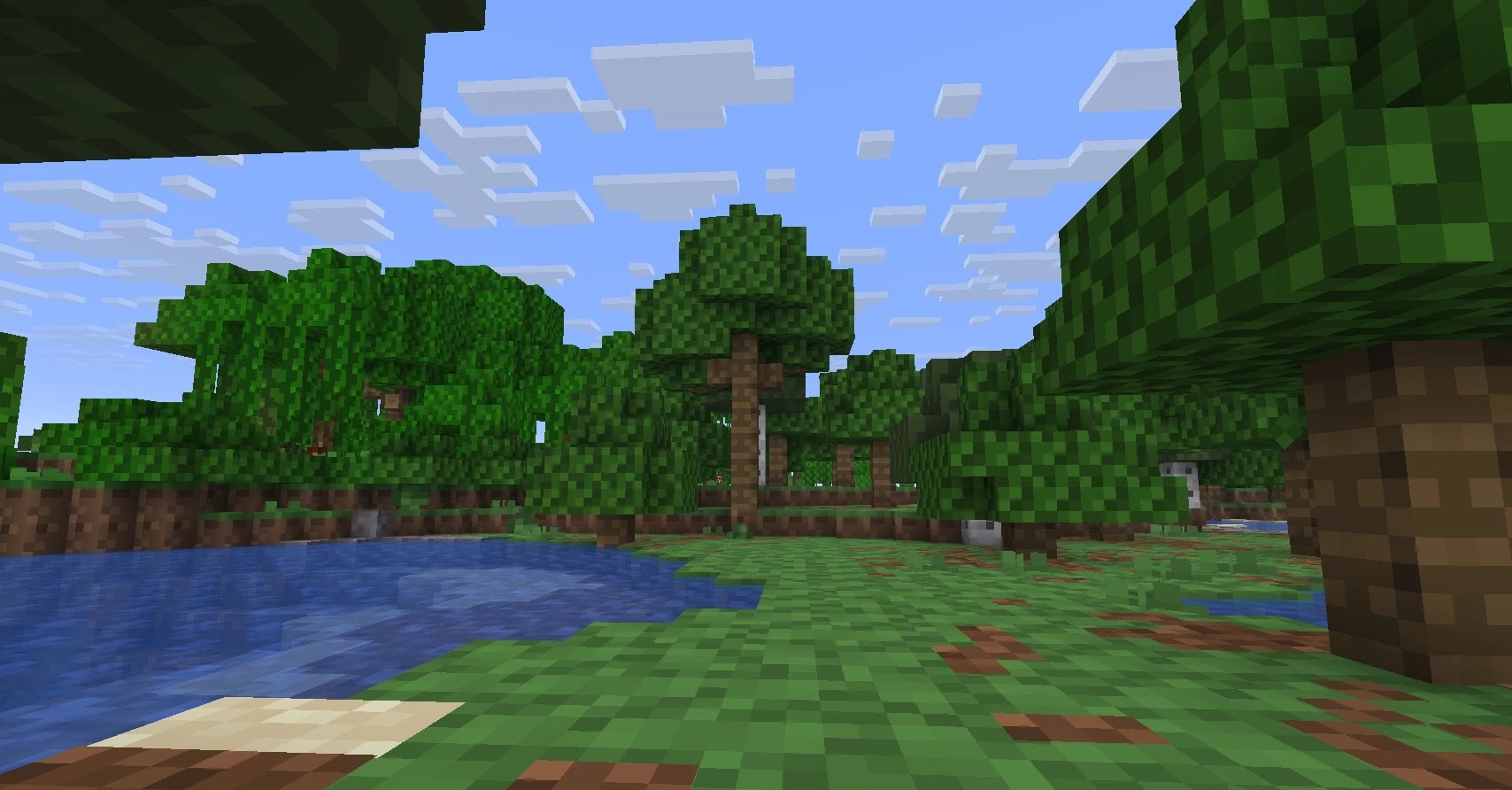
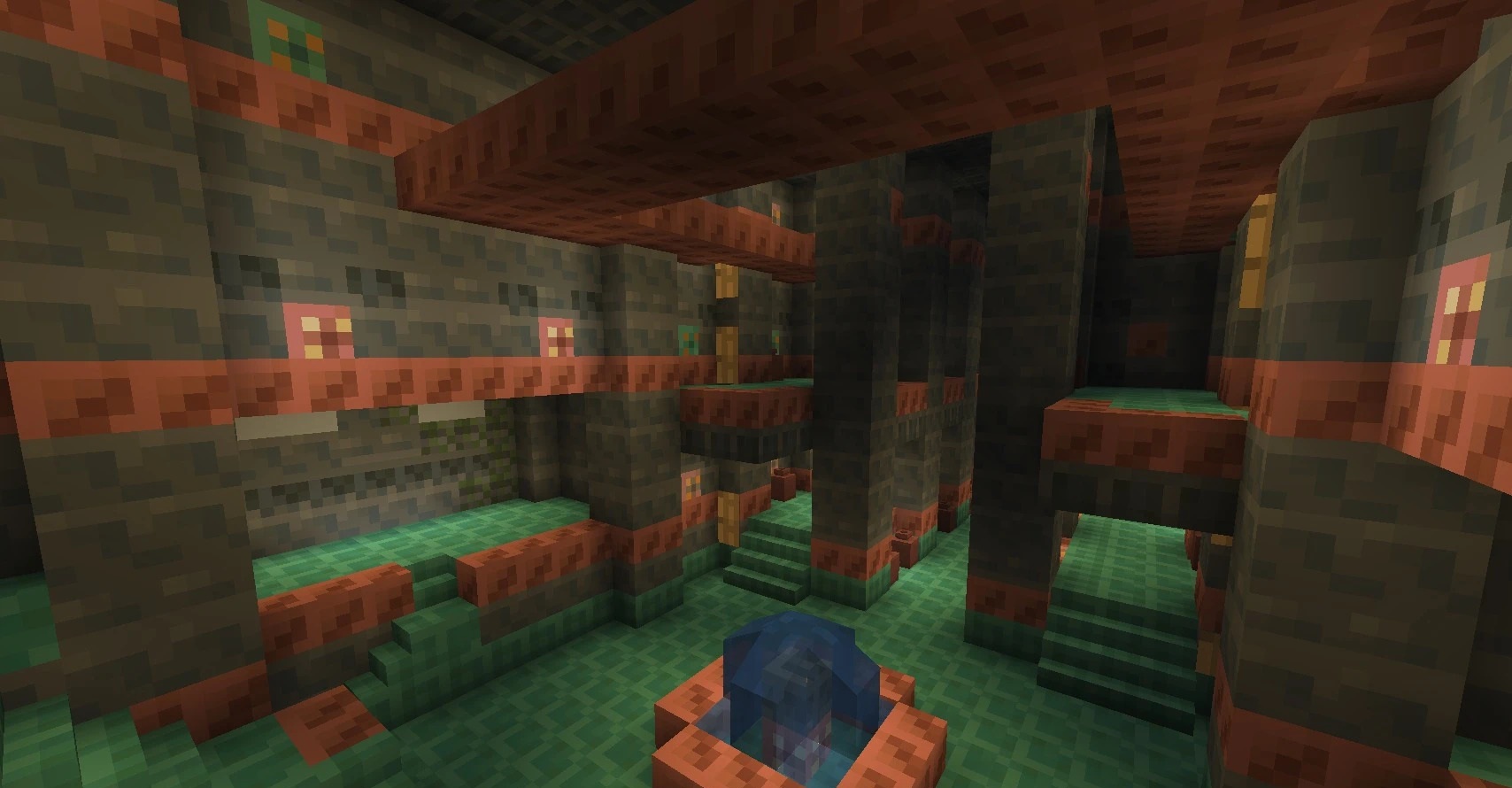
Ores gain bright, contrasting borders, tall grass becomes shorter, and fire takes up less space in front of the camera without obstructing the view in PvP. Stronghold stone blocks are highlighted separately, making it easier to find underground routes. The pack also includes simplified visual variants for some areas.
How to install the texture pack:
First step: download and install 4×4 Pvp
Second step: copy the texture pack to the C:\Users\USER_NAME\AppData\Roaming\.minecraft\resourcepacks
Third step: in game settings choose needed resource pack.
Comments (0)