



Artefactus for Minecraft 26.3
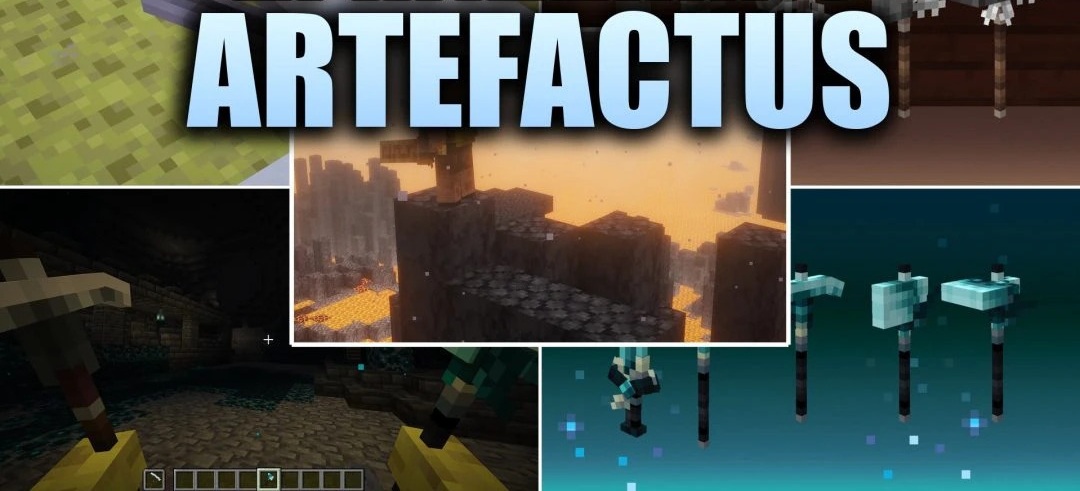
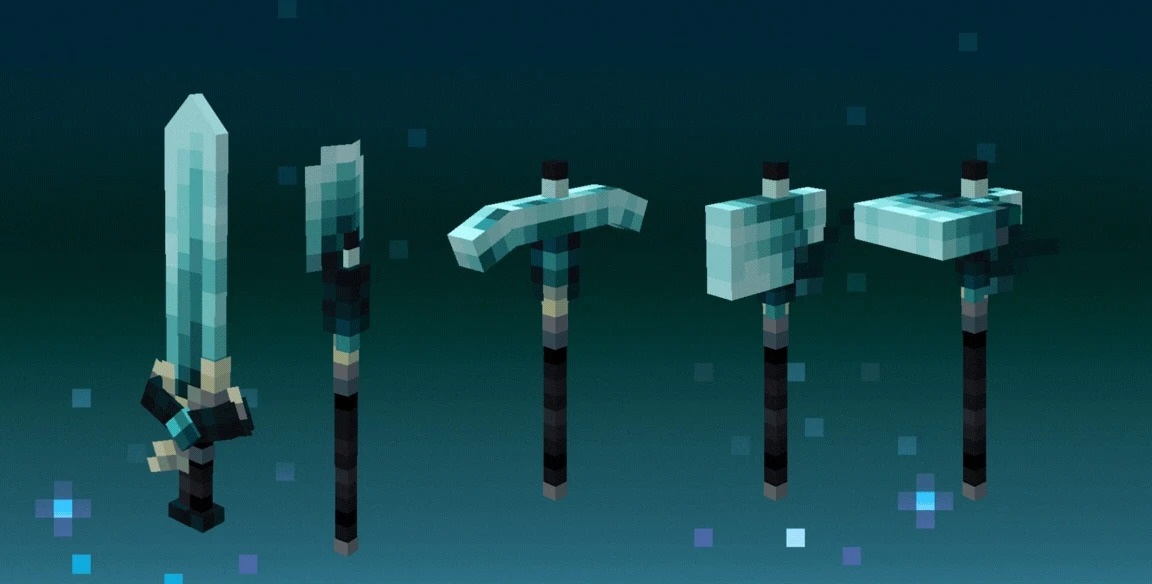
Artefactus turns standard equipment items into three-dimensional, blocky 3D models, with a separate theme for each material. Decorative leaves, feathers, Nether roots, and other elements appear on weapons and tools, while some details receive subtle animations, such as moving fabric ribbons or occasional glints.
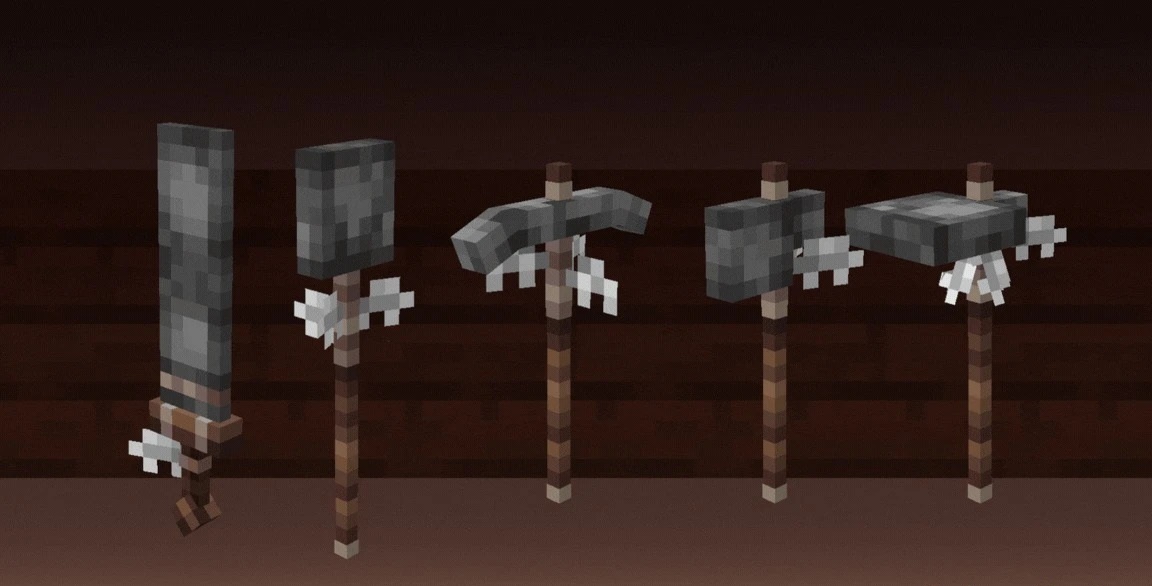
Items are positioned neatly in first-person view and do not obstruct visibility during mining or combat. When dropped on the ground or placed in item frames, they retain their volume and 1:1 scale. Basic tools work without additional mods, while glowing textures and custom trident models require CIT and CEM or OptiFine.
How to install the texture pack:
First step: download and install Artefactus
Second step: copy the texture pack to the C:\Users\USER_NAME\AppData\Roaming\.minecraft\resourcepacks
Third step: in game settings choose needed resource pack.
Comments (0)