



Bare Bones X Mods for Minecraft 26.3
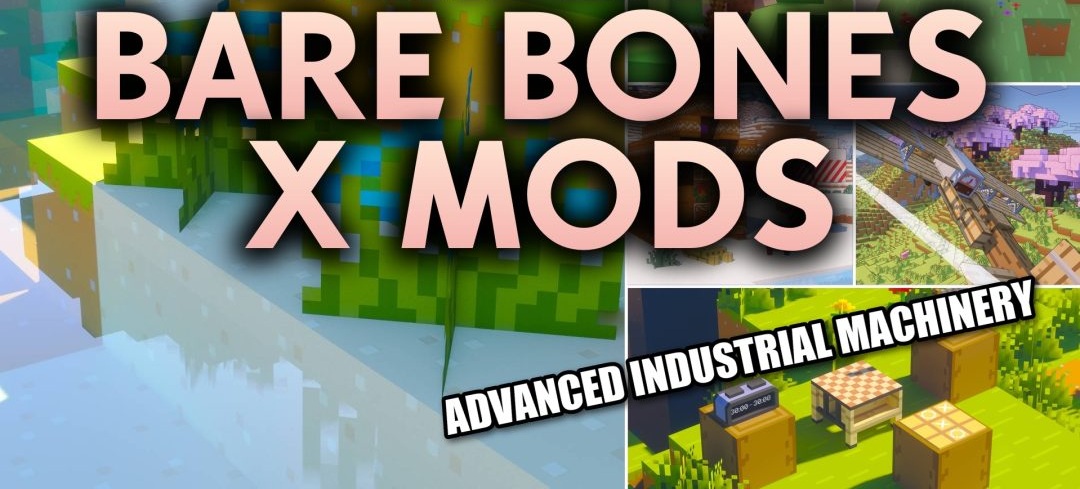
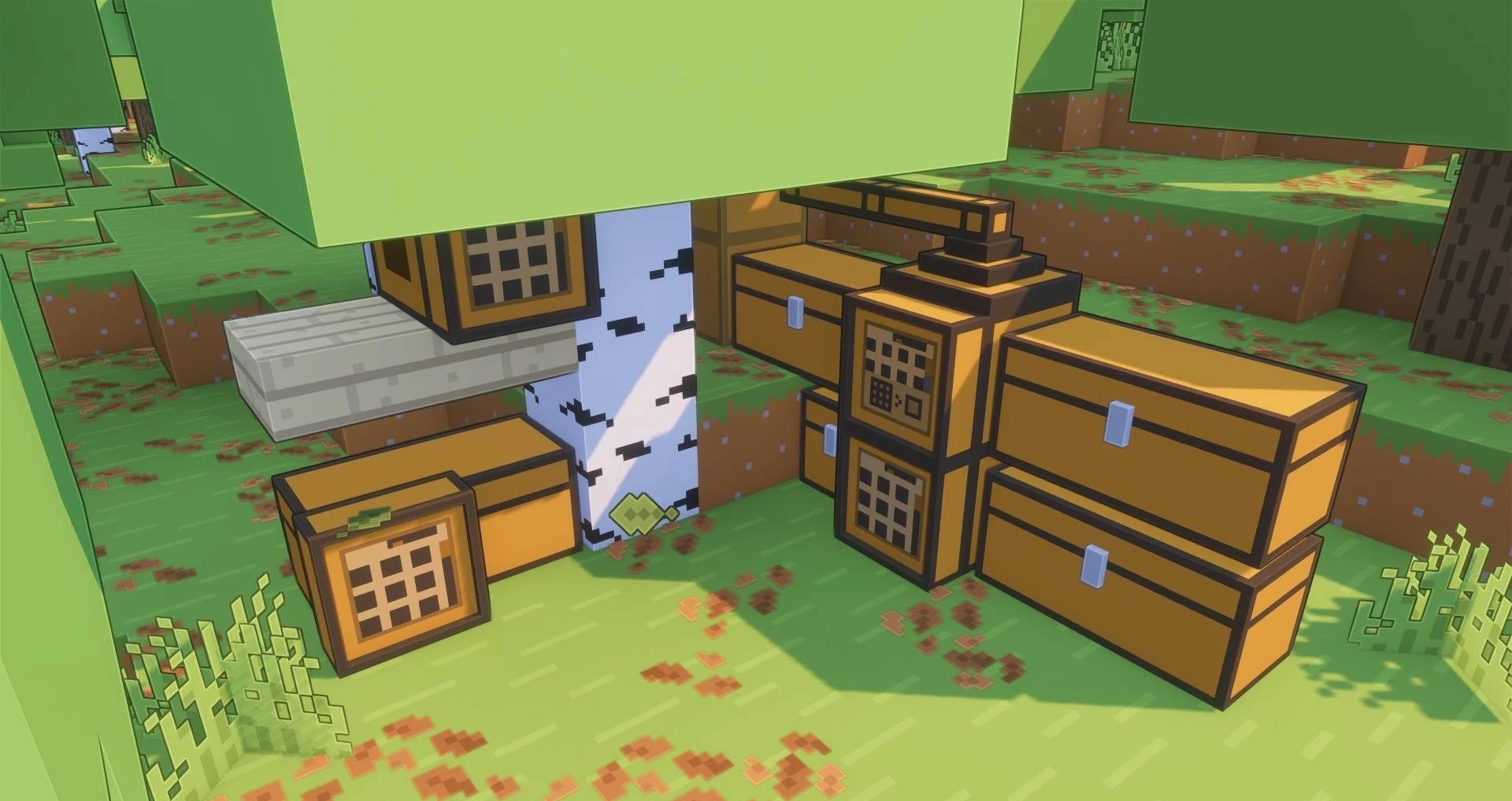
Modded content receives the same bright and simplified graphics as the main Bare Bones pack thanks to Bare Bones X Mods. The pack covers content from more than 60 modifications, redrawing their blocks, items, and creatures in the style of official Minecraft trailers.
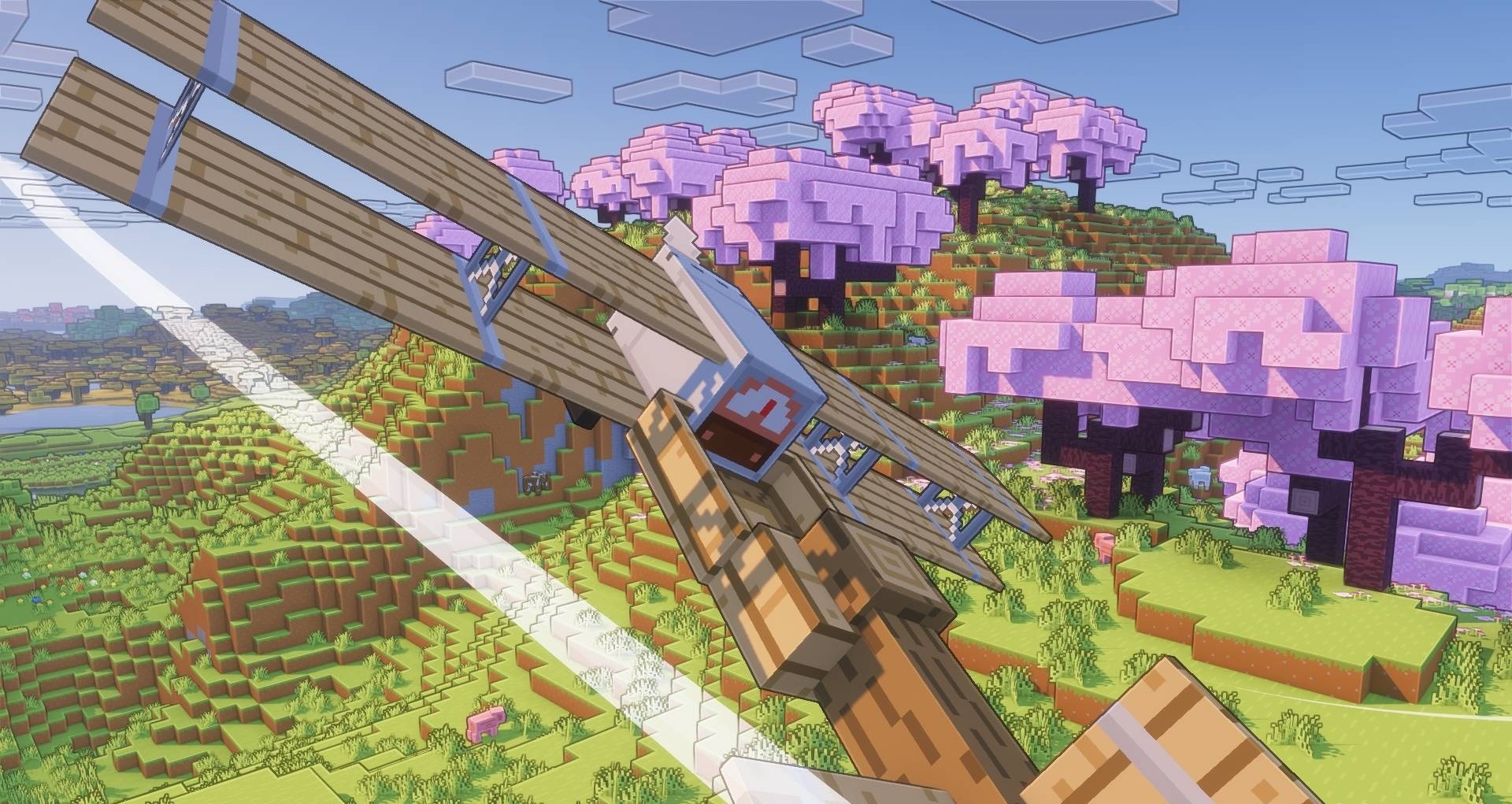
Instead of complex textures, clean shapes and flat saturated colors are used, making objects added by mods stand out less from the environment when Bare Bones is installed. The changes also extend to small visual details: for example, smoke receives square particles resembling the style used in animated trailers. Custom shader presets for bright, warm lighting are also supported.
How to install the texture pack:
First step: download and install Bare Bones X Mods
Second step: copy the texture pack to the C:\Users\USER_NAME\AppData\Roaming\.minecraft\resourcepacks
Third step: in game settings choose needed resource pack.
Comments (0)