



Better PvP Visual for Minecraft 26.3
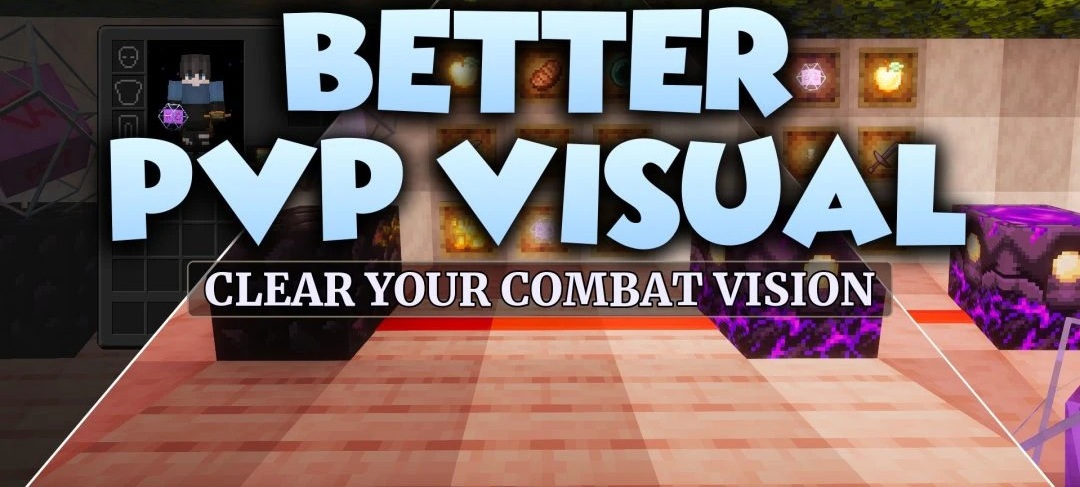
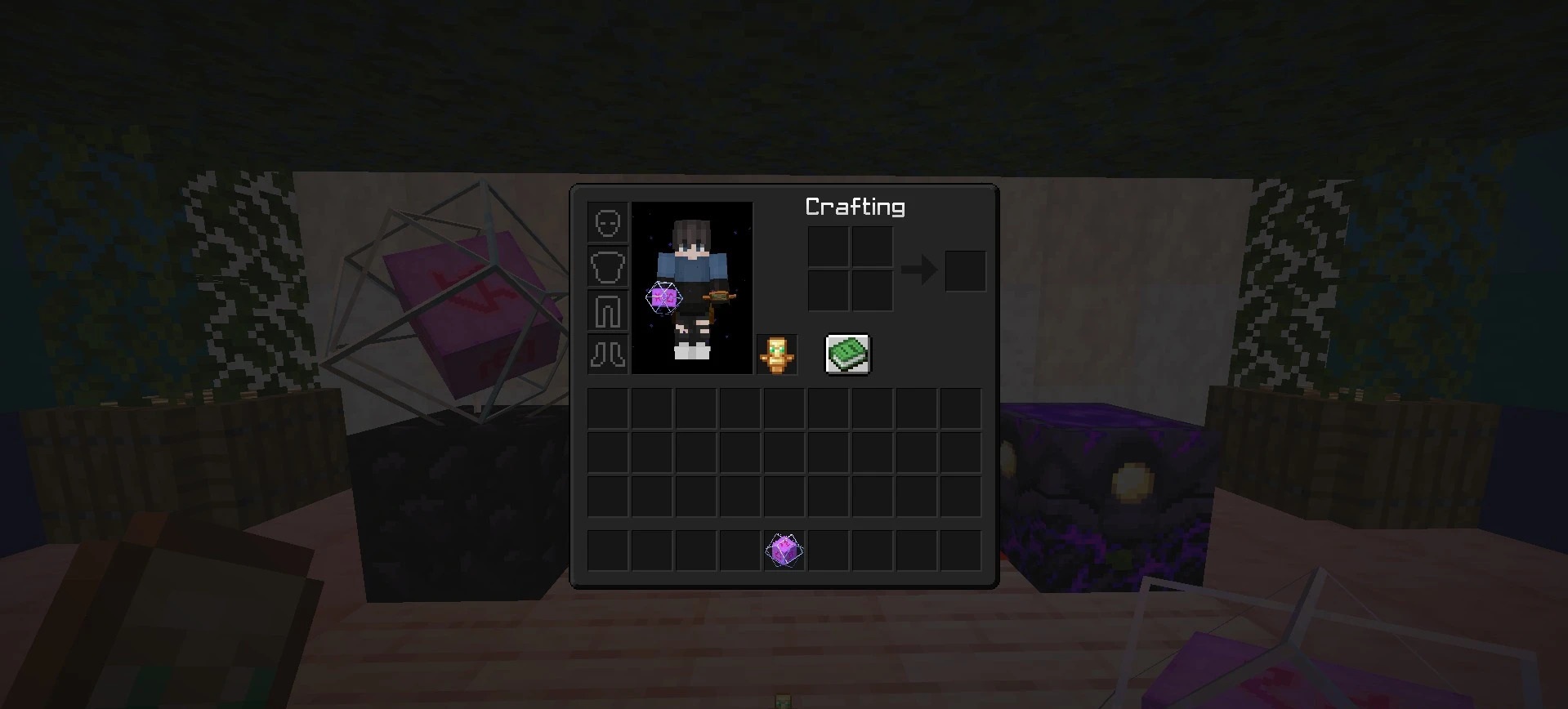
Reducing visual clutter is the main goal of Better PvP Visual. Shields, totems, and golden apples take up less space on the screen; smoke from crystals, campfires, and fire is removed; and intense flashes and particles become less pronounced. Menu panels switch to a dark design, text is replaced with a simpler font, and the visual obstruction caused by a carved pumpkin is reduced.
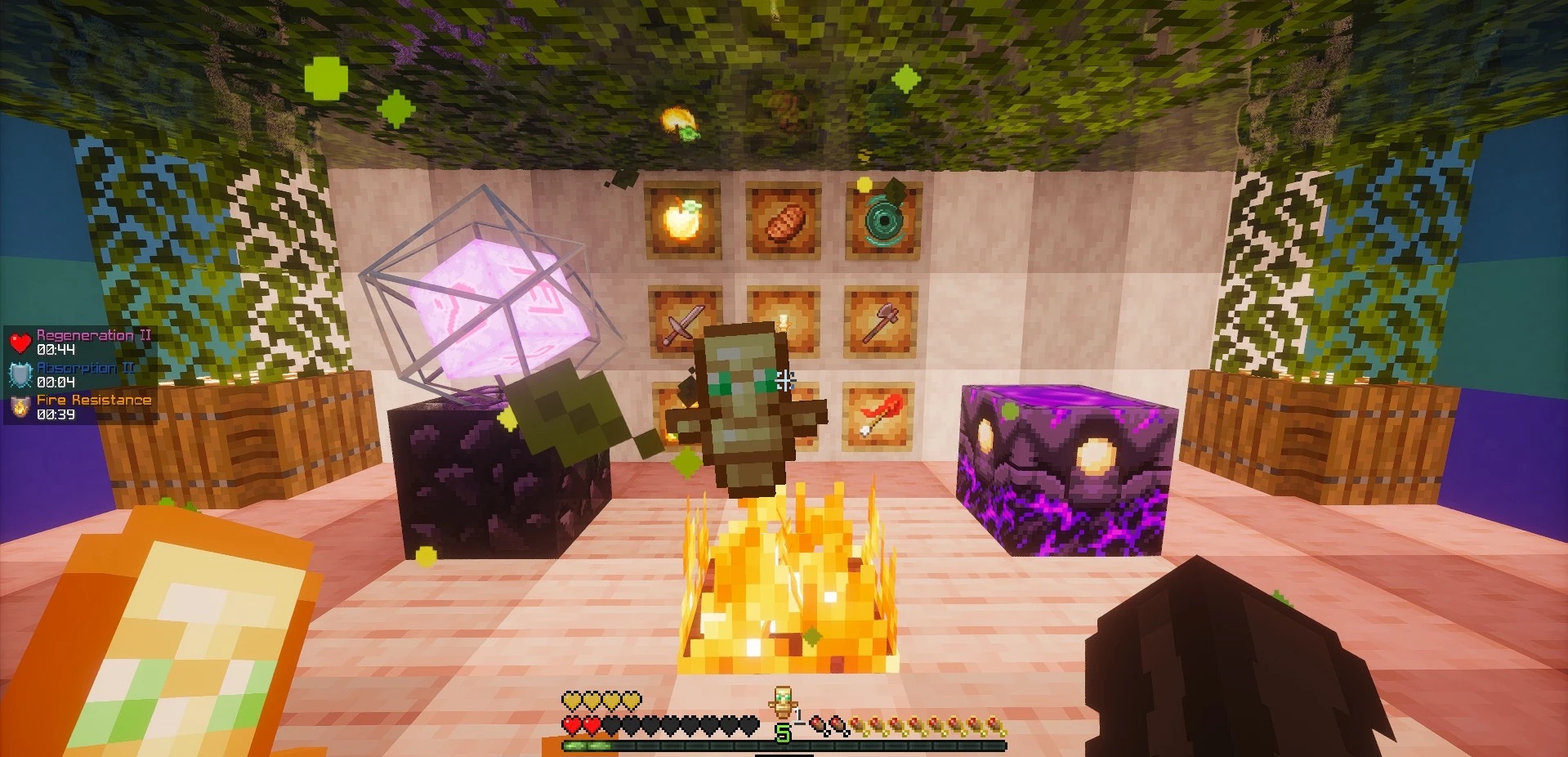
A noticeable warning sign appears for powder snow. The pack also updates armor, the mace, crystals, and redstone elements, adds 3D shapes, and introduces separate animations for fireworks, blaze rods, and Ender Pearls.
How to install the texture pack:
First step: download and install Better PvP Visual
Second step: copy the texture pack to the C:\Users\USER_NAME\AppData\Roaming\.minecraft\resourcepacks
Third step: in game settings choose needed resource pack.
Comments (0)