



Better Tools 3D for Minecraft 26.3
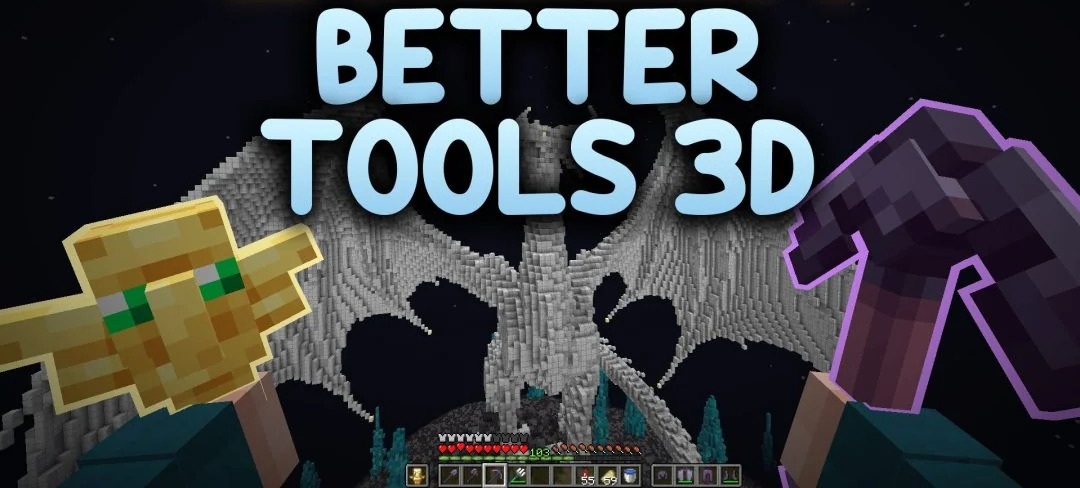
There's a neat trick to the way Better Tools 3D handles 3D items. Leave a tool in a chest or your inventory and you'll see the usual flat icon. Take it in your hand, though, and it becomes a proper three-dimensional model. You'll see that model in first person and when watching another player hold a tool.
Put the tool in an item frame or drop it on the ground and it keeps its usual look. Your inventory is spared all those complicated models, but the tools have more depth when you actually use them. For the switch between 2D and 3D to work, you'll also need the Punchy! mod.
How to install the texture pack:
First step: download and install Better Tools 3D
Second step: copy the texture pack to the C:\Users\USER_NAME\AppData\Roaming\.minecraft\resourcepacks
Third step: in game settings choose needed resource pack.
Comments (0)