



Black Pink GUI for Minecraft 26.3
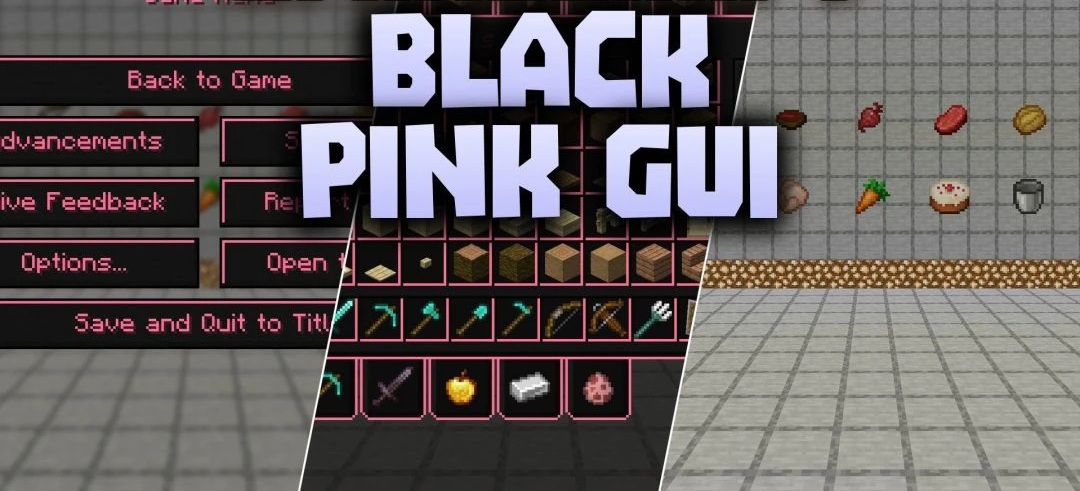
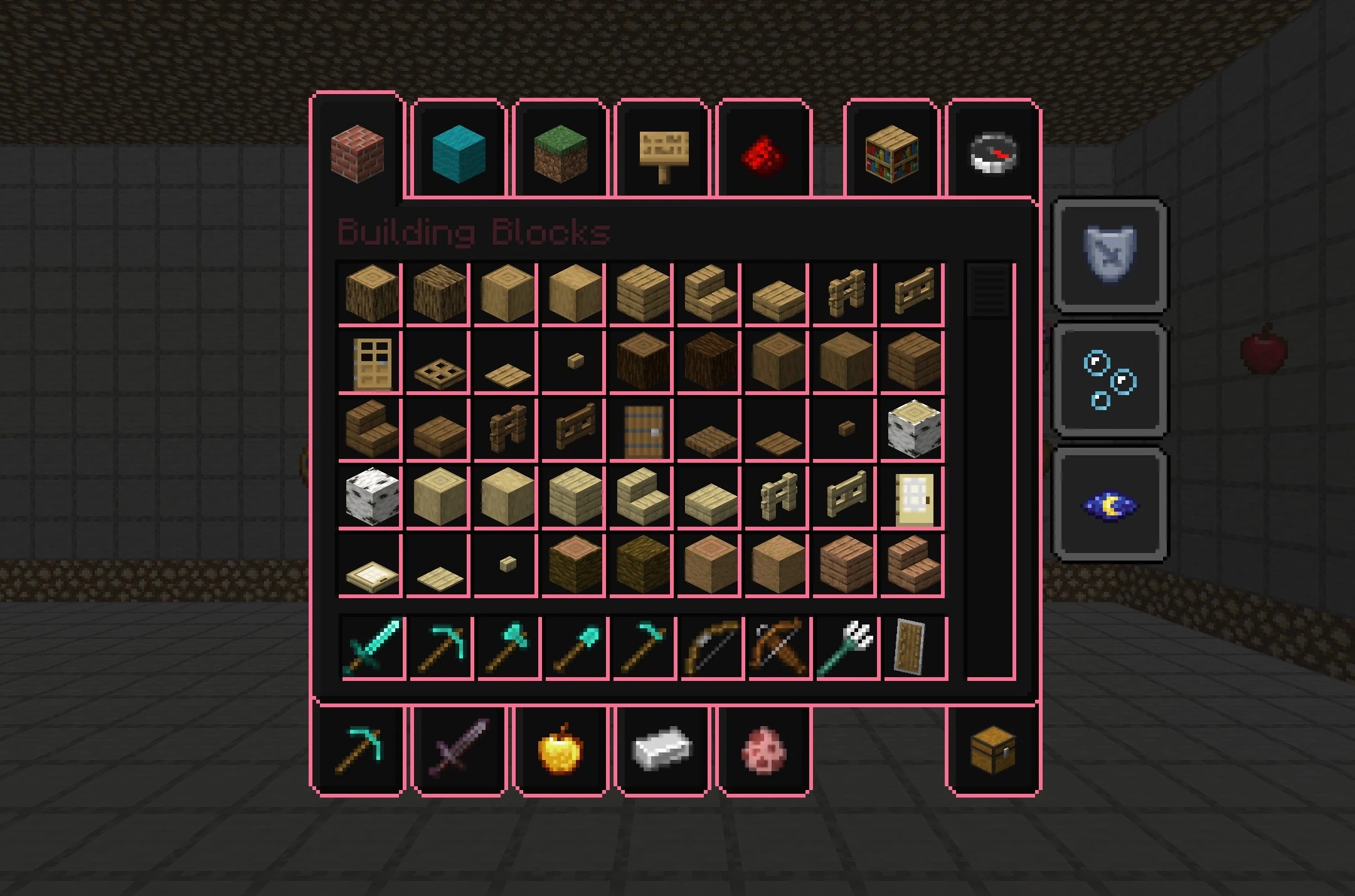
Almost-black panels edged in bright pink give Black Pink GUI its distinctive look. Gone are the usual gray windows; in their place are dark menus outlined with vivid color. The treatment carries through the inventory, chests, crafting table and the rest of Minecraft's standard screens. It reaches the title screen as well, where both the logo and the fonts have been redesigned.
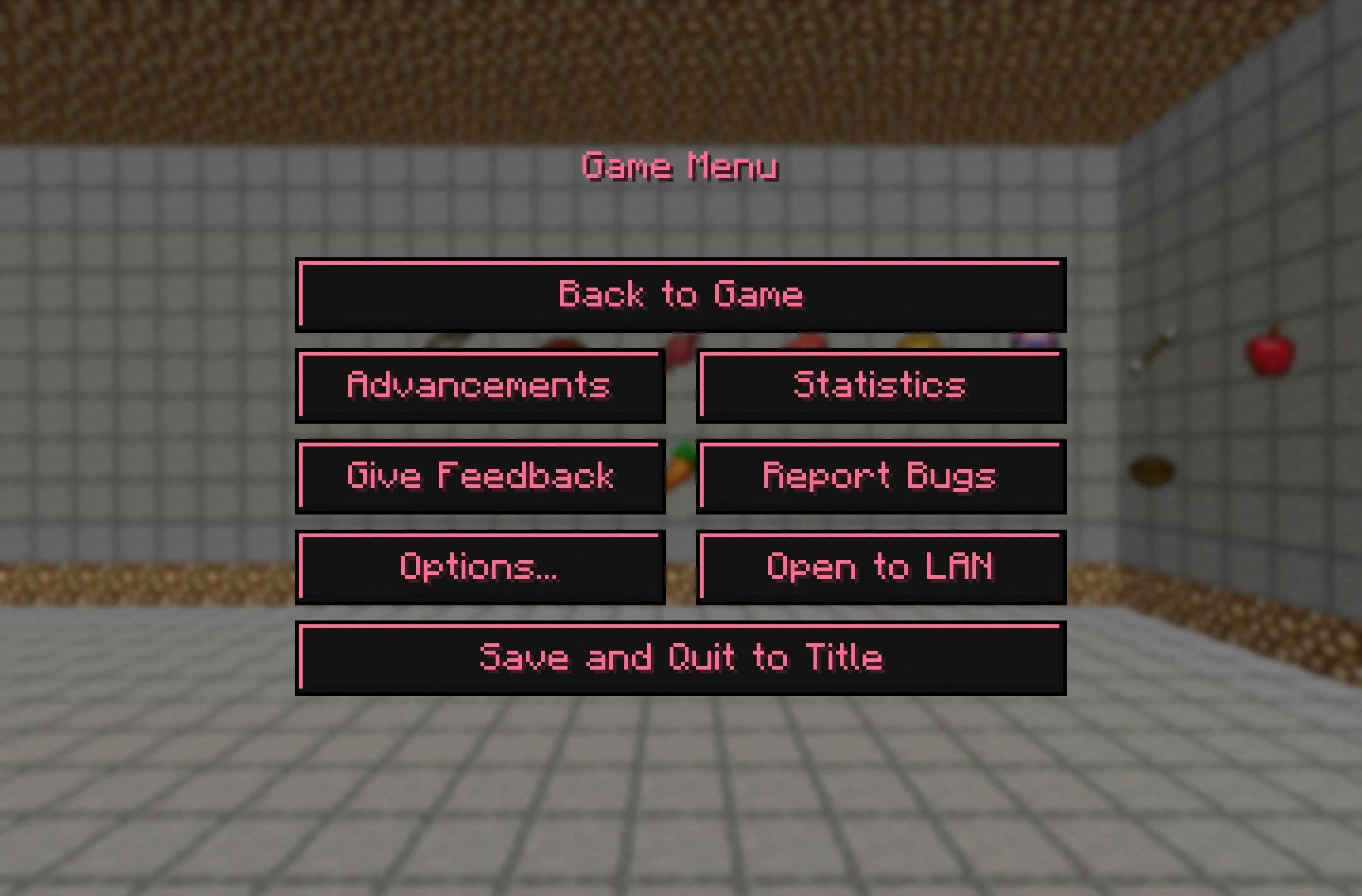
You'll notice the difference before you even enter a world. There are also matching interfaces for compatible mods, though none of those mods is needed to use the pack. Enable Black Pink GUI and the vanilla menus change straight away. The additional designs are there for anyone already playing with supported modifications.
How to install the texture pack:
First step: download and install Black Pink GUI
Second step: copy the texture pack to the C:\Users\USER_NAME\AppData\Roaming\.minecraft\resourcepacks
Third step: in game settings choose needed resource pack.
Comments (0)