



Block Pixel for Minecraft 26.3
Classic textures turn into a more pronounced pixel mosaic with Block Pixel. The pack preserves Minecraft's familiar color palette but builds surfaces from noticeable square patterns, creating a consistent graphical style.
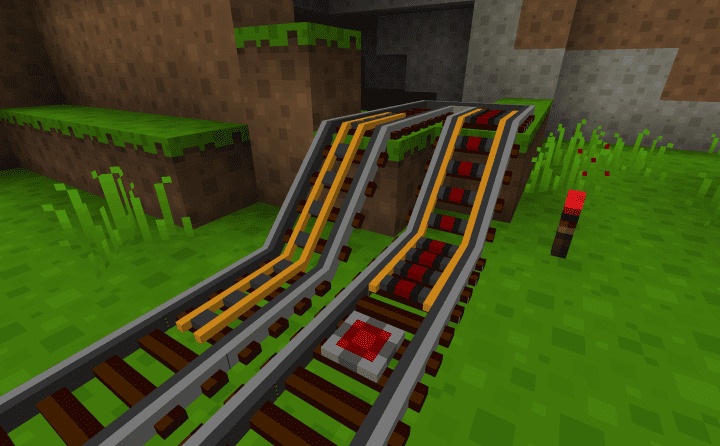
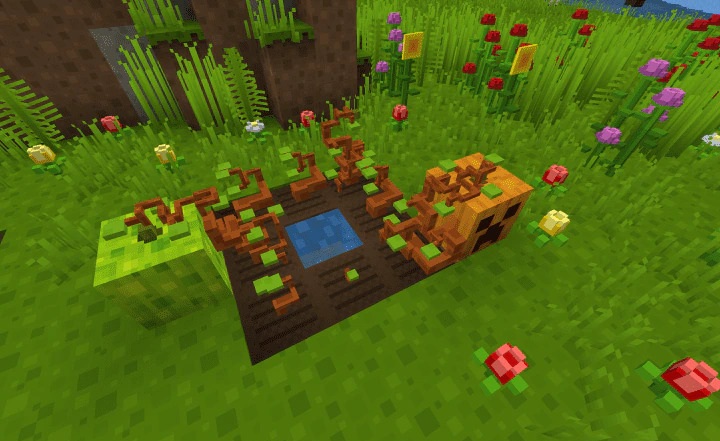
Additional visual boundaries appear between blocks, making the shapes of structures and terrain easier to distinguish. Many materials look as though they are assembled from neat pixel elements, which sets the pack apart from softer or more photorealistic collections. The texture pack has been developed for many years and regularly receives new textures and models for content from recent versions of the game.
How to install the texture pack:
First step: download and install Block Pixel
Second step: copy the texture pack to the C:\Users\USER_NAME\AppData\Roaming\.minecraft\resourcepacks
Third step: in game settings choose needed resource pack.
Comments (0)