



Bloom and Serenity UI for Minecraft 26.3
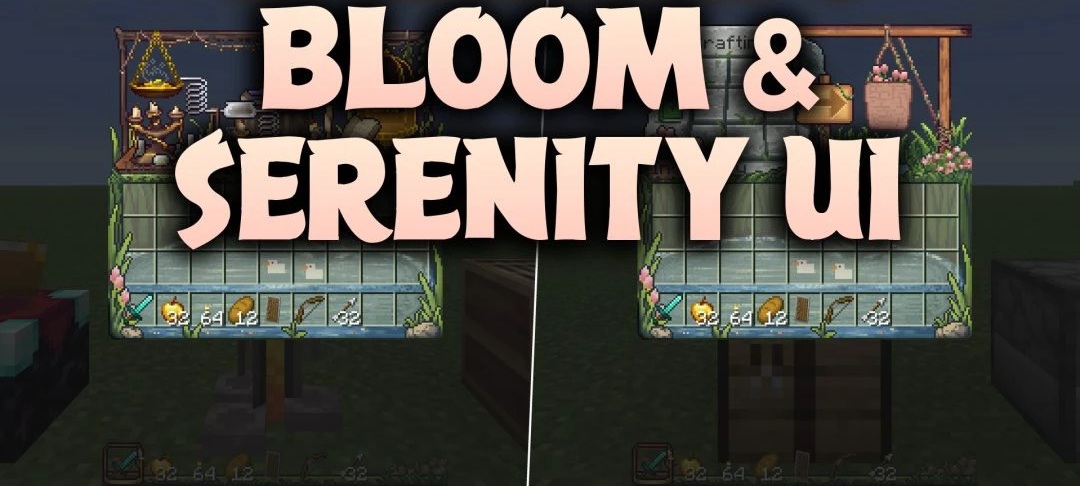
Open the crafting table and it feels like stepping into a little garden workshop. Open the brewing stand instead and you're looking at an alchemist's workbench, crowded with supplies. Bloom and Serenity UI gives Minecraft's menus the feel of separate hand-drawn scenes.
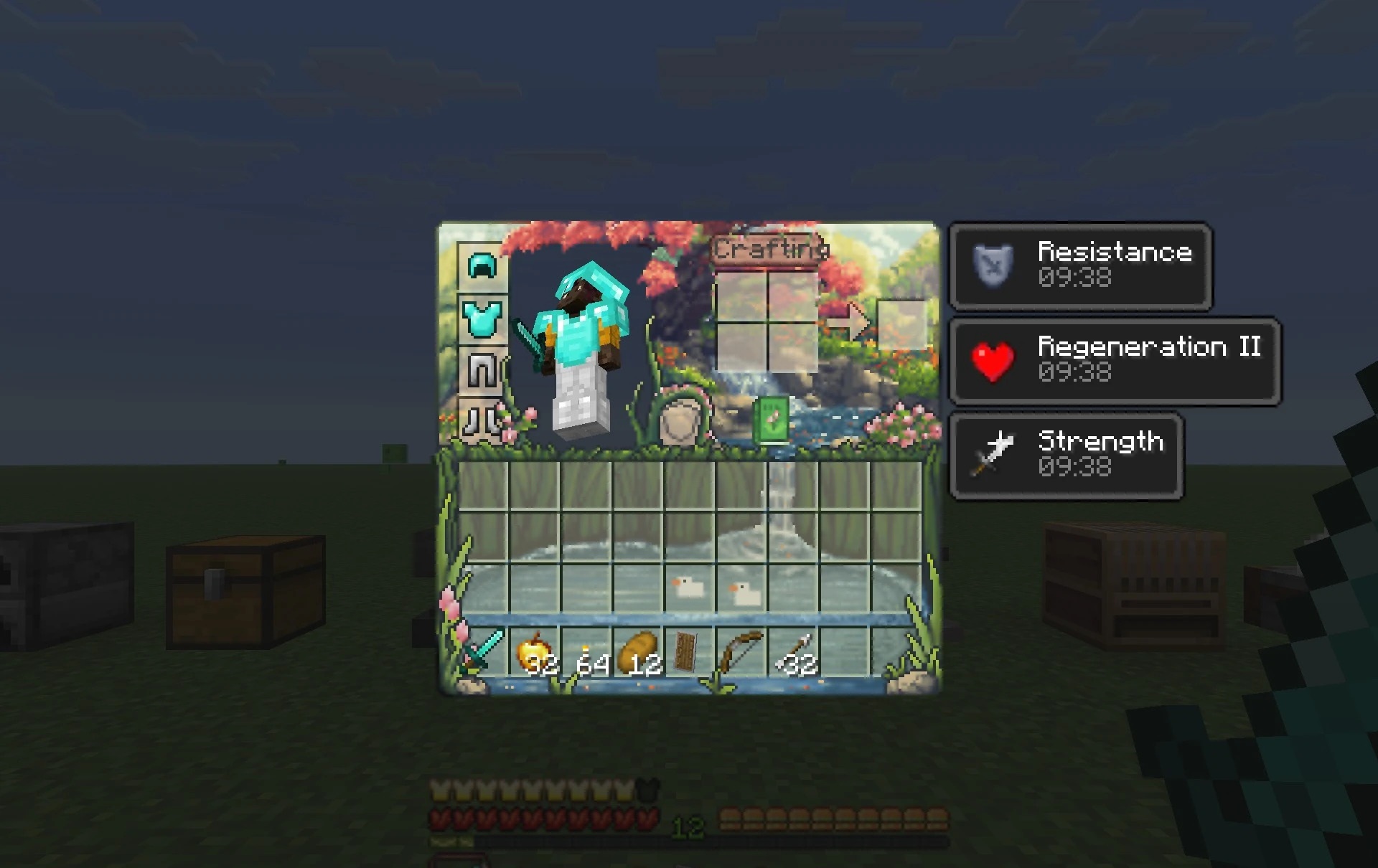
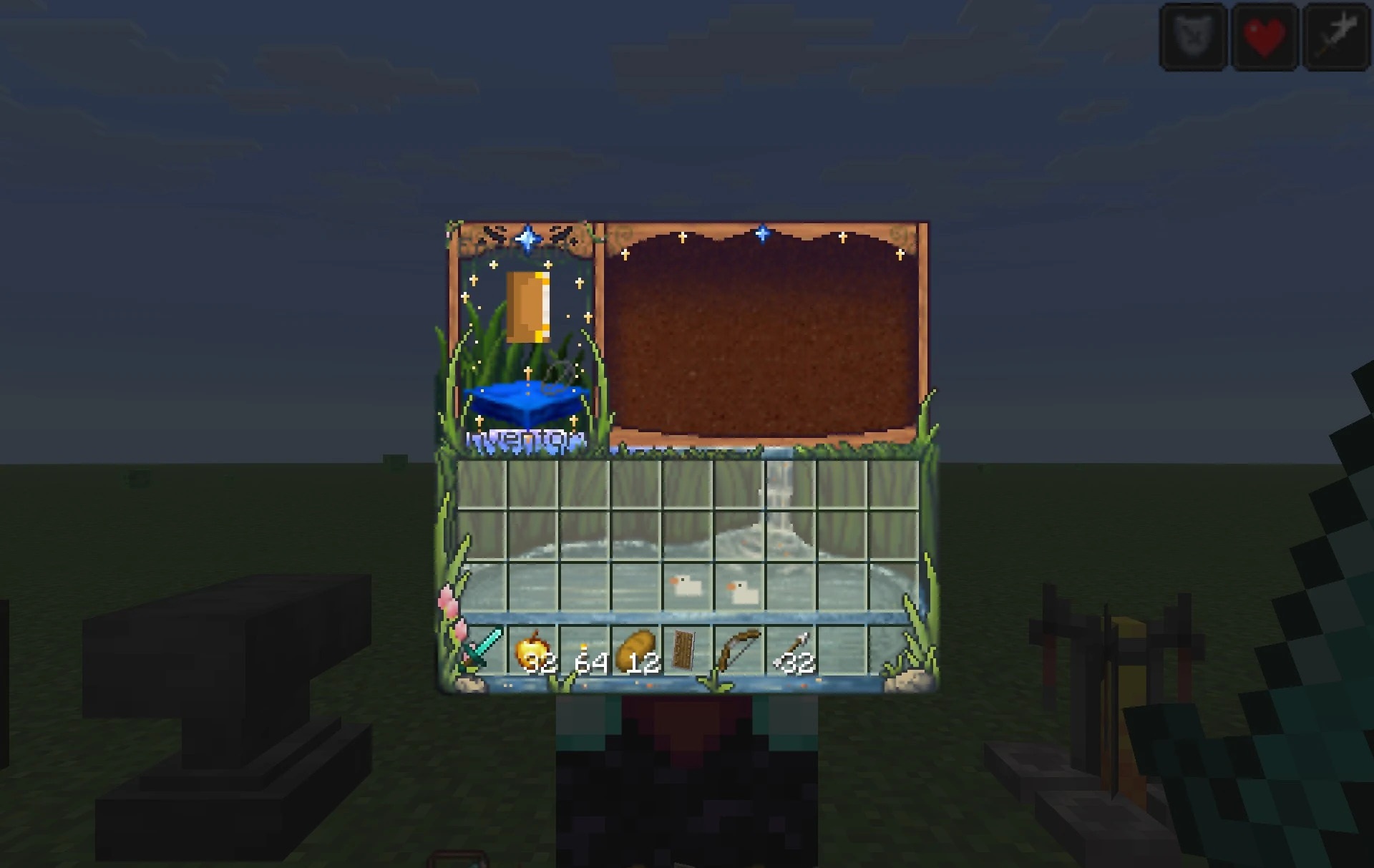
Mossy stones, water, flowers, woodwork and hanging baskets are worked into the illustrations. Rather than reuse a single background, the pack gives chests, looms, stonecutters, smithing tables and other workstations their own designs. The hotbar and the health, armor and hunger indicators have been redrawn as well, along with settings, statistics and the pause screen. All of this artwork stays within the interface; it doesn't change the world itself.
How to install the texture pack:
First step: download and install Bloom and Serenity UI
Second step: copy the texture pack to the C:\Users\USER_NAME\AppData\Roaming\.minecraft\resourcepacks
Third step: in game settings choose needed resource pack.
Comments (0)