



Bog’s Fall UI for Minecraft 26.3
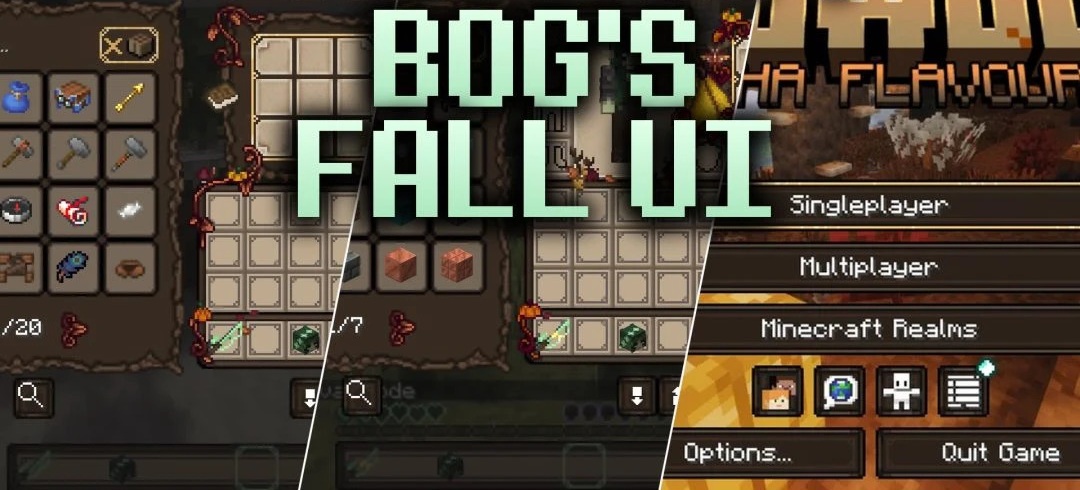
The autumn theme is brought fully into the interface thanks to Bog’s Fall UI. Menus receive golden frames, pumpkins, and a dark-forest-inspired design that goes well with witches, goblins, and seasonal builds.
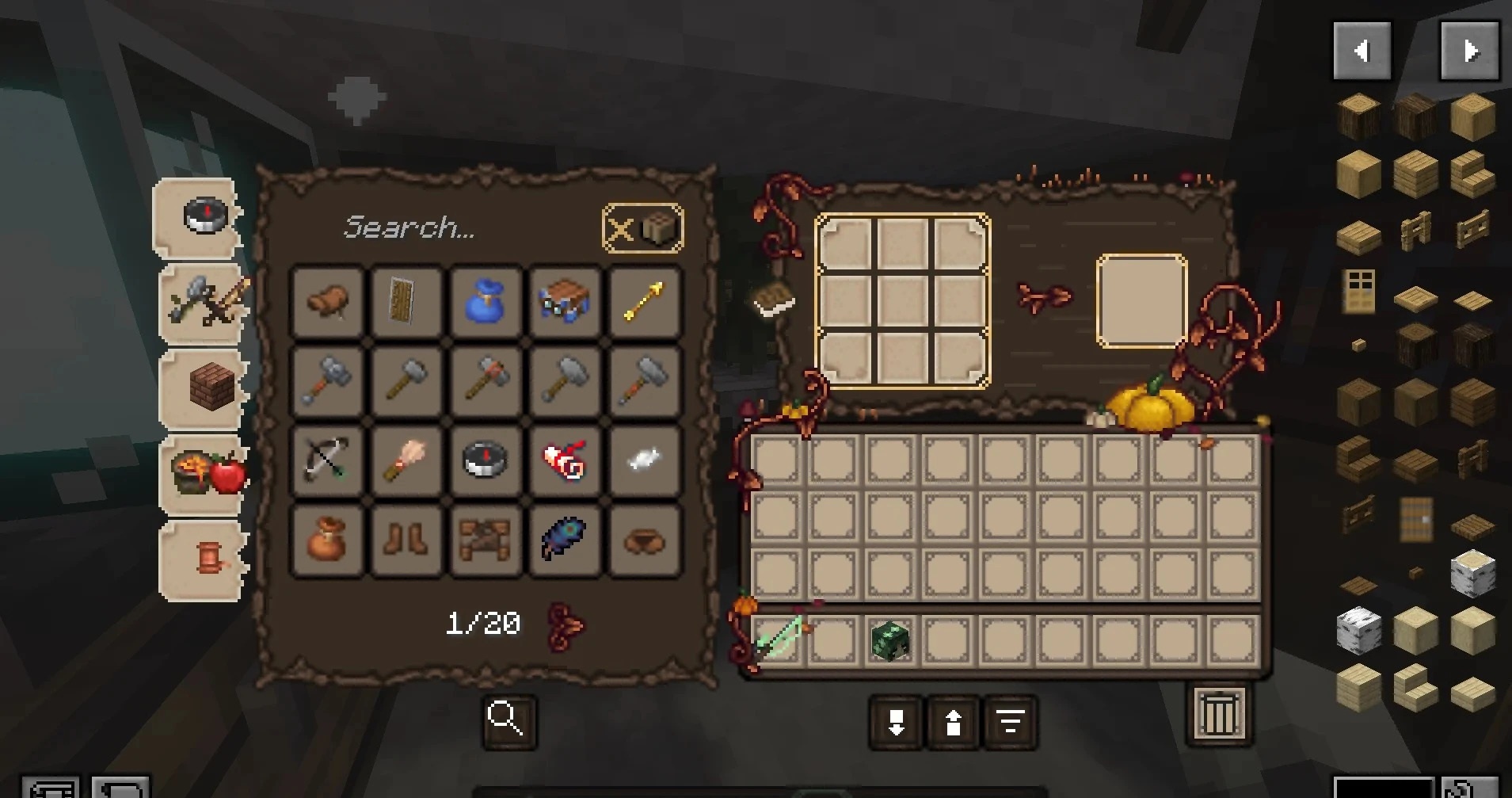
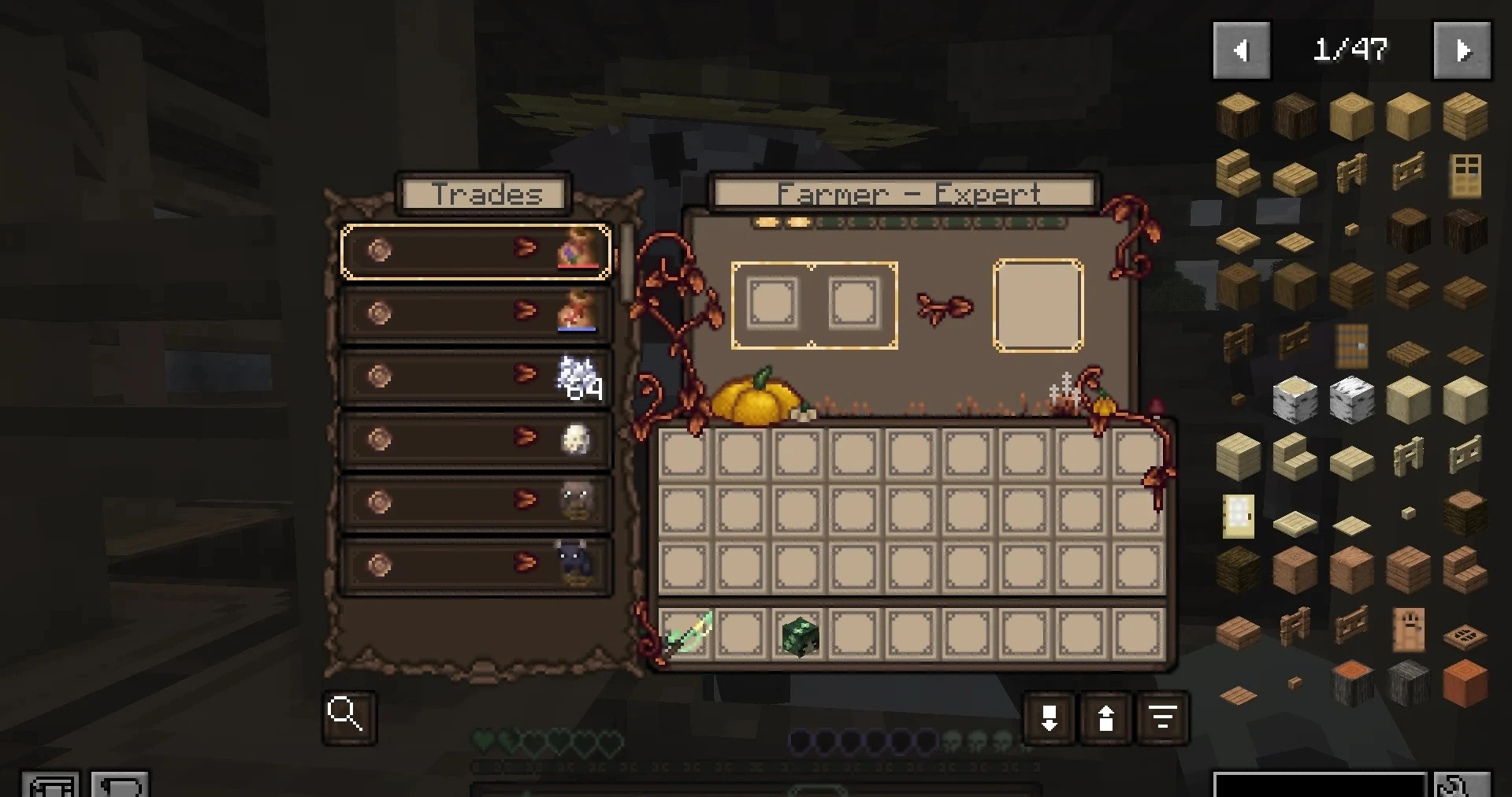
Chests, barrels, hoppers, dispensers, shulker boxes, furnaces, smokers, anvils, smithing tables, and brewing stands have been reworked. Personal screens have not been overlooked either: the inventory, recipe books, bags carried by mounts, villager trading, and the advancements menu receive a unified style. At the same time, buttons and slots remain easy to read, so the design does not interfere with navigation.
How to install the texture pack:
First step: download and install Bog’s Fall UI
Second step: copy the texture pack to the C:\Users\USER_NAME\AppData\Roaming\.minecraft\resourcepacks
Third step: in game settings choose needed resource pack.
Comments (0)