



Cherry Interface for Minecraft 26.3
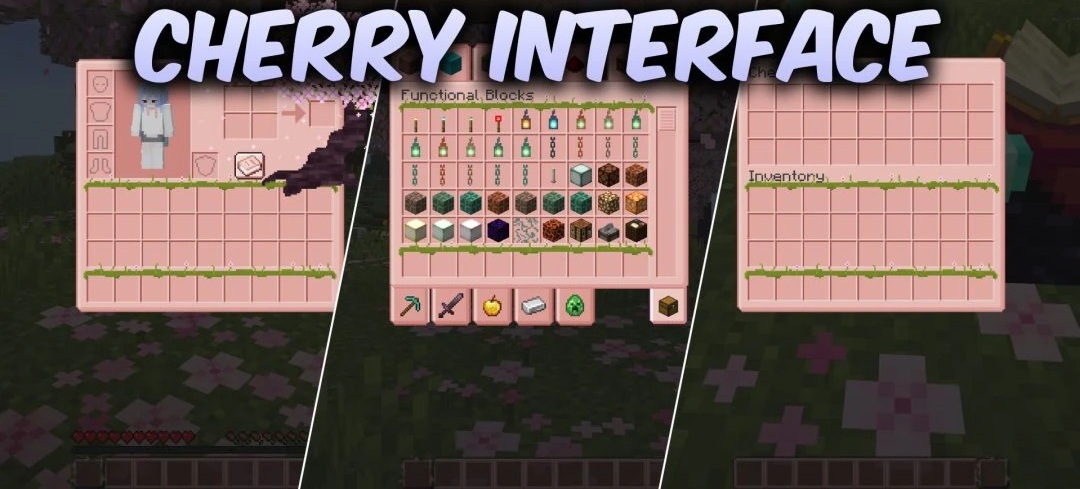
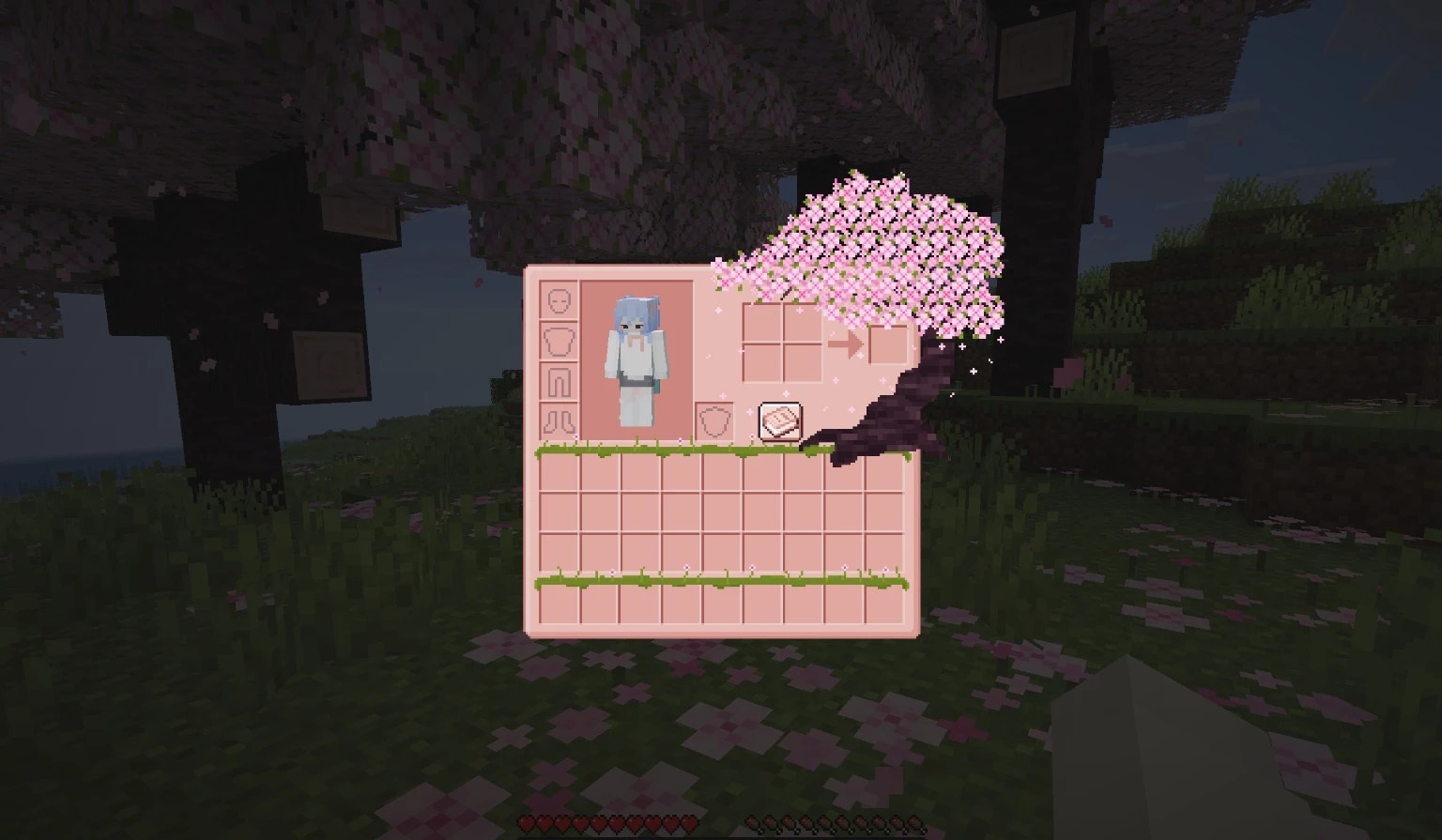
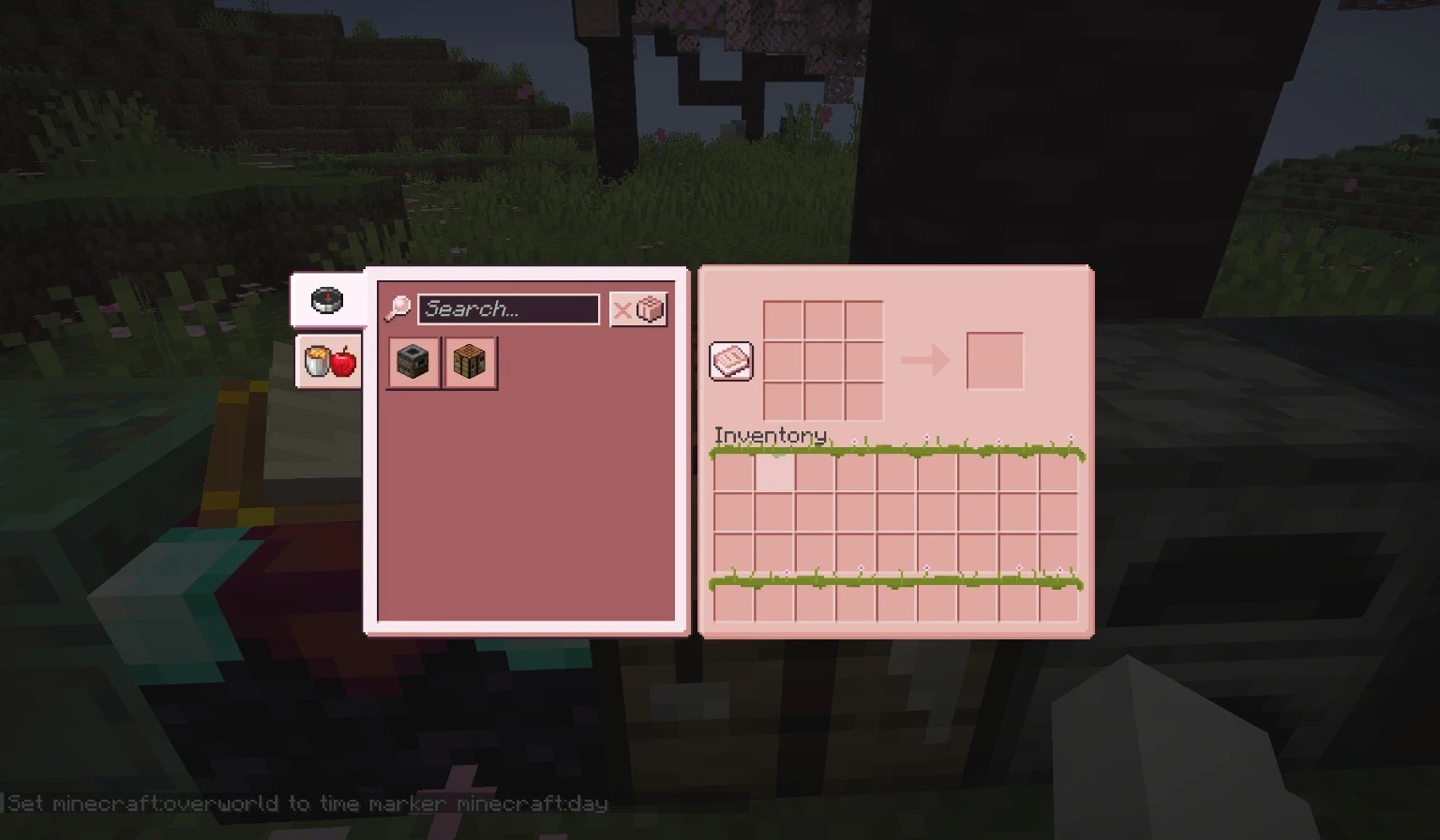
All major menus take on a soft pink look with Cherry Interface. The resource pack focuses entirely on the interface and gives it a cherry blossom theme. An image of a flowering tree appears on the inventory screen, while chest, furnace, crafting table, and recipe book windows receive a consistent light-colored design.
The changes also extend to Creative mode tabs, so different parts of the interface look like elements of one visual set. The blocks, items, and world themselves remain unchanged—only menus and related elements are redesigned. The pack works without additional mods or loaders, so it can be used separately from other visual additions.
How to install the texture pack:
First step: download and install Cherry Interface
Second step: copy the texture pack to the C:\Users\USER_NAME\AppData\Roaming\.minecraft\resourcepacks
Third step: in game settings choose needed resource pack.
Comments (0)