



CHRISTMAS TOOLS for Minecraft 26.3
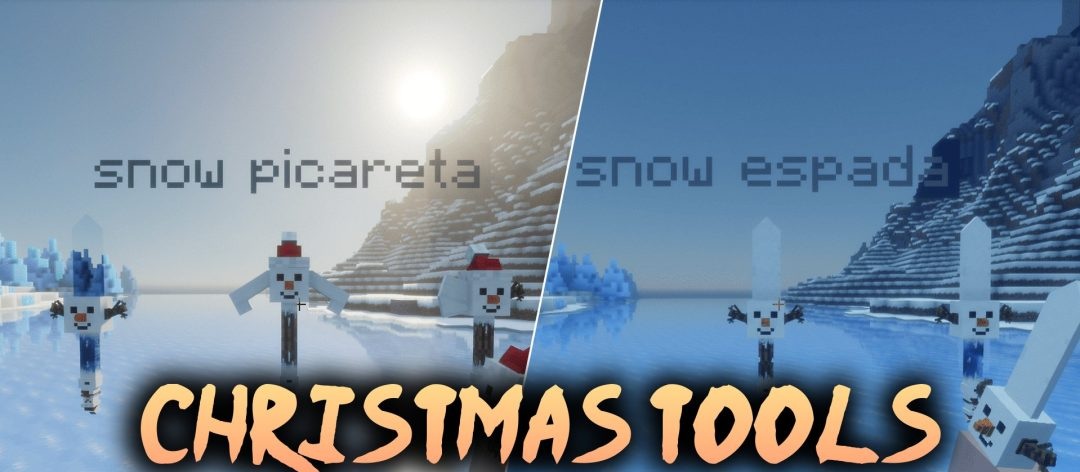
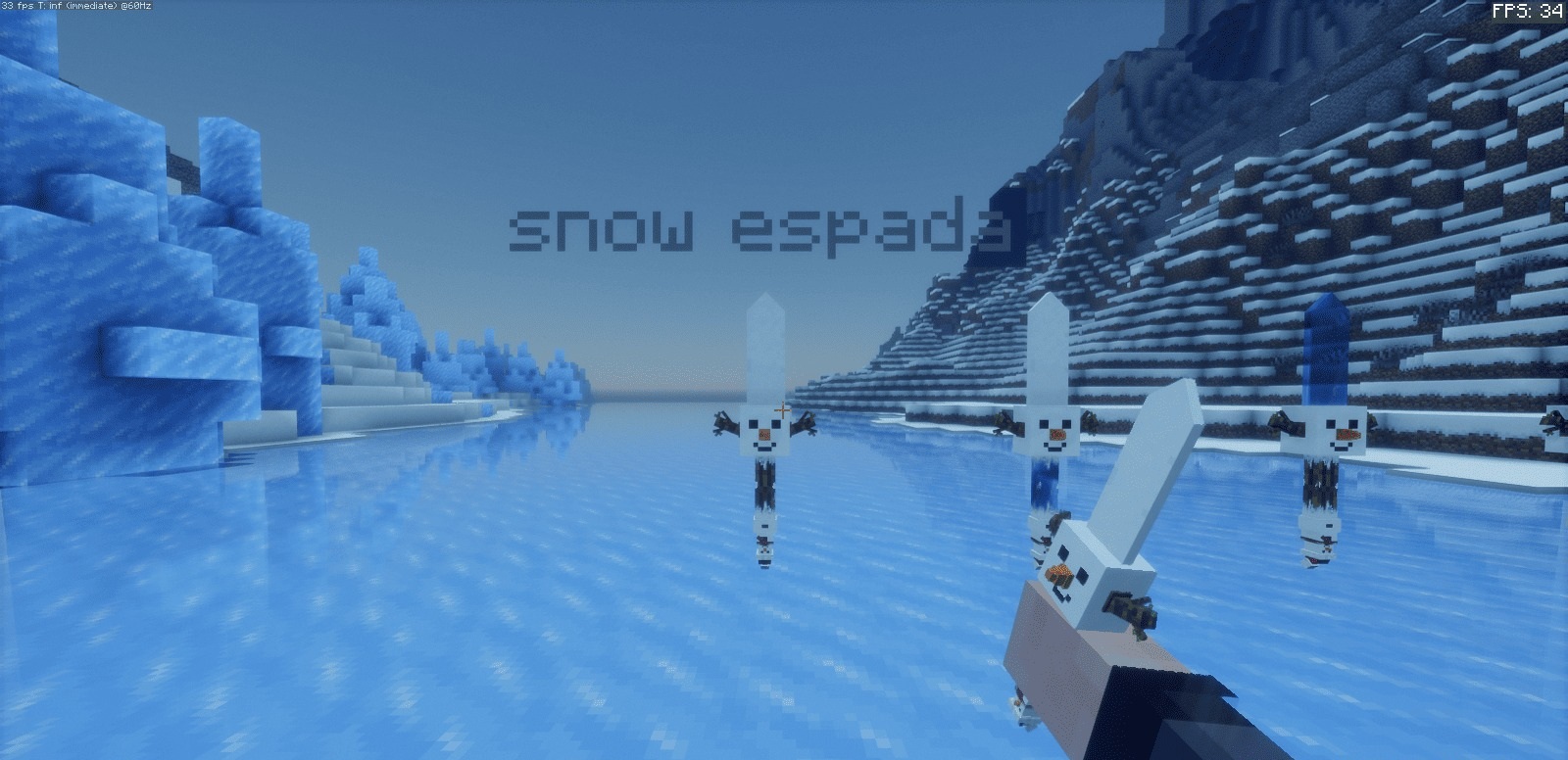
Want to go mining for diamonds with a festive pickaxe? CHRISTMAS TOOLS lets you change the appearance of tools using a regular anvil. Simply rename the item using a special name. For example, use snow espada for a sword, snow picareta for a pickaxe, and Snow machado for an axe.
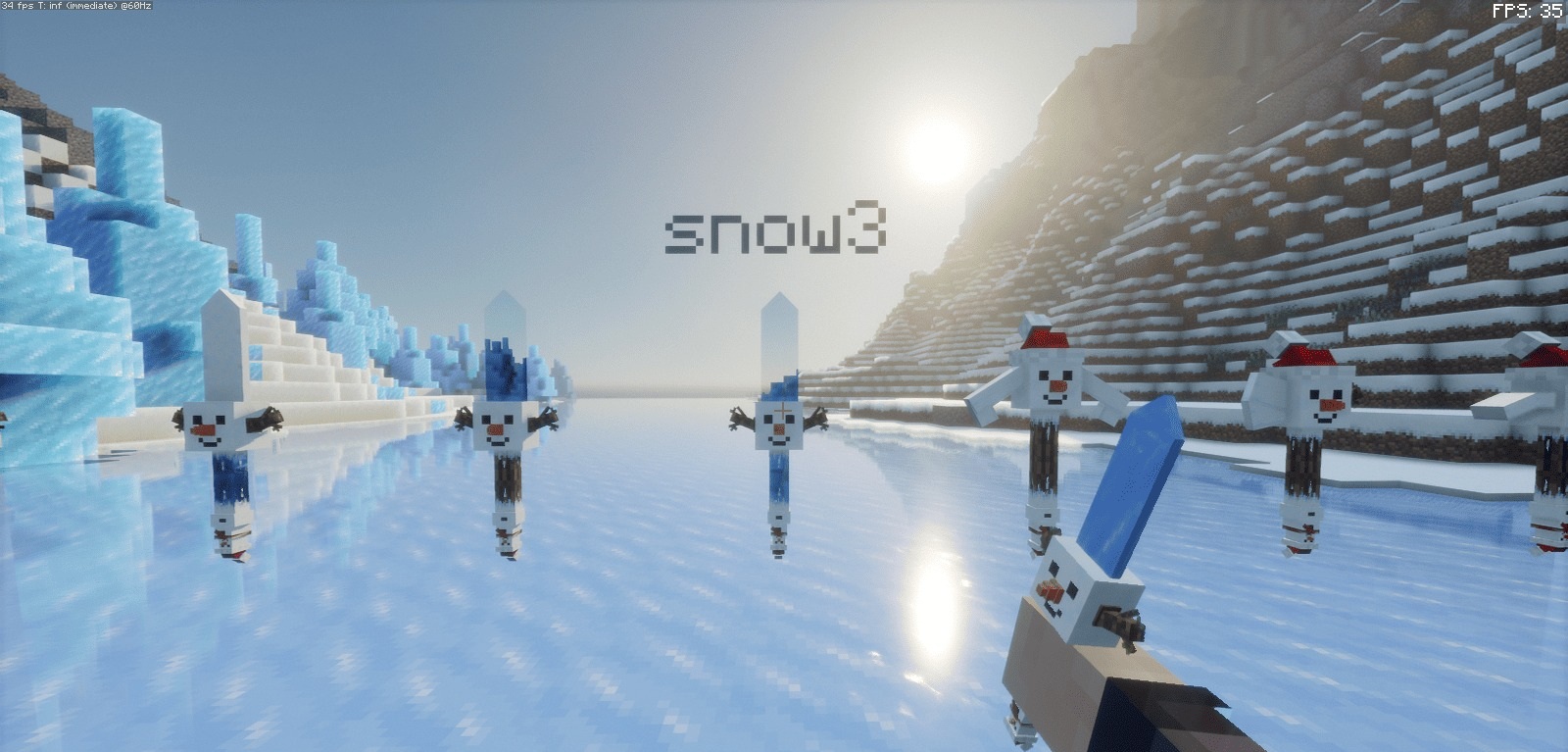
The shovel's appearance changes when you enter snow pá, and the hoe's when you enter snow enxada. There are also several additional variants that unlock with the names snow1, snow2 and snow3. The New Year's design is available for wooden, stone, iron, copper, golden, diamond and netherite tools. The stats themselves remain unchanged.
How to install the texture pack:
Step one: Download the texture pack using the link below.
Step two: Extract the downloaded archive and copy the CHRISTMAS TOOLS folder to c:\Users\Пользователь\AppData\Roaming\.minecraft\resourcepacks\ (if this folder does not exist, create it yourself) (For Windows)
Step three: In the game, go to Settings, then Resource Packs. In the list on the left, click the icon for the newly added texture pack.
Comments (0)