



Connected Glass Texture Pack Borderless Glass Updated for Minecraft 26.3
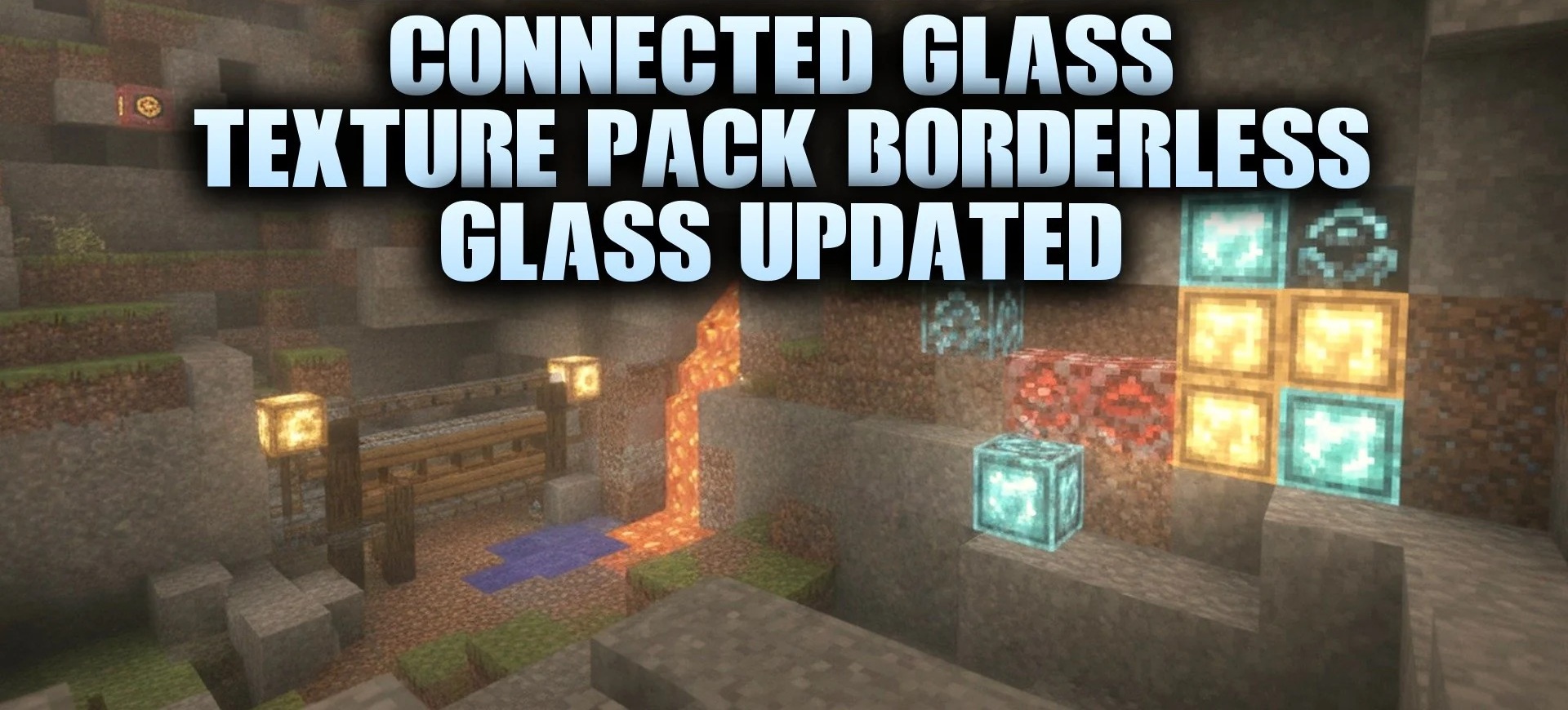
Build a house with floor-to-ceiling windows in Minecraft and those lines around each glass block tend to get in the way. What should be one big window ends up looking like a grid of squares. Connected Glass Texture Pack Borderless Glass Updated removes the borders. It does this for regular glass as well as all 16 stained glass colors.
On newer game versions, it covers tinted glass too. Some work has also gone into the top edges of glass panes, so the line along the top looks neater where the panes meet. You'll notice the difference most in large greenhouses or buildings with a lot of glass. The glass itself still looks very much like Minecraft glass.
How to install the texture pack:
First step: download and install Connected Glass Texture Pack Borderless Glass Updated
Second step: copy the texture pack to the C:\Users\USER_NAME\AppData\Roaming\.minecraft\resourcepacks
Third step: in game settings choose needed resource pack.
Comments (0)