



Default HD 256x for Minecraft 26.3
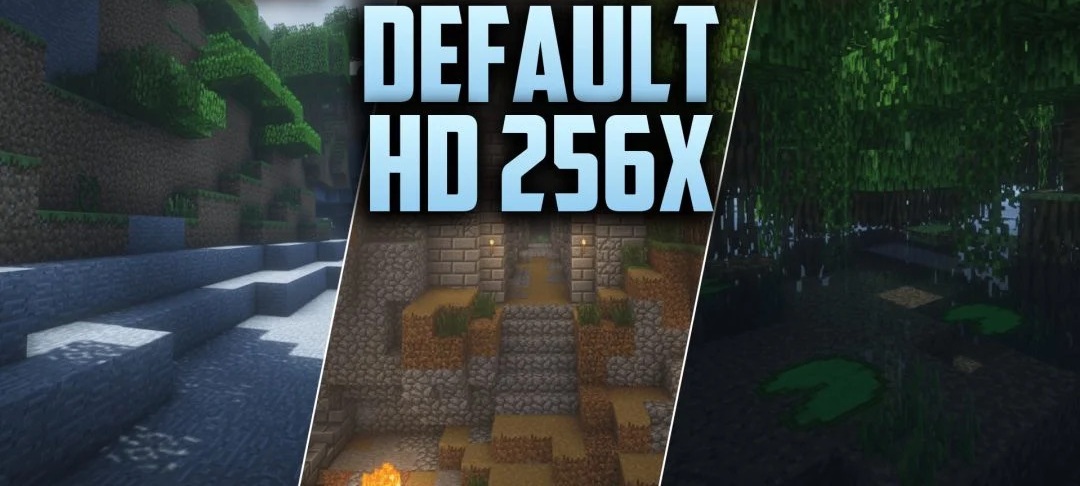
Higher detail becomes the main distinguishing feature of Default HD 256x. The pack brings familiar blocks and items to a 256x resolution while preserving the original color scheme and overall vanilla surface patterns. Additional soft shadows and subtle shading are already built into the textures, making materials appear deeper even without a complex lighting system.
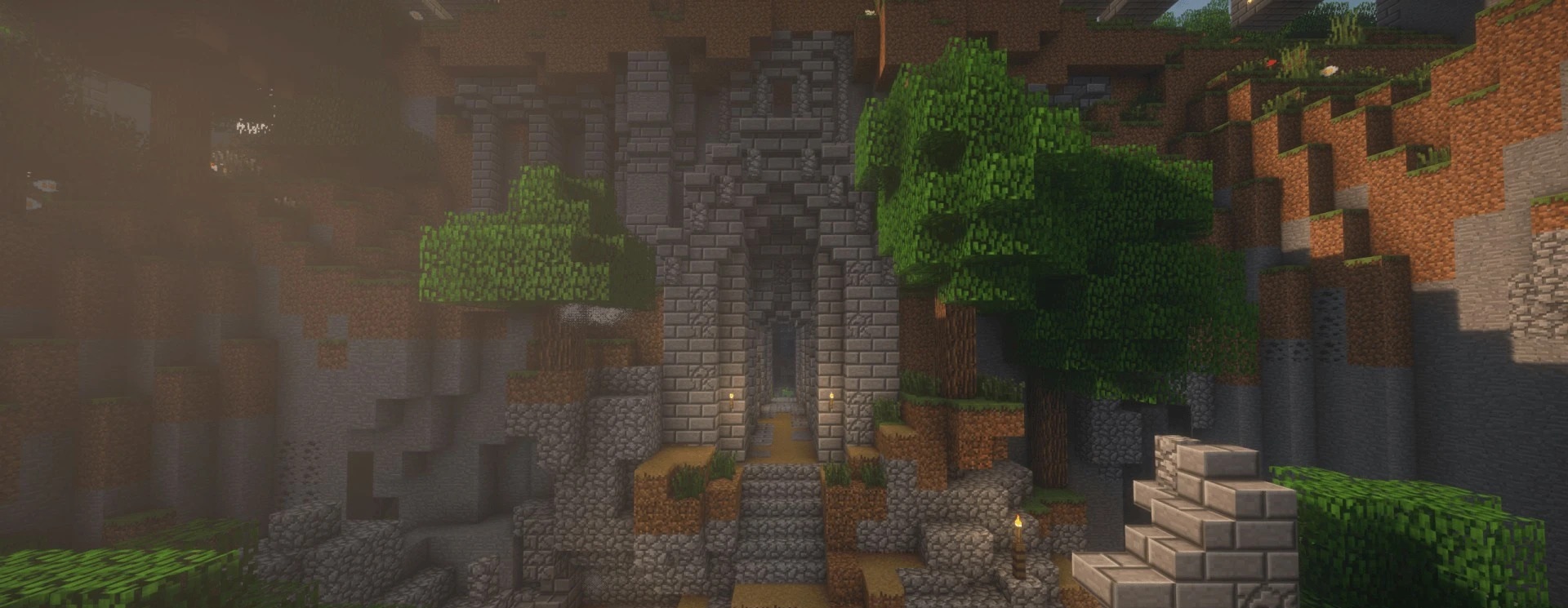
PBR support allows highlights and surface relief to be displayed when using compatible shaders. Despite the fourfold increase in resolution compared to the 64x version, the appearance remains close to the standard game and does not shift toward photographic materials.
How to install the texture pack:
First step: download and install Default HD 256x
Second step: copy the texture pack to the C:\Users\USER_NAME\AppData\Roaming\.minecraft\resourcepacks
Third step: in game settings choose needed resource pack.
Comments (0)