



Default Style Fall for Minecraft 26.3
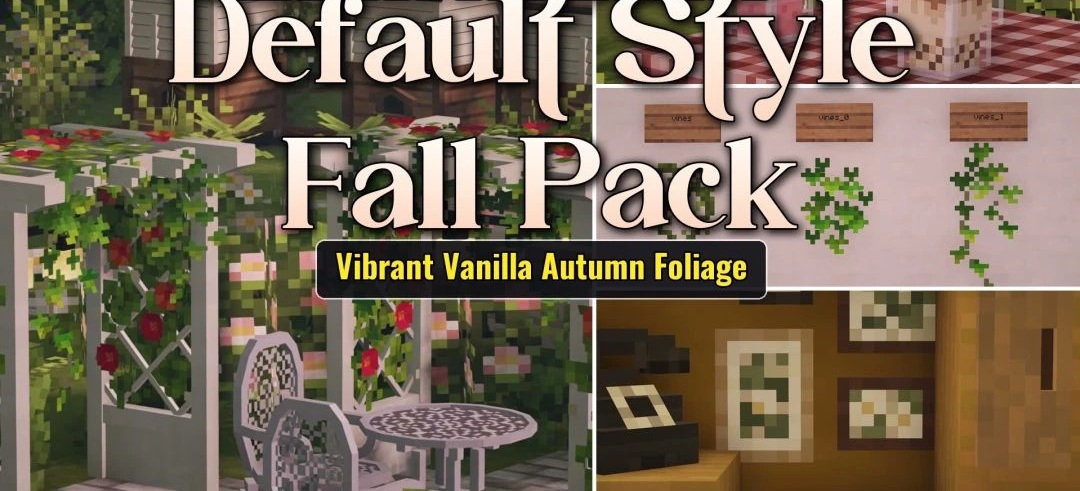
Autumn styling comes to the familiar vanilla world with Default Style Fall. Foliage is recolored in red, orange, and yellow shades, and fallen leaves appear on the grass, making forests and plains look as though the season has actually changed. The grass itself takes on a warmer yellowish tone and blends better with the trees.
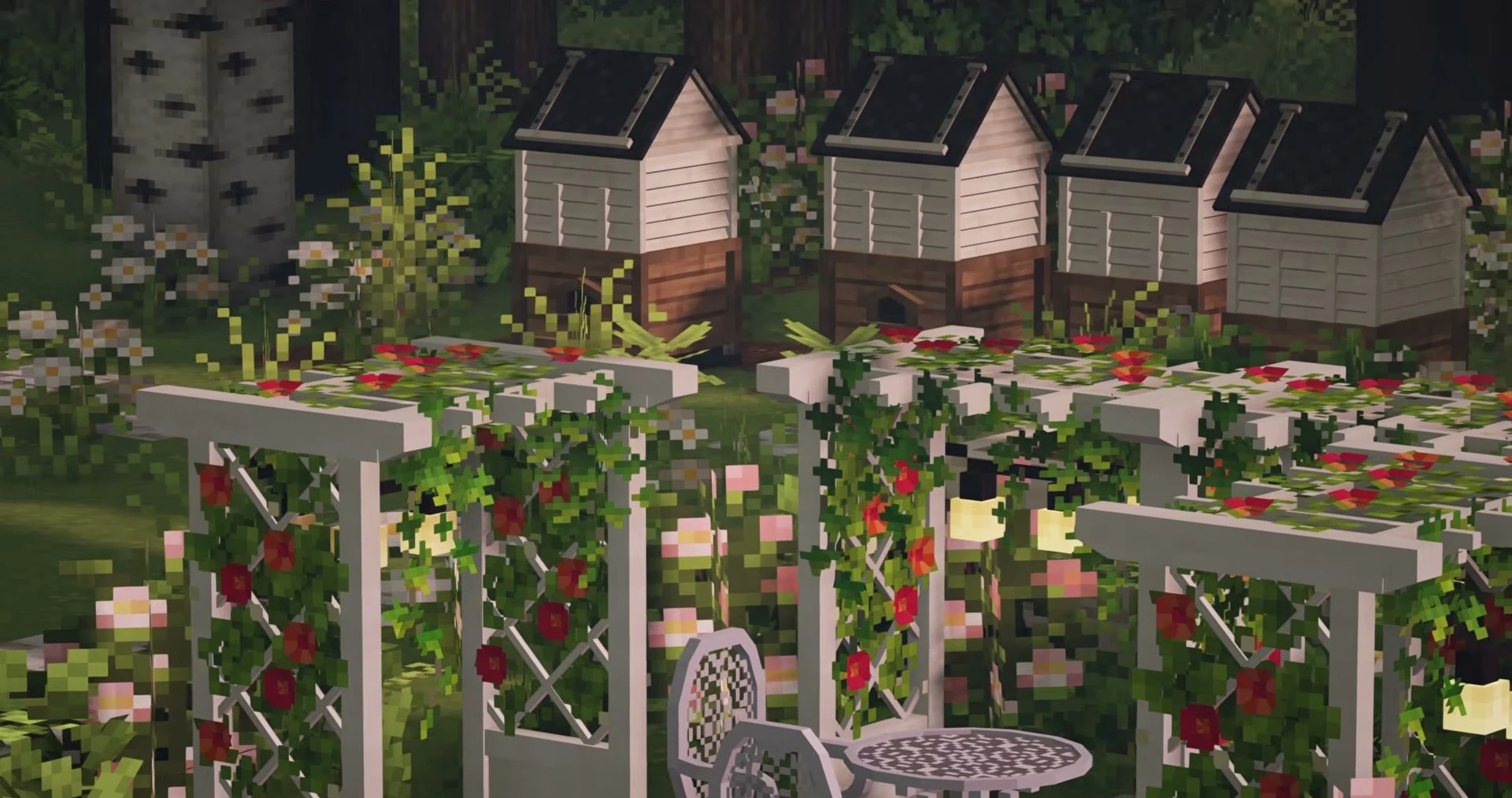
The changes affect not only the environment: game menus and the interface also adopt a seasonal theme. At the same time, the style stays close to standard Minecraft without completely replacing the textures. The pack is compatible with falling-leaves mods, which add moving particles to the static autumn design.
How to install the texture pack:
First step: download and install Default Style Fall
Second step: copy the texture pack to the C:\Users\USER_NAME\AppData\Roaming\.minecraft\resourcepacks
Third step: in game settings choose needed resource pack.
Comments (0)