



EVERCRAFT VISUAL for Minecraft 26.3
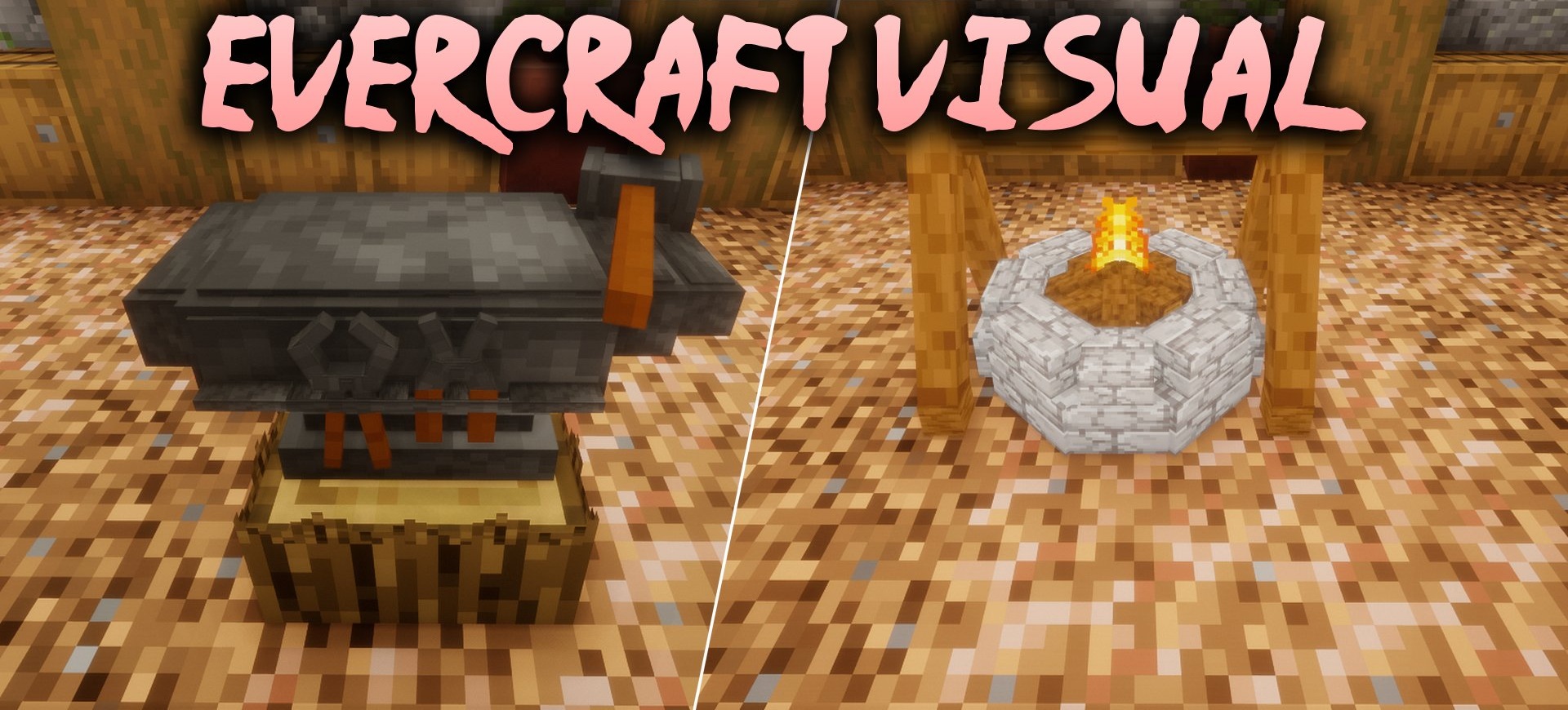
The EVERCRAFT VISUAL texture pack isn’t limited to 3D tools alone. It features redesigned ores, torches, lanterns, individual interface elements and even grass, where you can now make out small pebbles and twigs. Diamond and netherite tools have been given their own 3D models, while a sword with angelic effects stands out among the weapons.
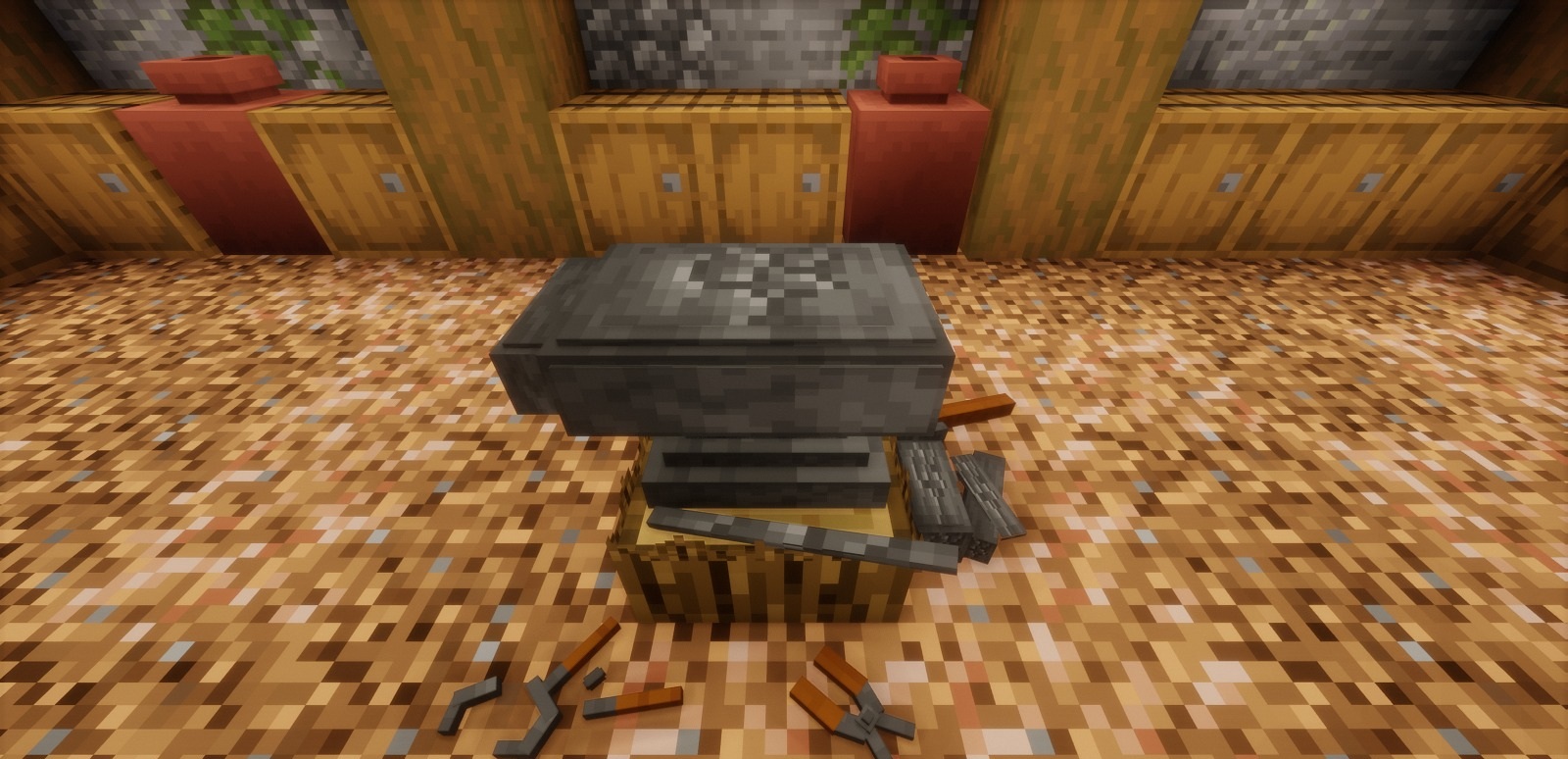
Other interesting changes include an unusual bow and a fully 3D Totem of Undying. The pack contains a total of 1,207 textures and 302 sounds, so the changes affect not only items and blocks, but also creatures, particles, menus and other in-game elements. Despite all this, the author has chosen to retain the familiar cubic graphics.
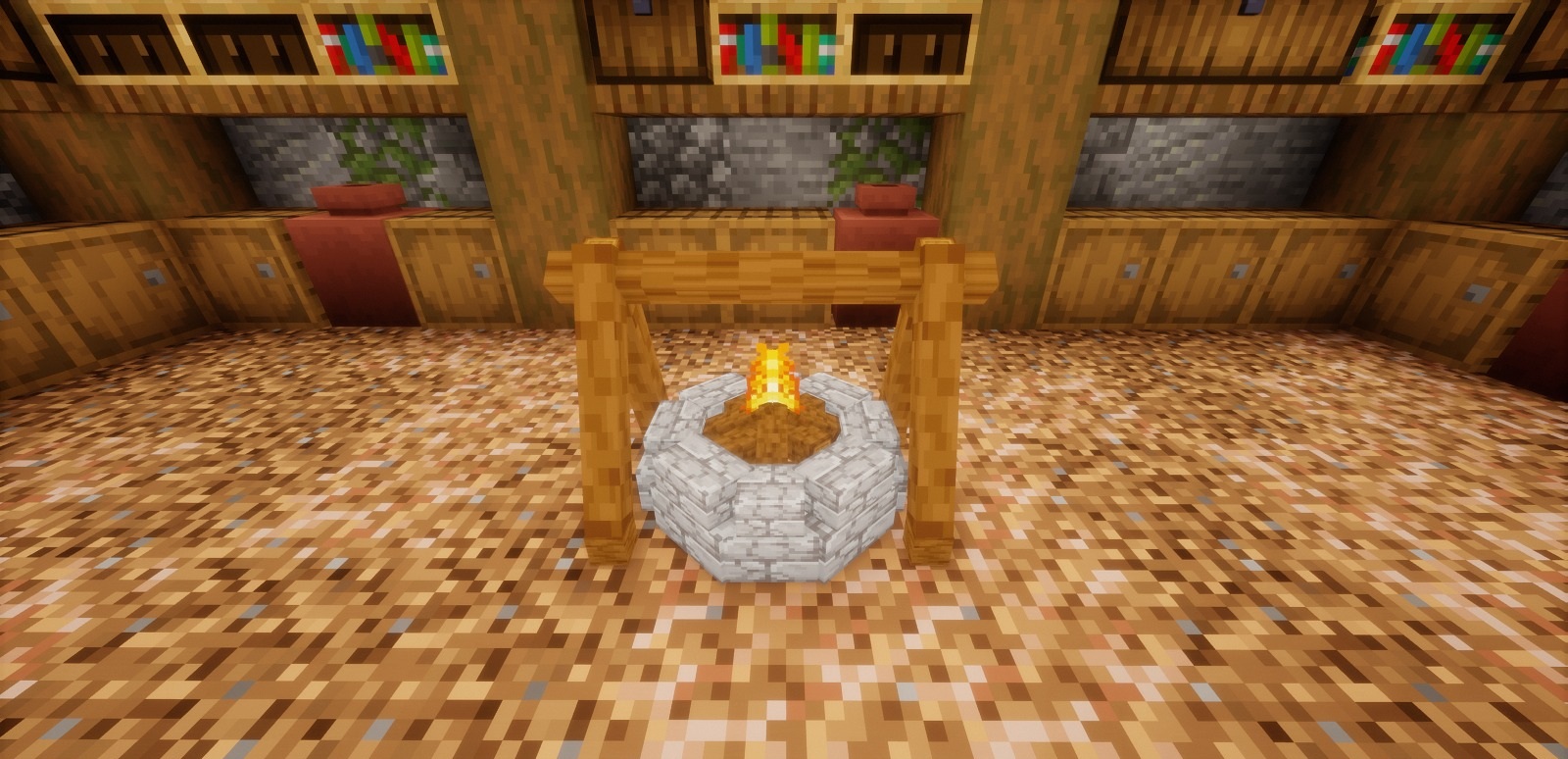
How to install the texture pack:
Step one: Download the texture pack using the link below.
Step two: Extract the downloaded archive and copy the folder EVERCRAFT VISUAL to the path c:\Users\Пользователь\AppData\Roaming\.minecraft\resourcepacks\ (if this folder does not exist, create it yourself) (For Windows)
Step three: In the game, go to Settings, then Resource Packs. There, click the icon for the new texture pack in the left-hand list.
Comments (0)