



Fantastik Leaves for Minecraft 26.3

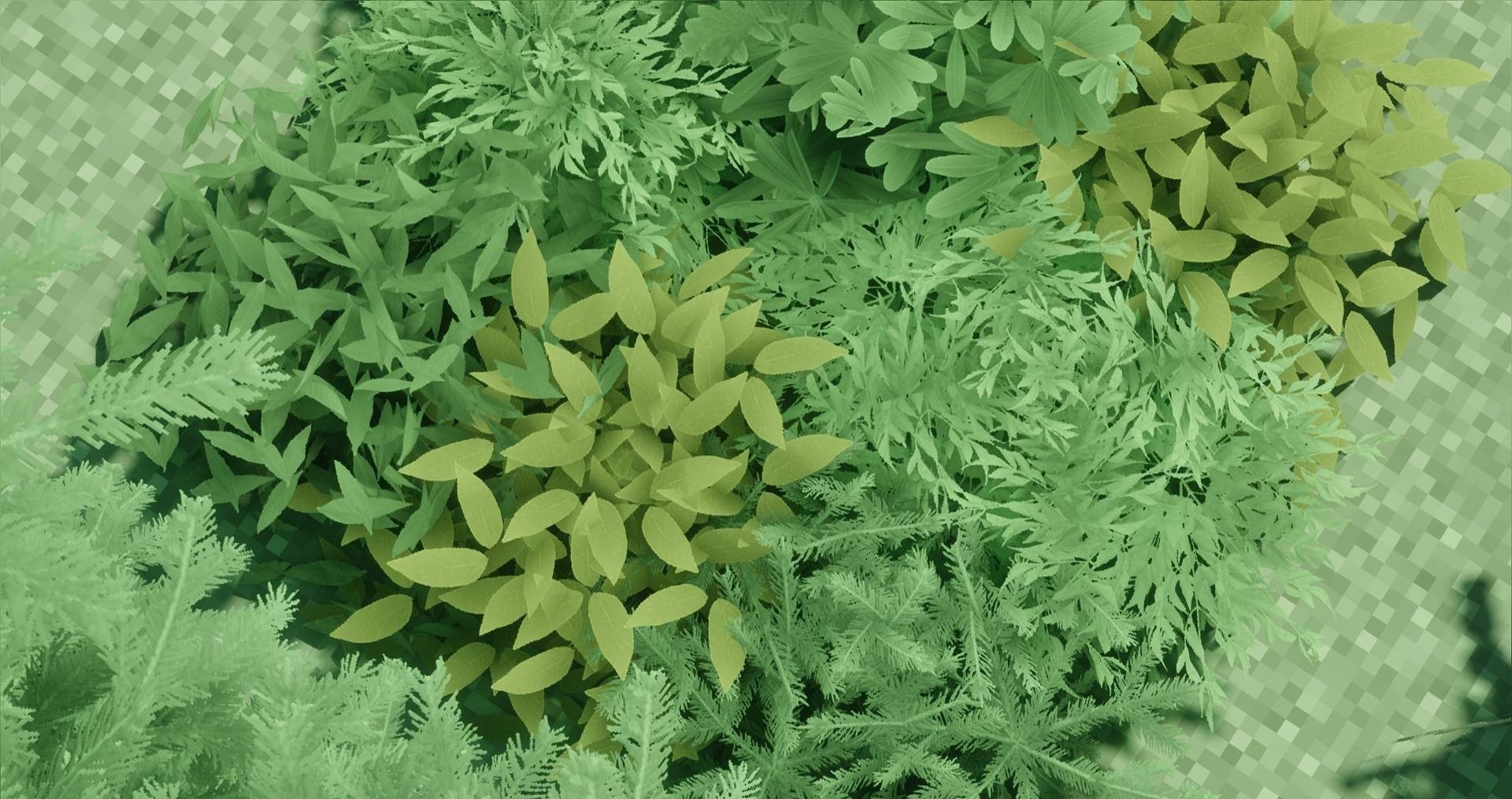
Foliage becomes much denser with Fantastik Leaves, which focuses exclusively on tree canopies. Standard flat surfaces are replaced with detailed 3D models that create protruding leaves and more complex branch silhouettes. The textures use a resolution of 512x, so individual elements are clearly distinguishable even in dense forests.
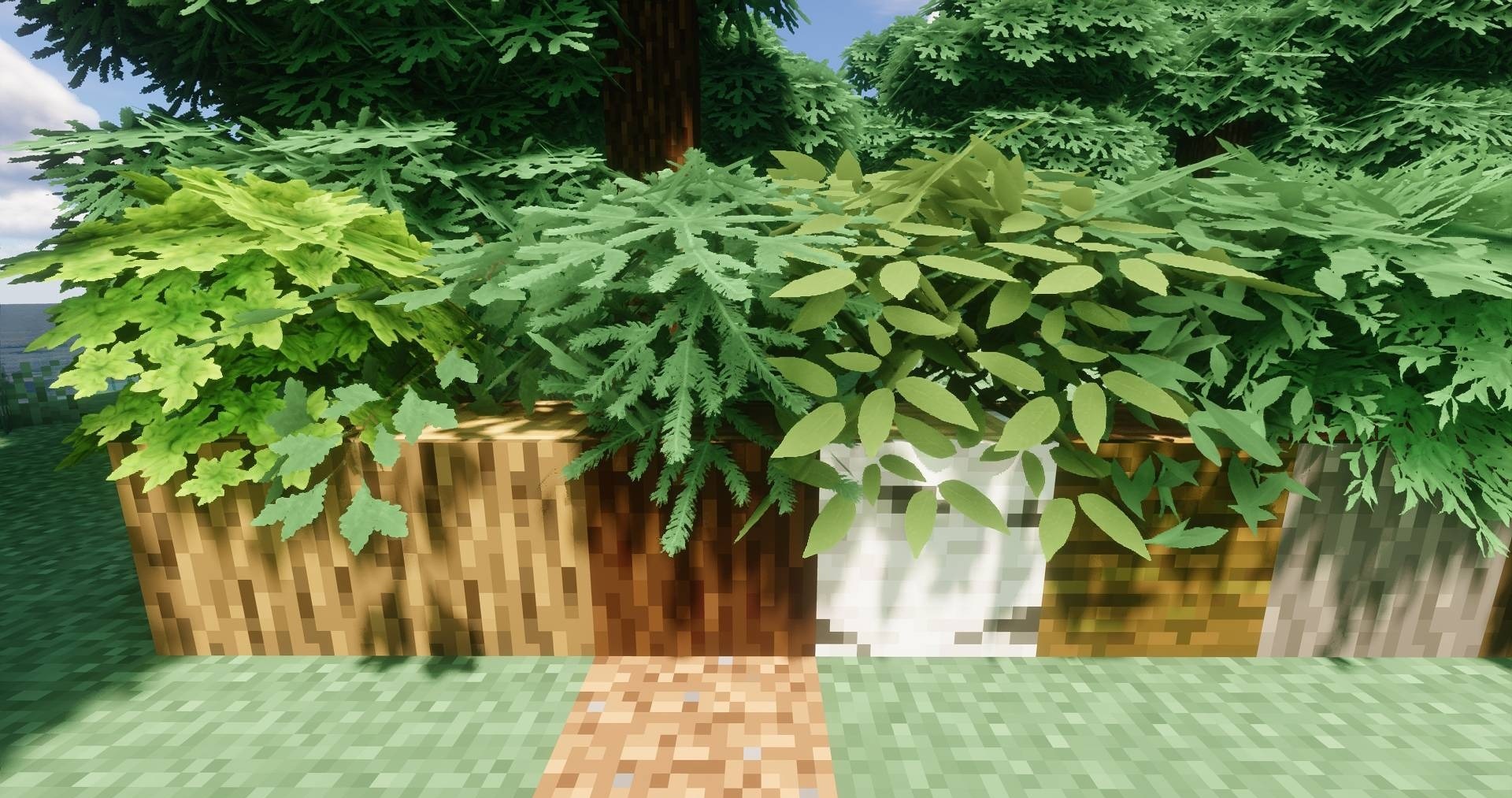
The pack works with standard tree types and turns familiar cubic canopies into more voluminous and realistic shapes. Since the changes affect only leaf blocks, the pack can conveniently be installed on top of another main resource pack without replacing its blocks, items, or interface.
How to install the texture pack:
First step: download and install Fantastik Leaves
Second step: copy the texture pack to the C:\Users\USER_NAME\AppData\Roaming\.minecraft\resourcepacks
Third step: in game settings choose needed resource pack.
Comments (0)