



Farmer GUI for Minecraft 26.3
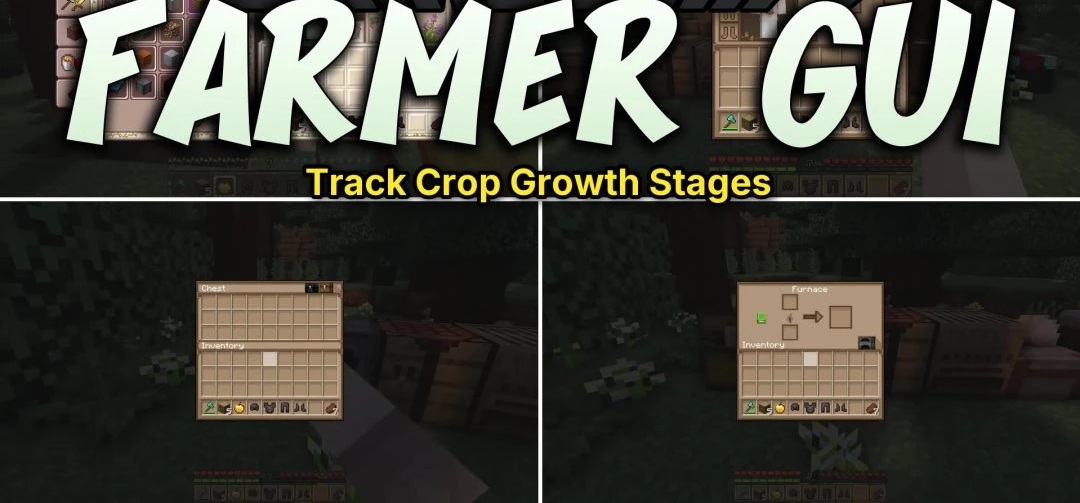
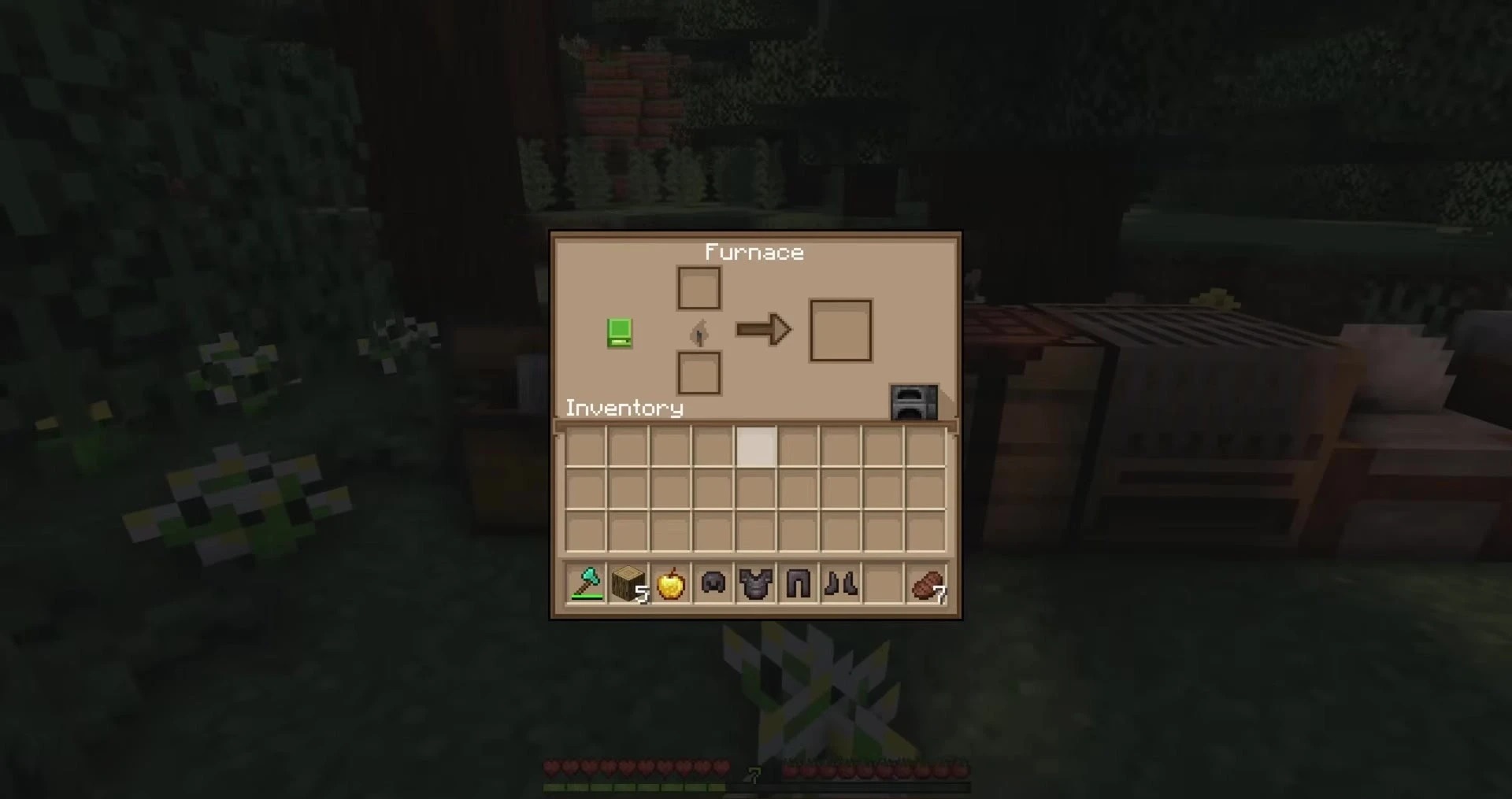
Warm, wheat-gold colors give Farmer GUI the feel of a farmhouse. Instead of Minecraft's usual gray interface panels, you'll find windows with golden accents. The inventory, crafting tables, furnaces, hotbar and other standard menus all follow that style.
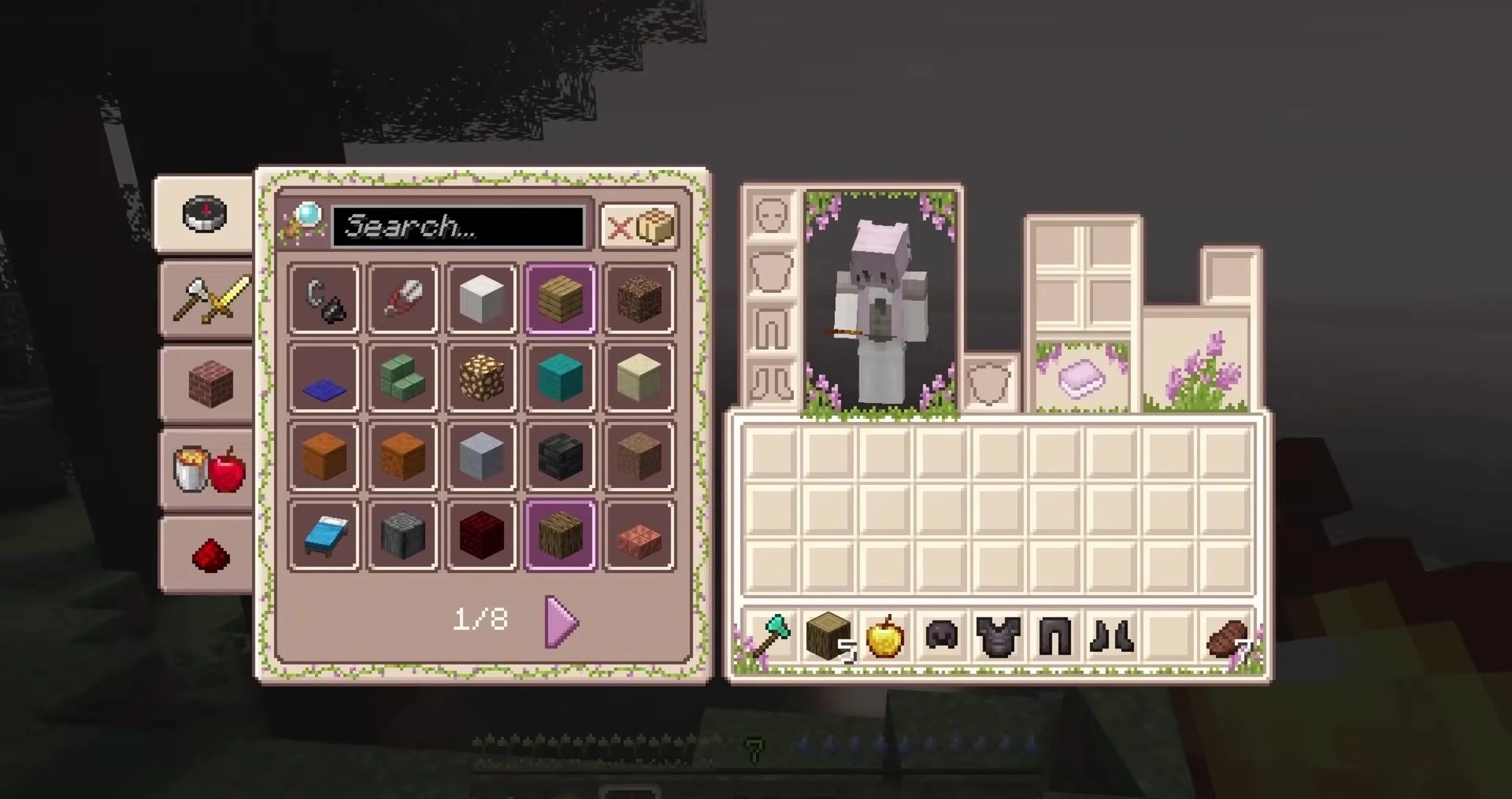
Smaller details have been redrawn as well, from icons and effect symbols to tooltips, so the farm theme doesn't stop at the big screens. The title menu also has 38 new themed splash messages, appearing in the usual rotating text spot. Support for modded gameplay is included too.
How to install the texture pack:
First step: download and install Farmer GUI
Second step: copy the texture pack to the C:\Users\USER_NAME\AppData\Roaming\.minecraft\resourcepacks
Third step: in game settings choose needed resource pack.
Comments (0)