



FlameFrags SMP Overlay for Minecraft 26.3
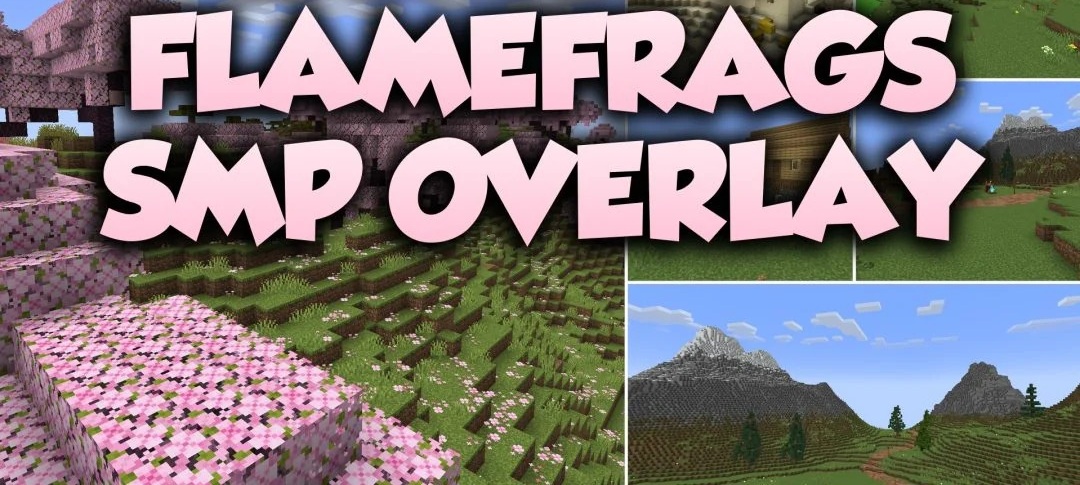
FlameFrags SMP Overlay is mostly useful for PvP. If you've seen FlameFrags' videos, some of the artwork in this pack will probably look familiar. Your shield sits lower on the screen, and when you catch fire, the flames don't obscure as much of your view.
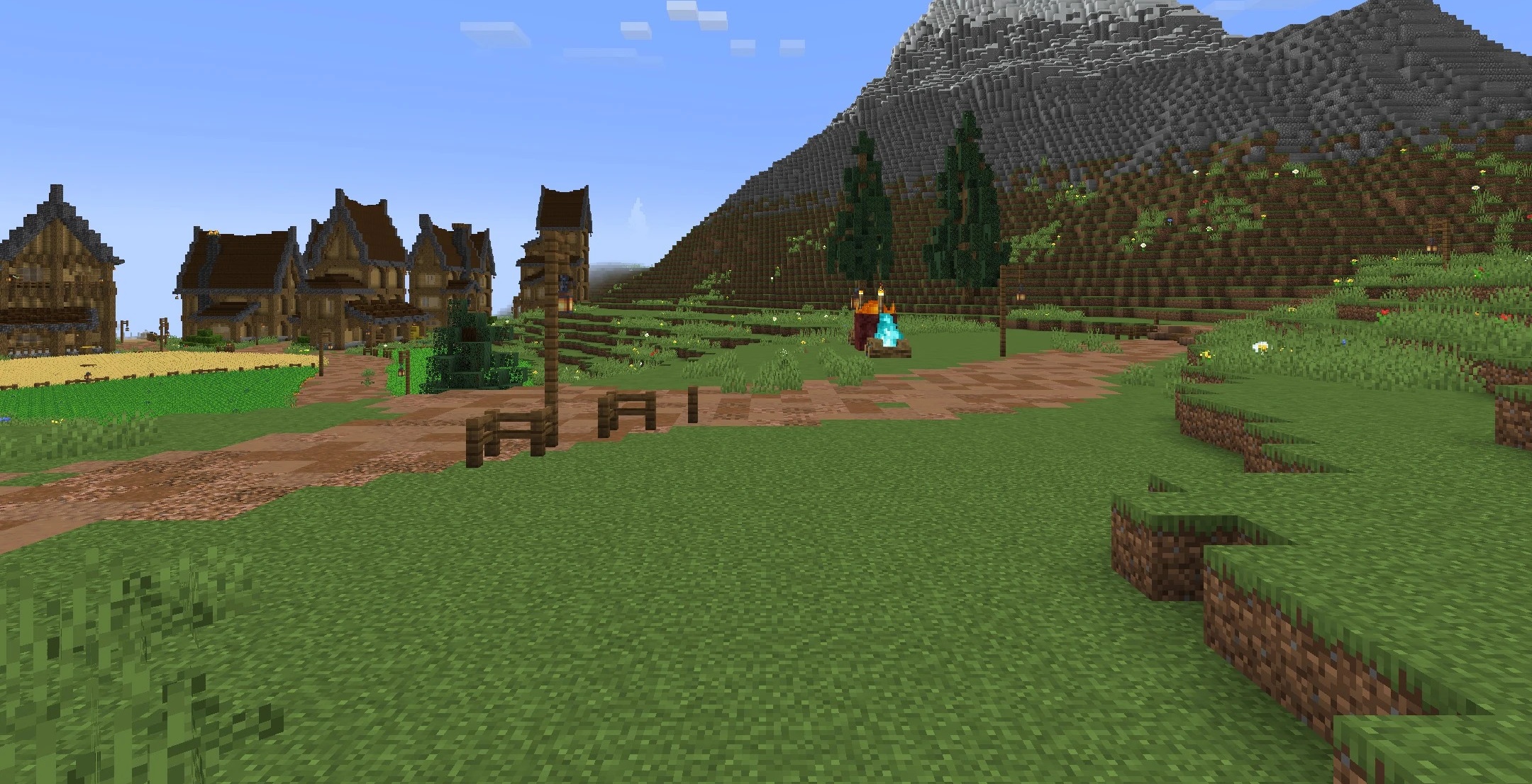
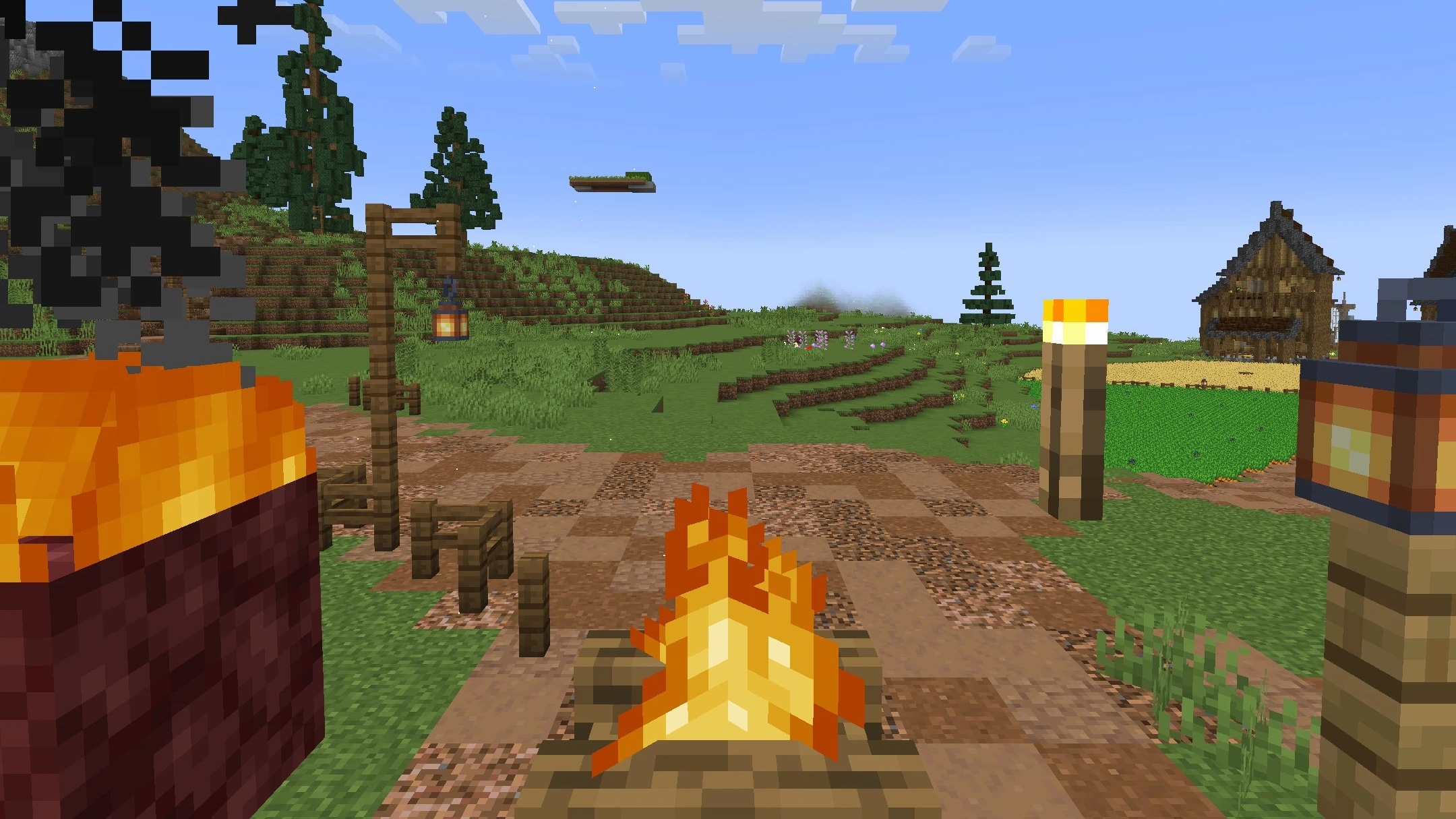
Critical hit and enchantment particles are smaller. It might seem like a small thing, but in the middle of a busy fight those particles can make it quite hard to see the other player. The Wither effect has had some work done to its display, making it easier to see how much health you have left. There's something for potion brewers as well: open up the brewing stand and you'll find a handy guide to potion recipes.
How to install the texture pack:
First step: download and install FlameFrags SMP Overlay
Second step: copy the texture pack to the C:\Users\USER_NAME\AppData\Roaming\.minecraft\resourcepacks
Third step: in game settings choose needed resource pack.
Comments (0)