



Forcecraft Re Darted for Minecraft 26.3
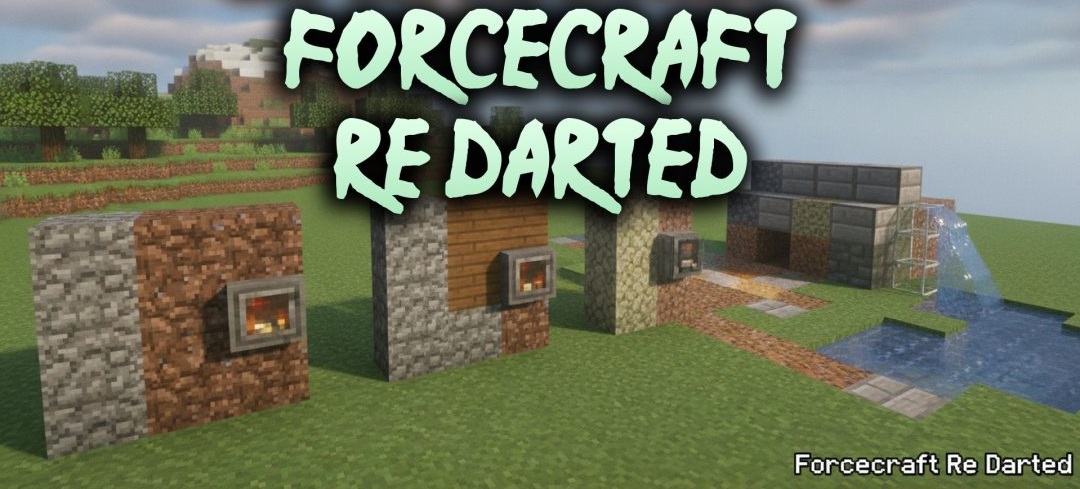
Forcecraft Re Darted brings back the old DartCraft design, reworking the graphics for ForceCraft items and blocks. A total of 139 textures have been updated, including tools, armour, mechanisms, materials and creatures. The classic sixteen-colour palette has been restored for force bricks, torches and furnaces; the furnaces have also been adapted to modern block models.
Backpacks, belts, swords, pickaxes, axes, wrenches, shears and other tools receive new graphics. Force bows with their draw stages, arrows, armour pieces and inventory icons have been redrawn. The changes also apply to cold cows, pigs, chickens and small creepers.
How to install the texture pack:
Step 1: Download the texture pack using the link below.
Step 2: Extract the downloaded archive and copy the Forcecraft Re Darted folder to c:\Users\Пользователь\AppData\Roaming\.minecraft\resourcepacks\ (if this folder does not exist, create it yourself) (For Windows)
Step 3: In the game, go to Settings, then Resource Packs. In the left-hand list, click the icon for the newly added texture pack.
Comments (0)