



Glowline Ores for Minecraft 26.3
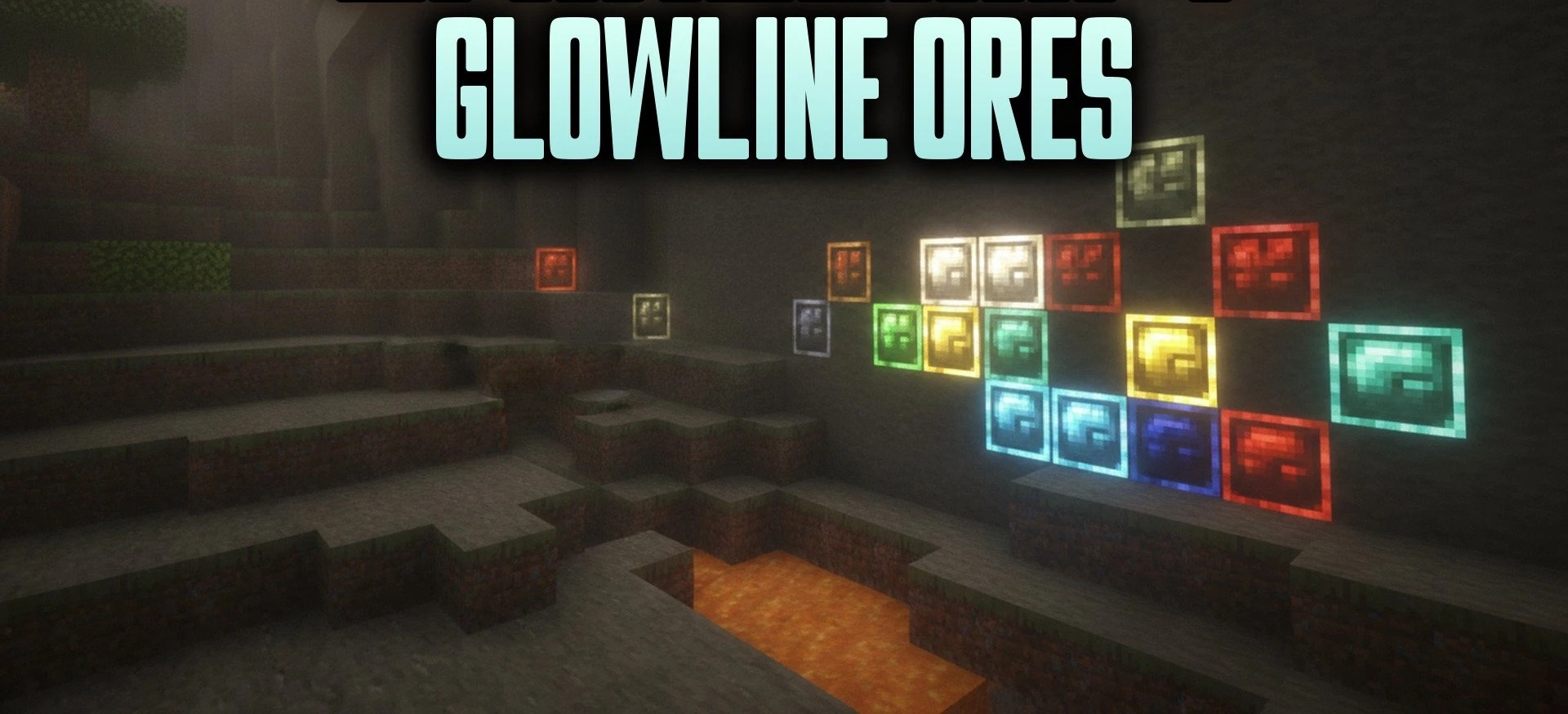
Ores become more noticeable in complete darkness with Glowline Ores, while retaining their familiar appearance under normal lighting. Colored glowing outlines appear along the edges of blocks: diamonds are highlighted in blue, redstone in red, emeralds in green, and so on. The effect does not require OptiFine, shaders, or additional mods and works directly in the standard game.
At the same time, the pack only displays exposed ore surfaces and does not reveal minerals through walls, so it does not turn into X-Ray. To maintain performance, hidden faces are skipped, and parts of the models are combined.
How to install the texture pack:
First step: download and install Glowline Ores
Second step: copy the texture pack to the C:\Users\USER_NAME\AppData\Roaming\.minecraft\resourcepacks
Third step: in game settings choose needed resource pack.
Comments (0)