



Halloween HUD for Minecraft 26.3
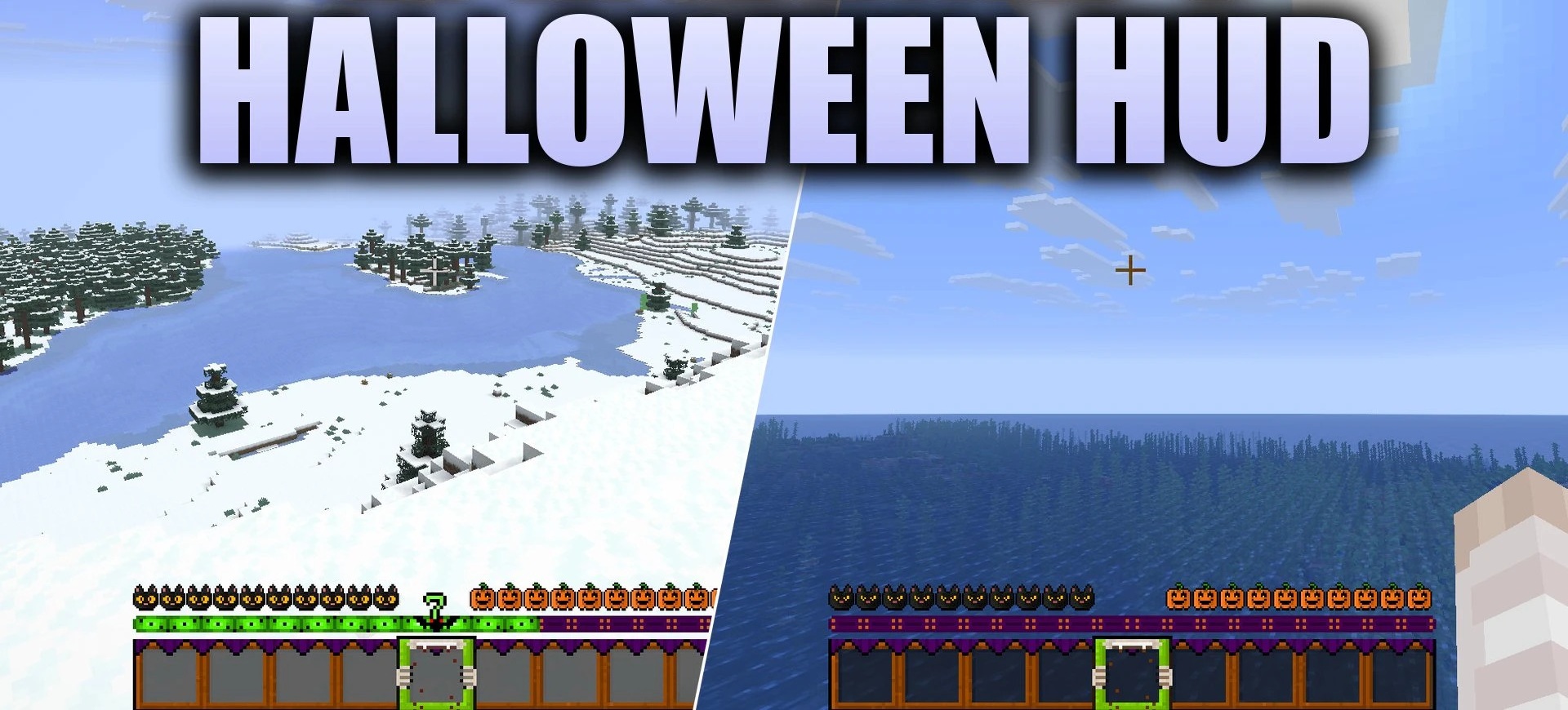
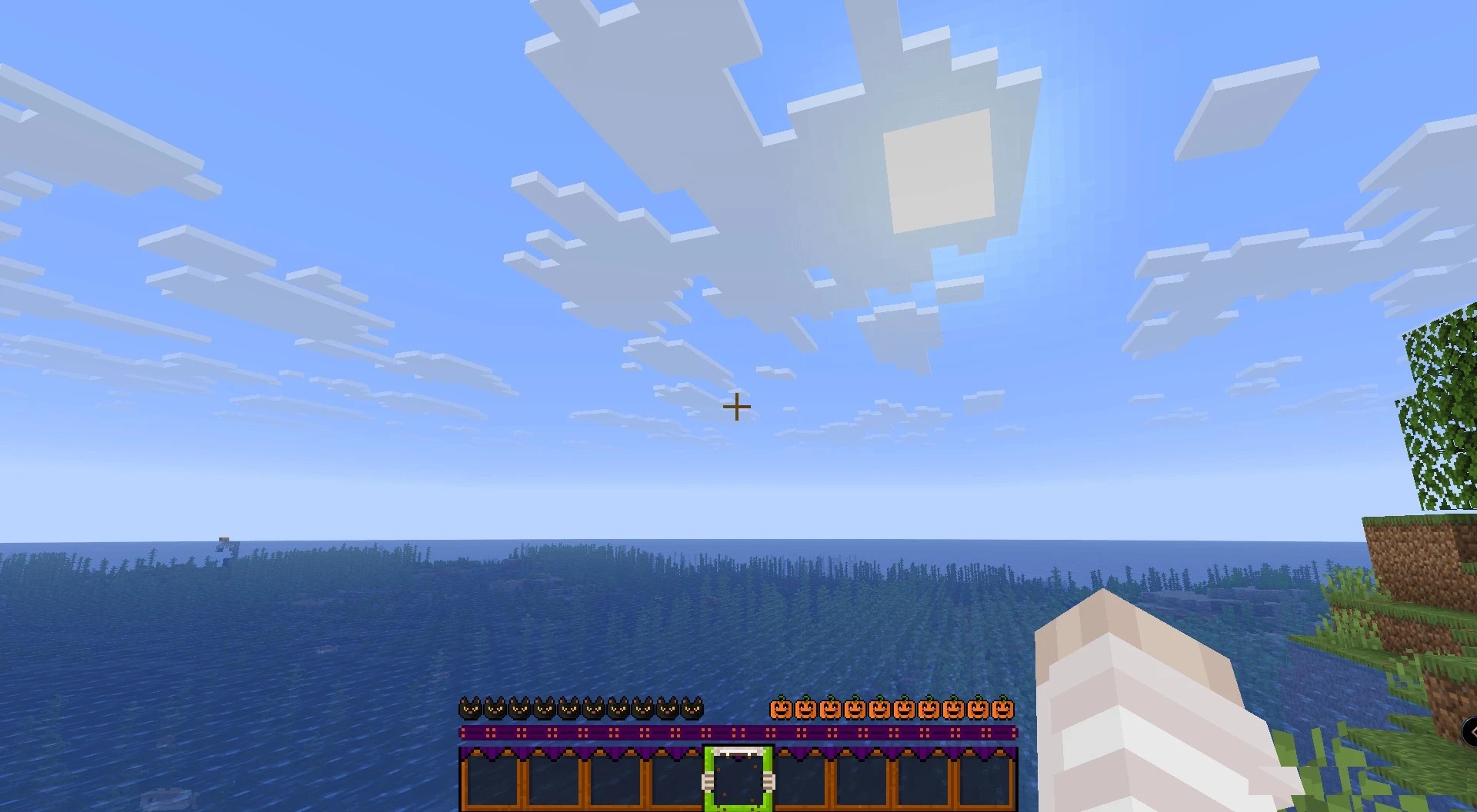
Festive decorations are brought directly to the screen with Halloween HUD. Ordinary red hearts are replaced with black cat icons, the hunger bar turns into a row of carved pumpkins, and a bat image appears next to the experience bar. The hotbar receives its own Halloween-themed frame, while the active slot is marked with a vampire bite symbol.
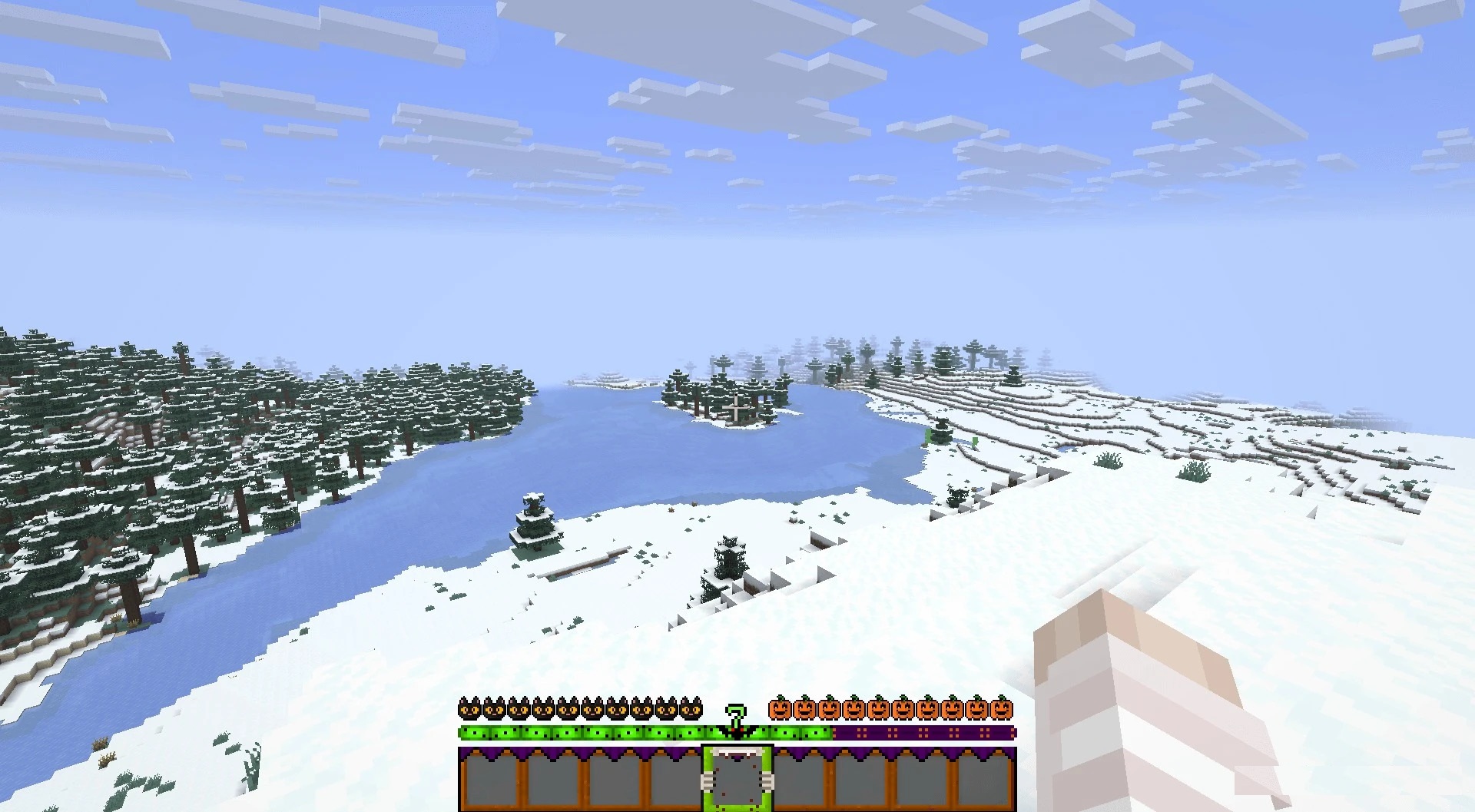
The pack also includes separate icons for Hardcore mode, so the seasonal theme is preserved there as well. More than fifty interface elements have been reworked in total, while blocks, mobs, and the environment remain unchanged. This separation allows the mood of the HUD to be completely transformed without affecting the appearance of the world itself.
How to install the texture pack:
First step: download and install Halloween HUD
Second step: copy the texture pack to the C:\Users\USER_NAME\AppData\Roaming\.minecraft\resourcepacks
Third step: in game settings choose needed resource pack.
Comments (0)