



Halloween Upgraded Panoramas for Minecraft 26.3
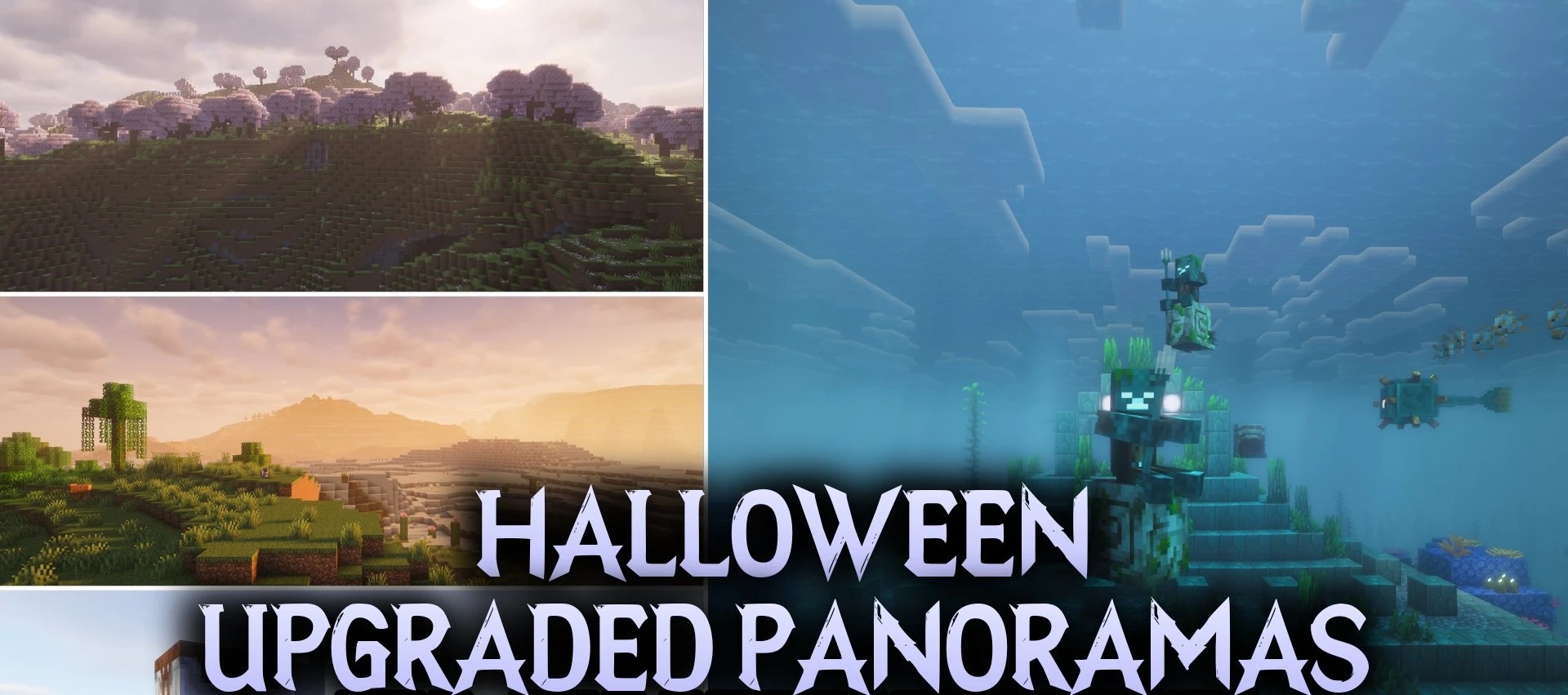
A bit of Halloween spirit before you've even opened a Minecraft world: that's the idea behind Halloween Upgraded Panoramas. It swaps out the familiar main menu panorama for a picture with an autumn and Halloween theme. It's a small seasonal pack for anyone who feels like a change from the usual background, even if only temporarily.
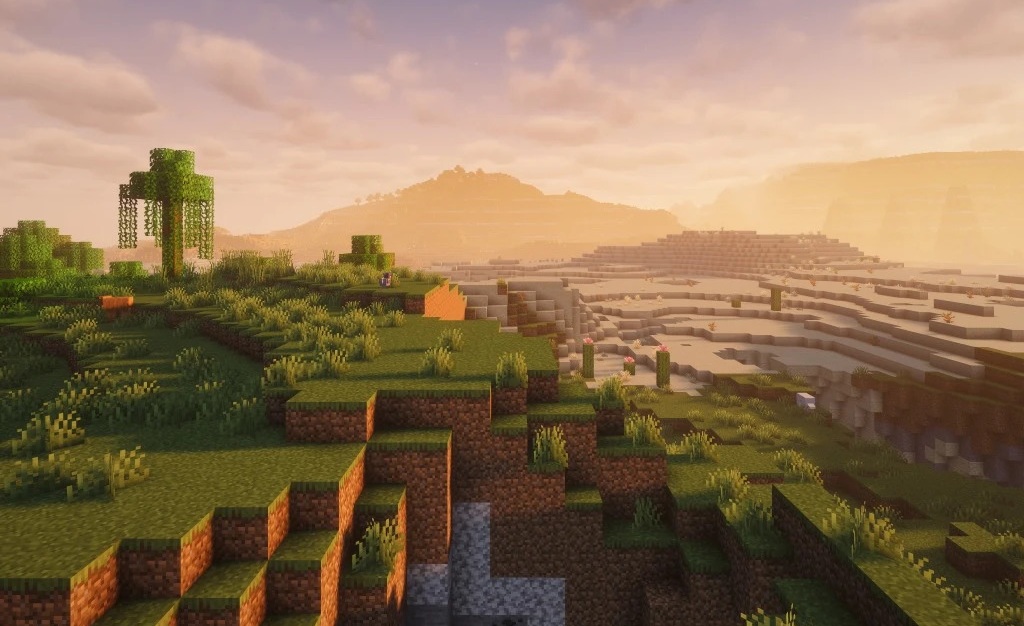
Once you load a world, everything will look as it did before. You won't find any new block textures, Halloween mobs or items. It's just the panoramas on the title screen. There are versions for Java Edition from 1.20.2 through 26.4, as well as a separate release for Bedrock Edition players.
How to install the texture pack:
First step: download and install Halloween Upgraded Panoramas
Second step: copy the texture pack to the C:\Users\USER_NAME\AppData\Roaming\.minecraft\resourcepacks
Third step: in game settings choose needed resource pack.
Comments (0)