



Hello Kitty GUI for Minecraft 26.3
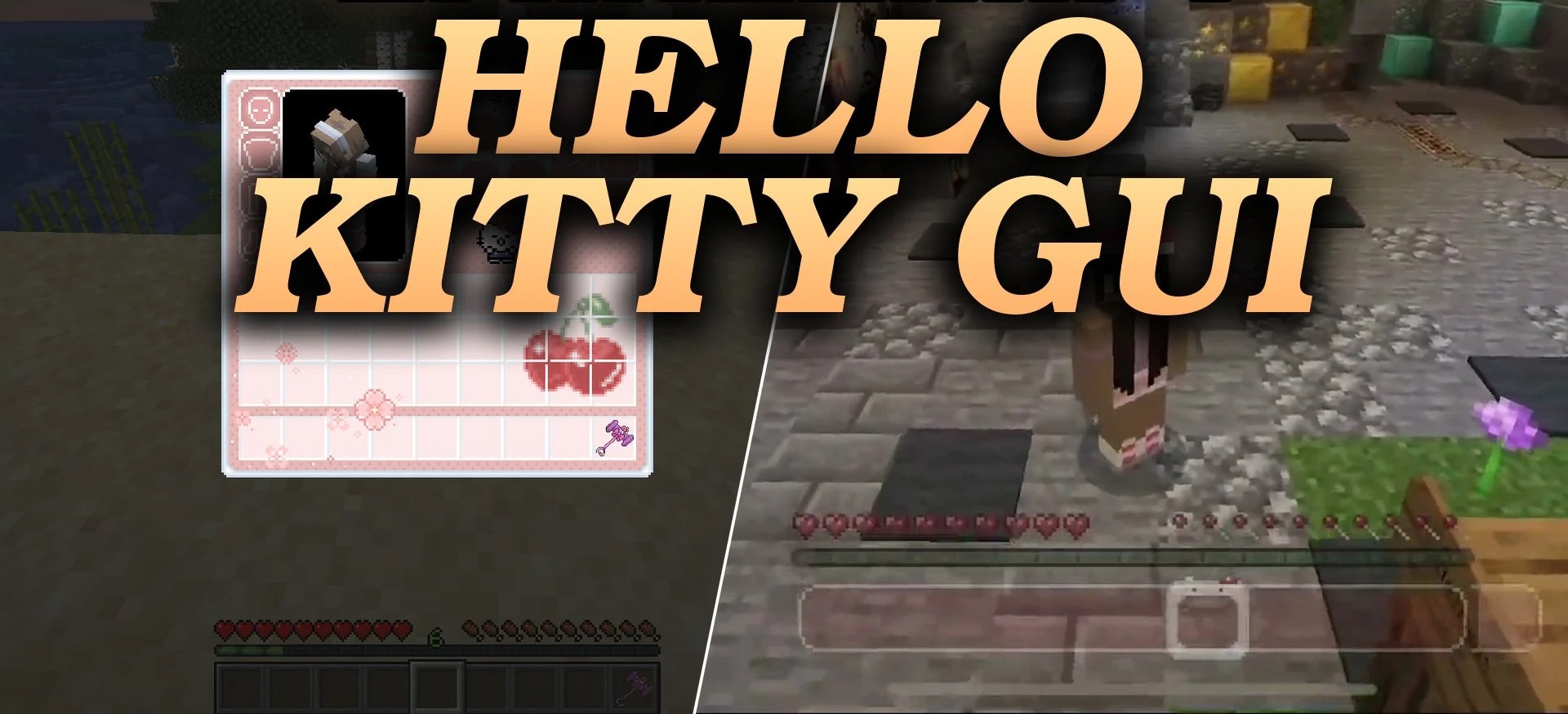
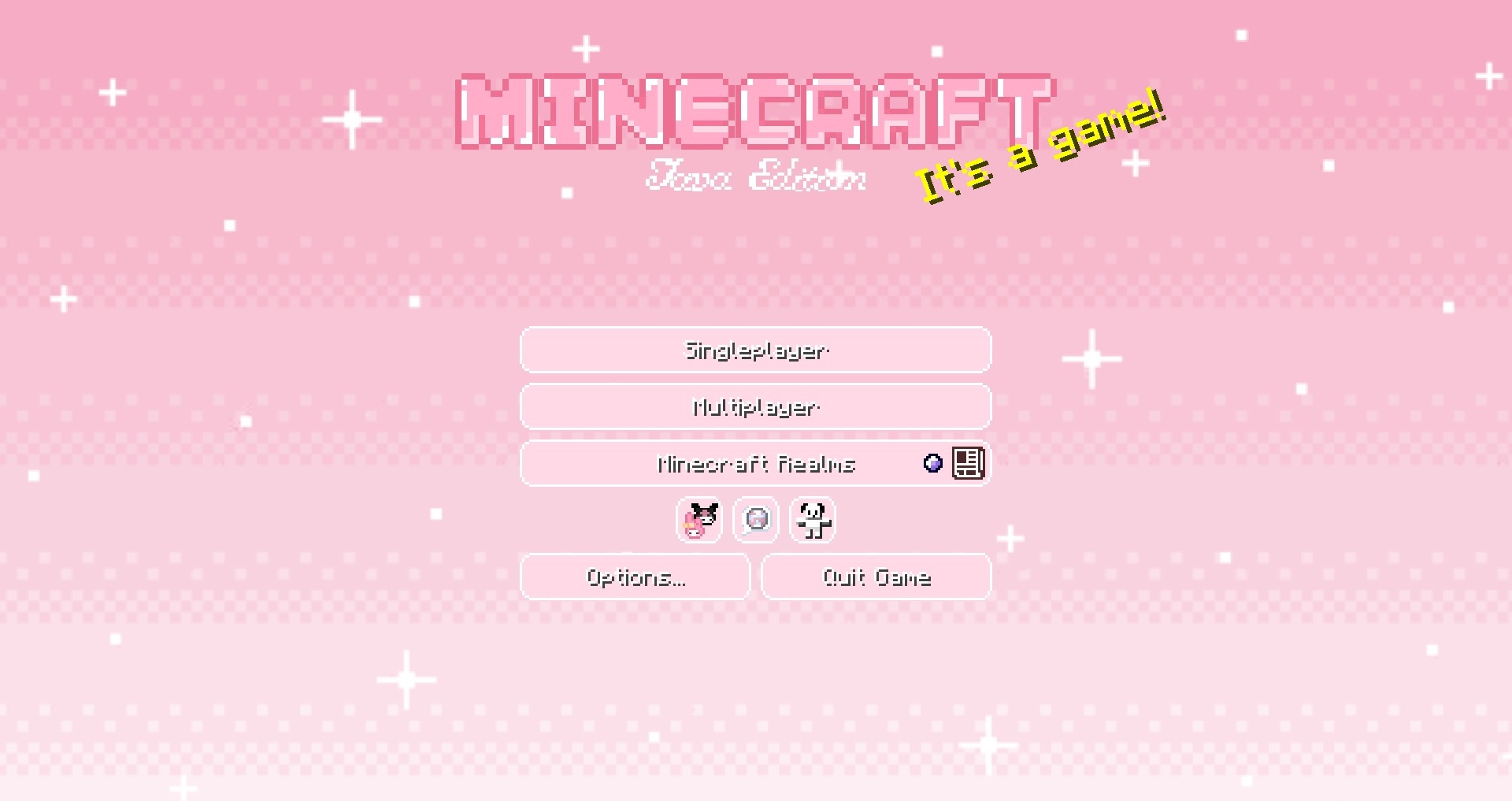
Hello Kitty GUI completely changes the familiar look of in-game windows, adding pink frames, bows and images of the famous kitty. Even the standard inventory now looks completely different. The themed design appears in the main menu, on buttons, in creative mode tabs and on the survival screen. Workstation blocks have not been forgotten either.
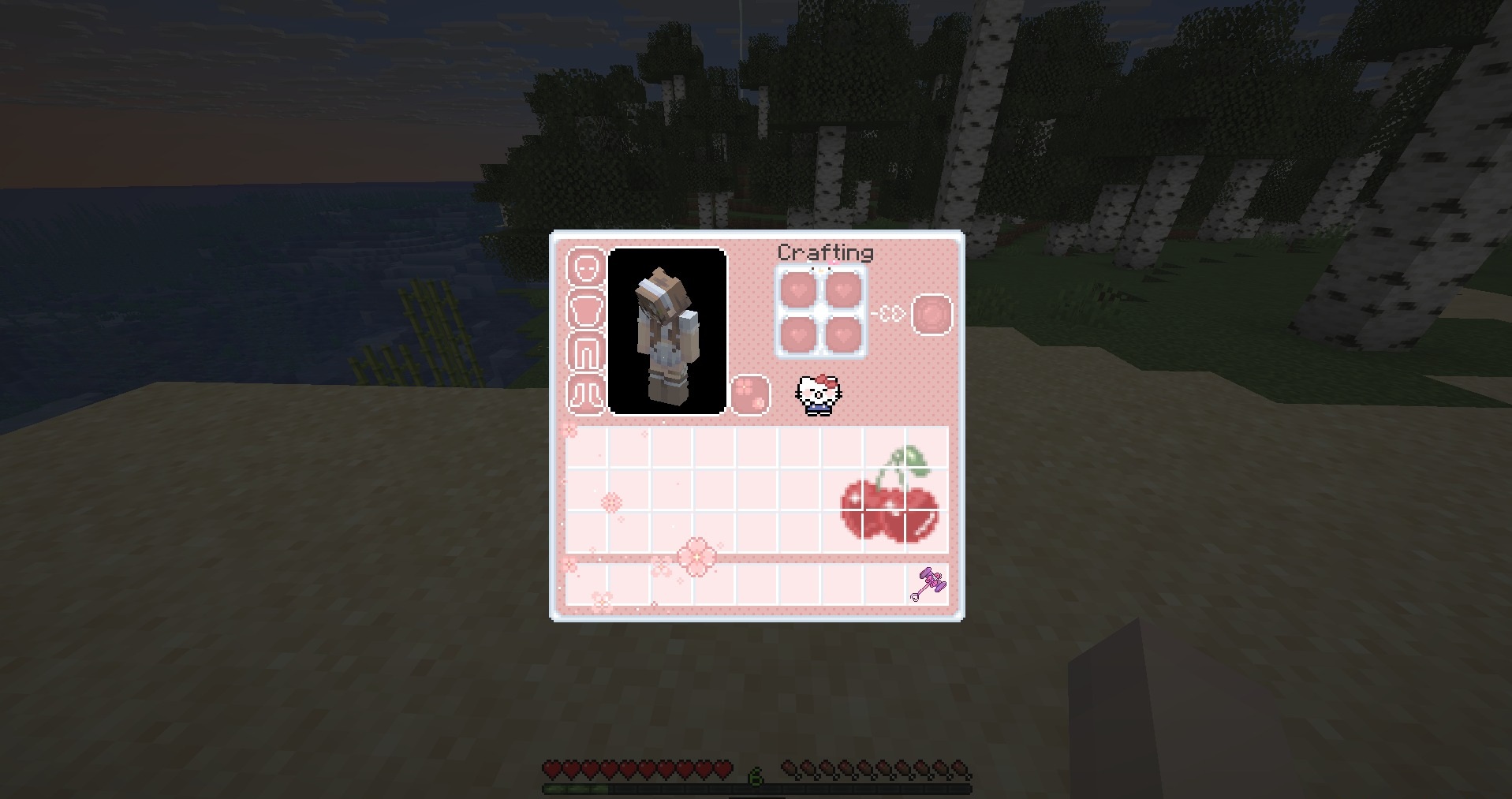
Open a crafting table, furnace, enchanting table or brewing stand — each will have its own Hello Kitty-style interface. The changes are also noticeable when trading with villagers and interacting with horses, donkeys and nautiluses. For some items, including the mace, the author has created separate graphical elements.
How to install the texture pack:
First step: Download the texture pack using the link below.
Second step: Extract the downloaded archive and copy the Hello Kitty GUI folder to c:\Users\Пользователь\AppData\Roaming\.minecraft\resourcepacks\ (if this folder does not exist, create it yourself) (For Windows)
Third step: In the game, go to Settings, then to Resource Packs. In the list on the left, click the icon for the newly added texture pack.
Comments (0)