



Hexa Biome Nature Green for Minecraft 26.3
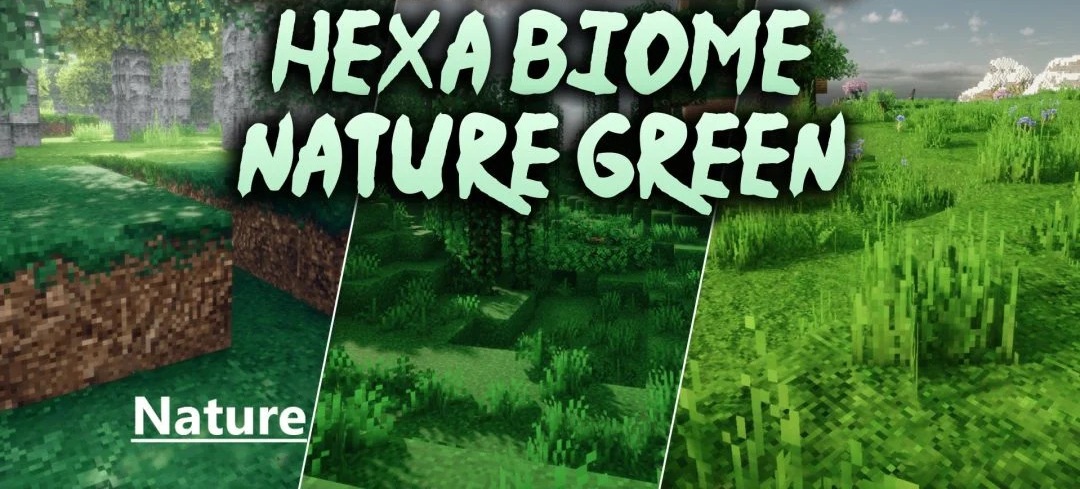
Vegetation receives several color palette options at once in Hexa Biome Nature Green. The pack offers six shades of green — pastel, reef, fern, forest, yellow-green, and Amazonian. They change the color of grass and foliage, allowing the same world to be styled with cooler, warmer, or more saturated tones without replacing the actual block textures.
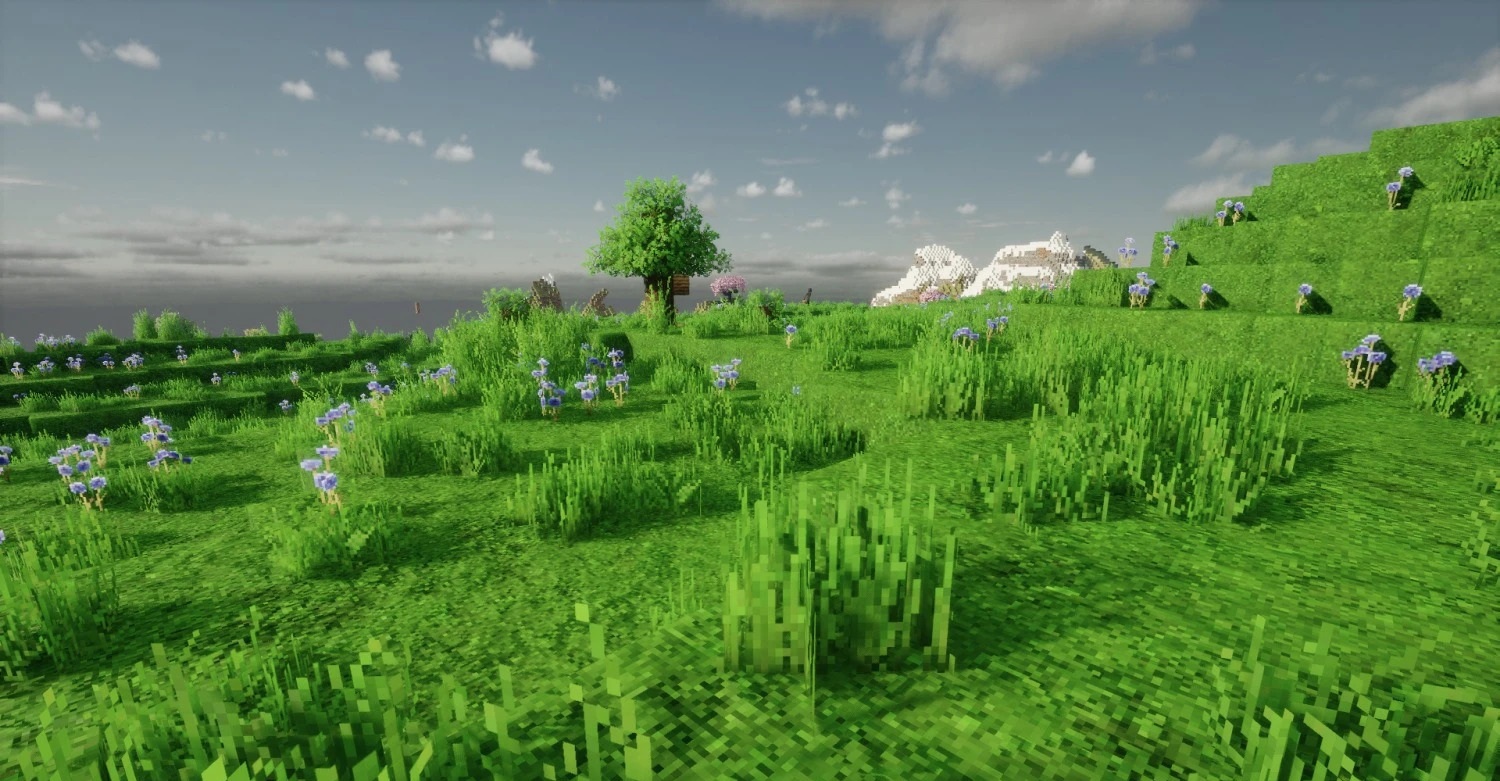
Additionally, the environmental color maps, sugar cane, and certain elements of the interface splash screen have been reworked. The pack is compatible with textures of different resolutions — from 32x to 4K — and can be used with shaders in both single-player games and on servers.
How to install the texture pack:
First step: download and install Hexa Biome Nature Green
Second step: copy the texture pack to the C:\Users\USER_NAME\AppData\Roaming\.minecraft\resourcepacks
Third step: in game settings choose needed resource pack.
Comments (0)