



Highlight Powder Snow Visible for Minecraft 26.3
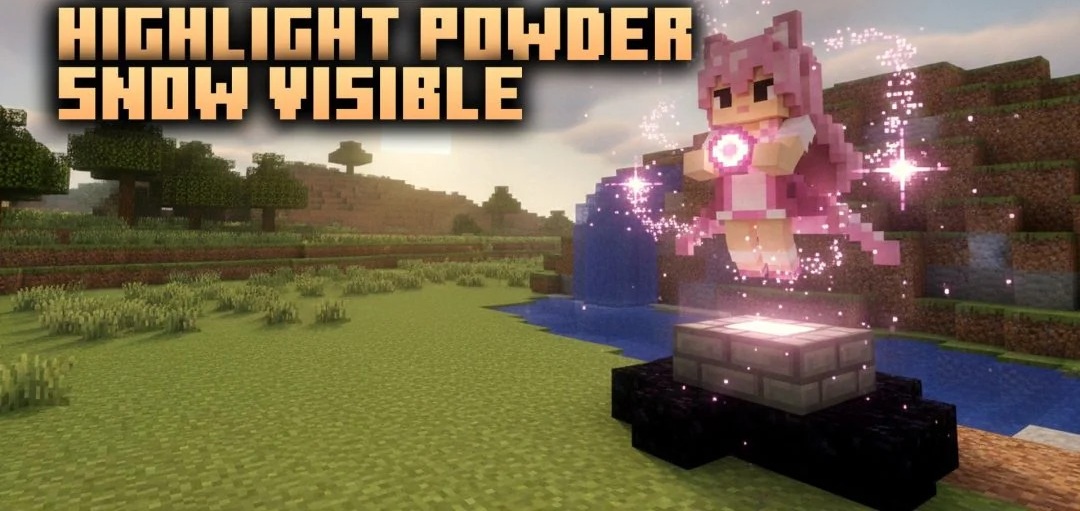
Chances are you've sunk into powder snow at least once while exploring snowy mountains, mistaking it for regular snow. This is especially frustrating during battles, when you have to keep moving. Highlight Powder Snow Visible helps you spot such traps in advance.
Powder snow gets a distinct coloured highlight in shades of red, pink or blue, depending on the selected style. The original snow texture does not disappear completely. The new overlay remains semi-transparent, preserving the familiar patterns and surface shading.
How to install the texture pack:
Step one: download the texture pack using the link below.
Step two: unpack the downloaded archive and copy the Highlight Powder Snow Visible folder to c:\Users\Пользователь\AppData\Roaming\.minecraft\resourcepacks\ (if this folder does not exist, create it yourself) (For Windows)
Step three: in the game, go to Settings, then Resource Packs. Click the icon for the newly added texture pack in the list on the left.
Comments (0)