



Izaan Xtr3me SMP PvP for Minecraft 26.3
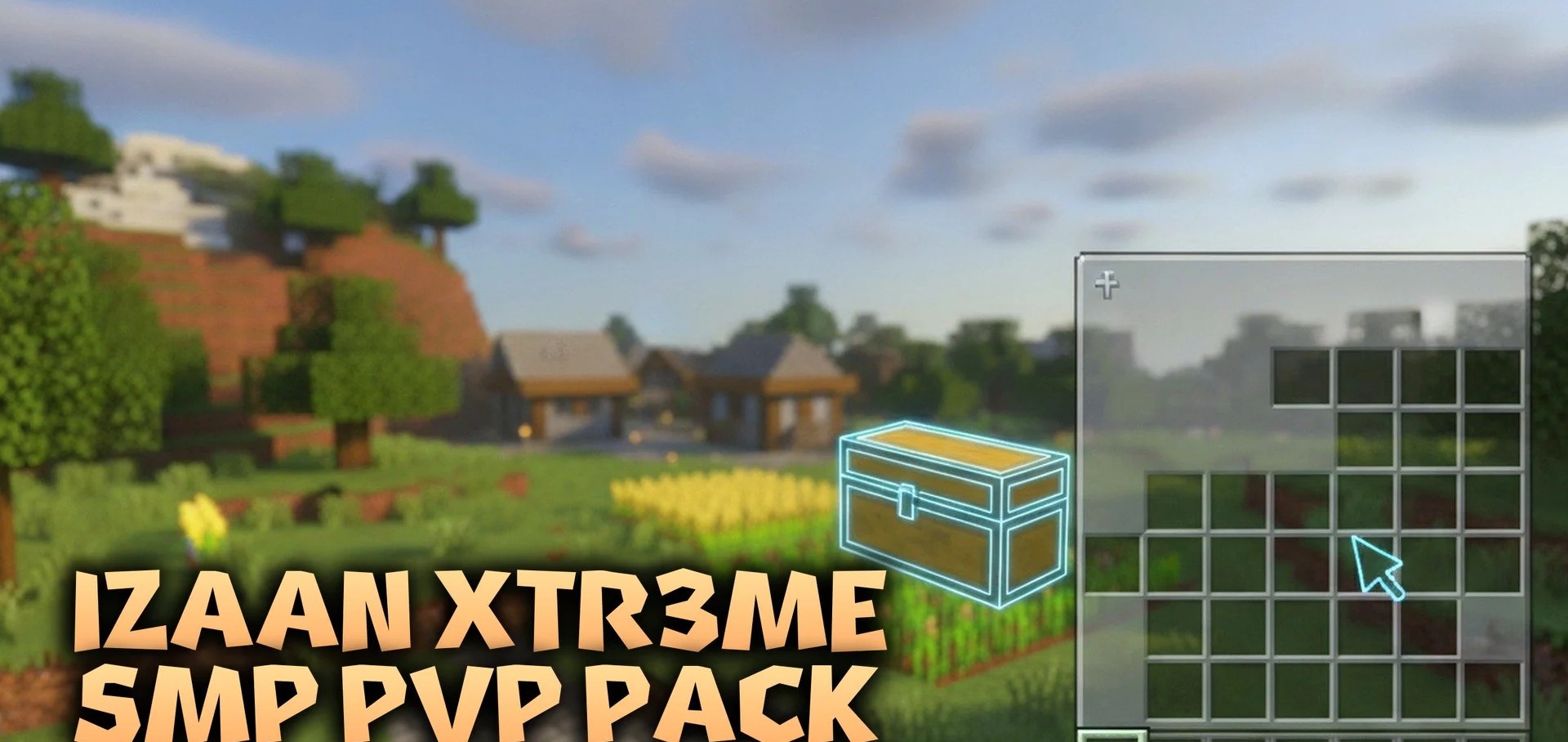
The Izaan Xtr3me SMP PvP resource pack features a sombre design: a dark interface and redesigned armour and weapons, all in a consistent style. The changes affect the inventory, chests, buttons and the enchanting table. Swords, maces, spears, bows and crossbows have been given new textures.
There’s also a little secret: if you rename a diamond or netherite sword to ‘Xtr3me’ using an anvil, it will gain a special 3D model. For PvP, the author has also reduced the fire effects and particles so that they obstruct your view less during combat. Ores are now more visible, which will come in handy during regular resource gathering.
How to install the texture pack:
Step 1: Download the texture pack from the link below.
Step 2: Extract the downloaded archive and copy the folder Izaan Xtr3me SMP PvP to the following path: c:\Users\Пользователь\AppData\Roaming\.minecraft\resourcepacks\ (if this folder does not exist, create it yourself) (For Windows)
Step 3: In the game, go to Settings, then Resource Packs. Click the icon for the newly added texture pack in the list on the left.
Comments (0)