



Kilo’s Green Themed PVP Pack for Minecraft 26.3
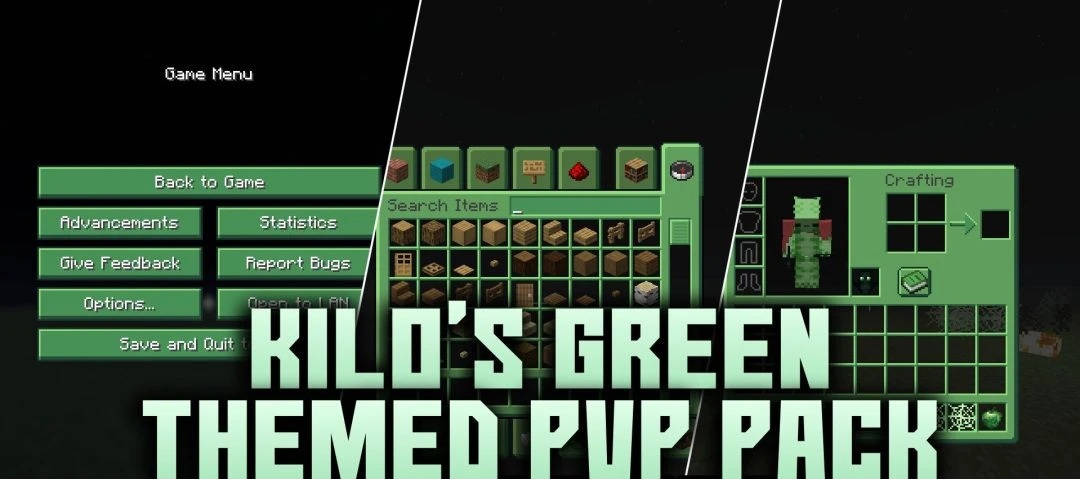
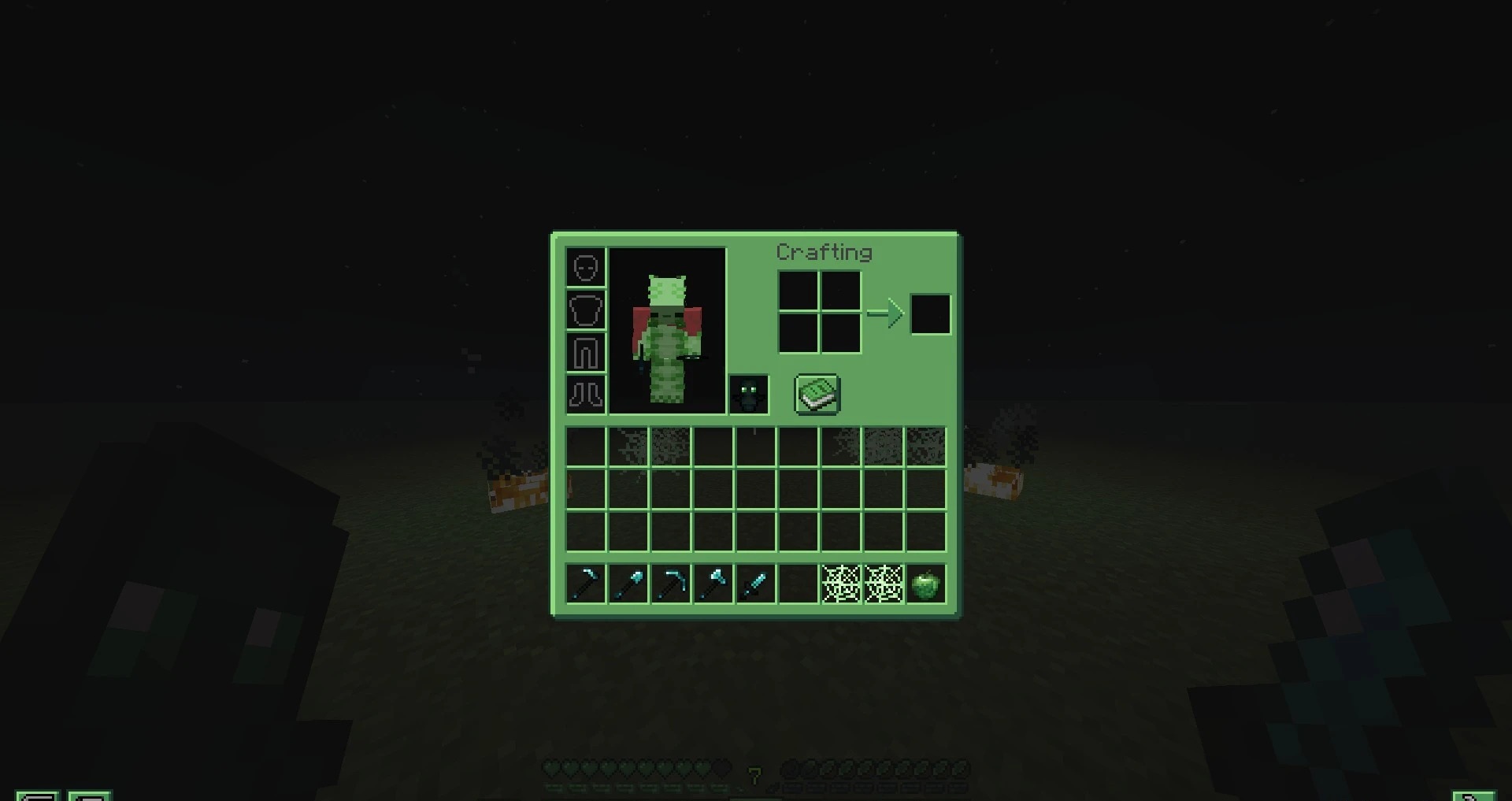
A green color scheme forms the basis of the combat-oriented design in Kilo’s Green Themed PVP Pack. The pack reduces the size of diamond sword models so that weapons obstruct the opponent less and completely removes the first-person fire overlay. Diamond tools receive their own textures designed in a consistent palette, while menus, buttons, and the inventory switch to an updated interface.
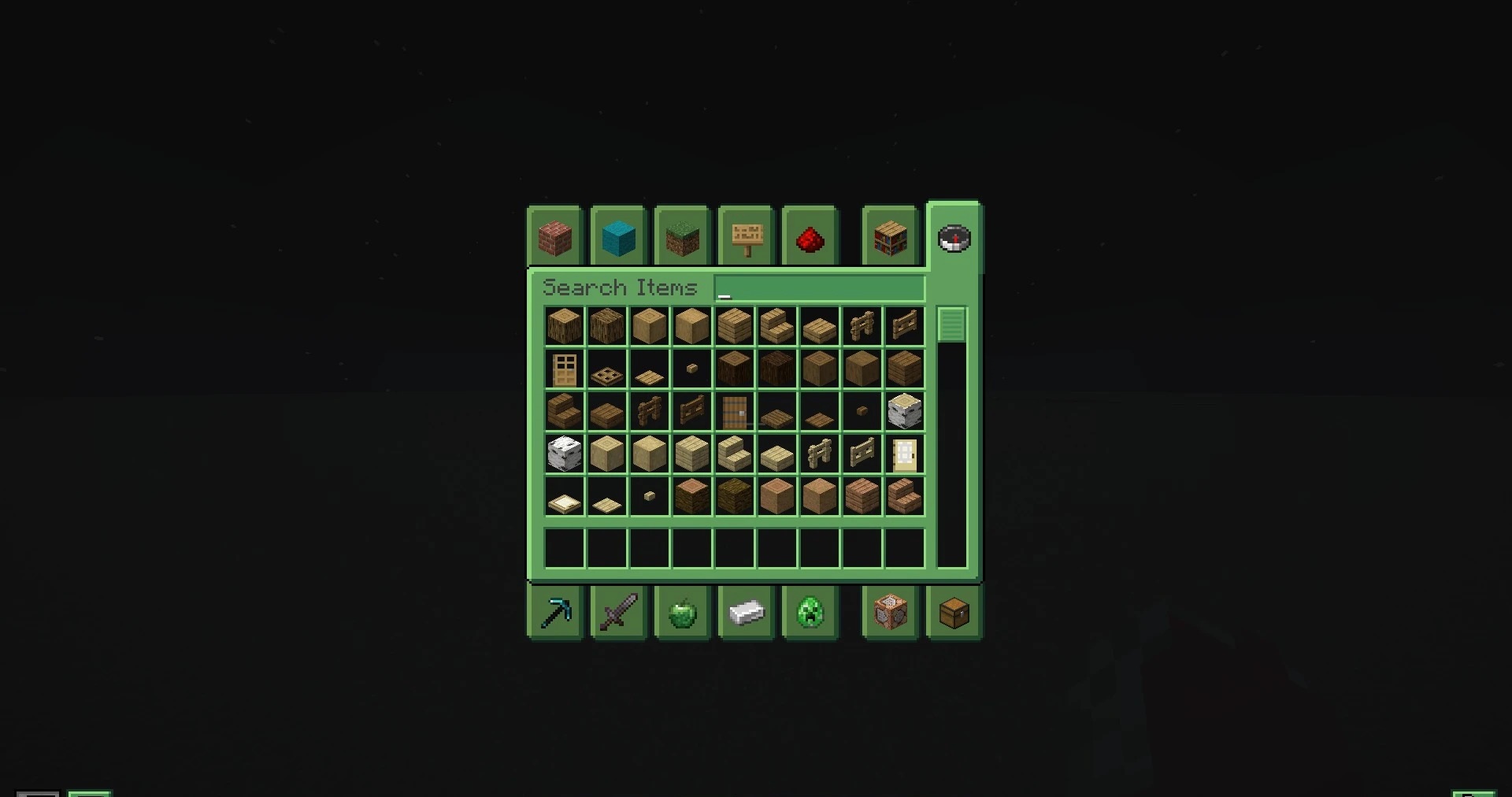
The hotbar is also decorated in green tones. Cobwebs are additionally modified, receiving a noticeable tint that makes them easier to distinguish in PvP arenas. The visual changes affect equipment and the interface, but the main emphasis is on reducing unnecessary elements on the screen.
How to install the texture pack:
First step: download and install Kilo’s Green Themed PVP Pack
Second step: copy the texture pack to the C:\Users\USER_NAME\AppData\Roaming\.minecraft\resourcepacks
Third step: in game settings choose needed resource pack.
Comments (0)