



Marlow’s Font for Minecraft 26.3
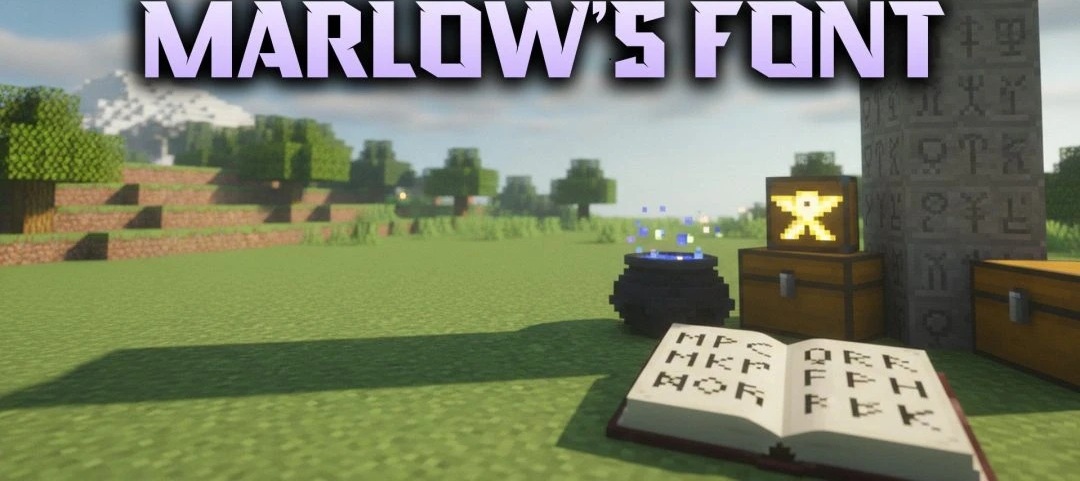
Whether you're reading chat, checking an item name or browsing a menu, Minecraft puts a lot of text in front of you. Marlow’s Font swaps the default lettering for something cleaner, more compact and more modern. It includes over 200 custom glyphs for letters, numbers and other symbols.
Care has gone into keeping the characters readable against both light and dark interface backgrounds. That's useful in fast PvP matches, when you want to catch a message without looking away from the action for long. Everything else stays put. Buttons, icons, item slots and the surrounding graphics are unchanged; it's the text that gets the new look.
How to install the texture pack:
First step: download and install Marlow’s Font
Second step: copy the texture pack to the C:\Users\USER_NAME\AppData\Roaming\.minecraft\resourcepacks
Third step: in game settings choose needed resource pack.
Comments (0)