



Meowmrow Kittycat UI for Minecraft 26.3
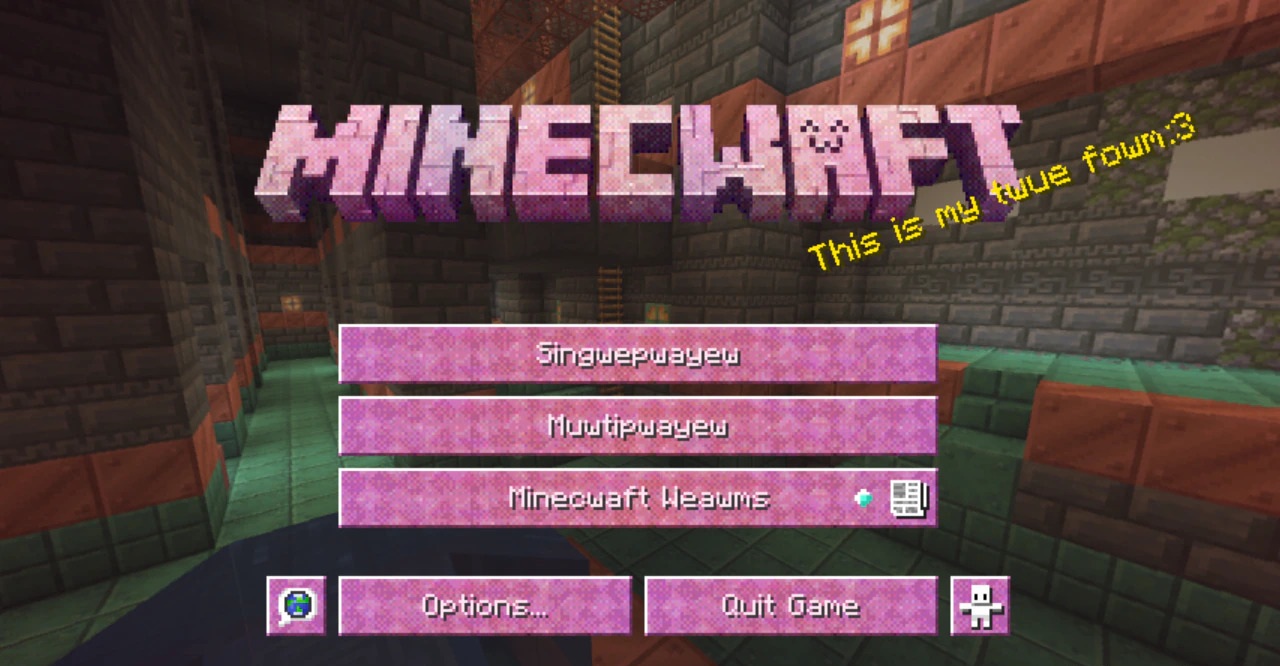
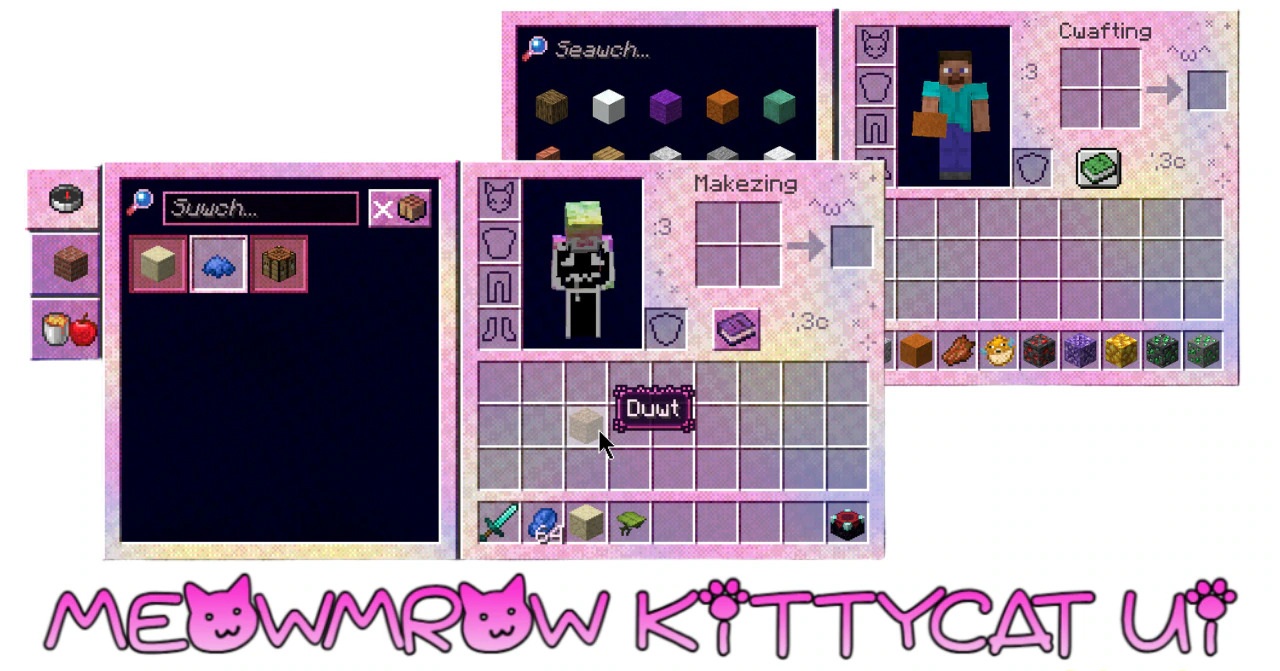
You don't have to look far to find a cat motif in Meowmrow Kittycat UI. Buttons, icons, windows and other interface elements have all picked up little feline decorations. The lettering is different as well. A playful new font takes the place of Minecraft's usual one, and it shows up in ordinary in-game text, not just in menus.
You'll see the change even when the inventory is closed. What hasn't changed is where anything goes: items still occupy the same slots, buttons are where you expect them, and navigating the menus works exactly as before.
How to install the texture pack:
First step: download and install Meowmrow Kittycat UI
Second step: copy the texture pack to the C:\Users\USER_NAME\AppData\Roaming\.minecraft\resourcepacks
Third step: in game settings choose needed resource pack.
Comments (0)