



Moon Darkens for Minecraft 26.3
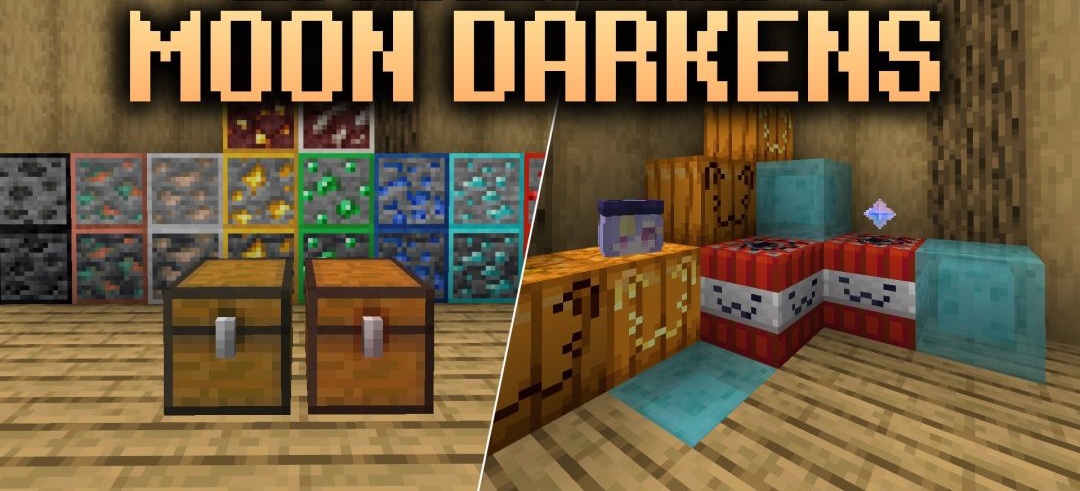
In Moon Darkens, strange and amusing changes can be found literally everywhere. Ordinary zombies turn into Qiqi from Genshin Impact, skeletons take on the appearance of Ganyu, and characters resembling Keqing appear in place of wither skeletons. Slimes now resemble Hydro Slimes, the Nether Star looks like a Primogem, and slimeballs have turned into small blue balls.
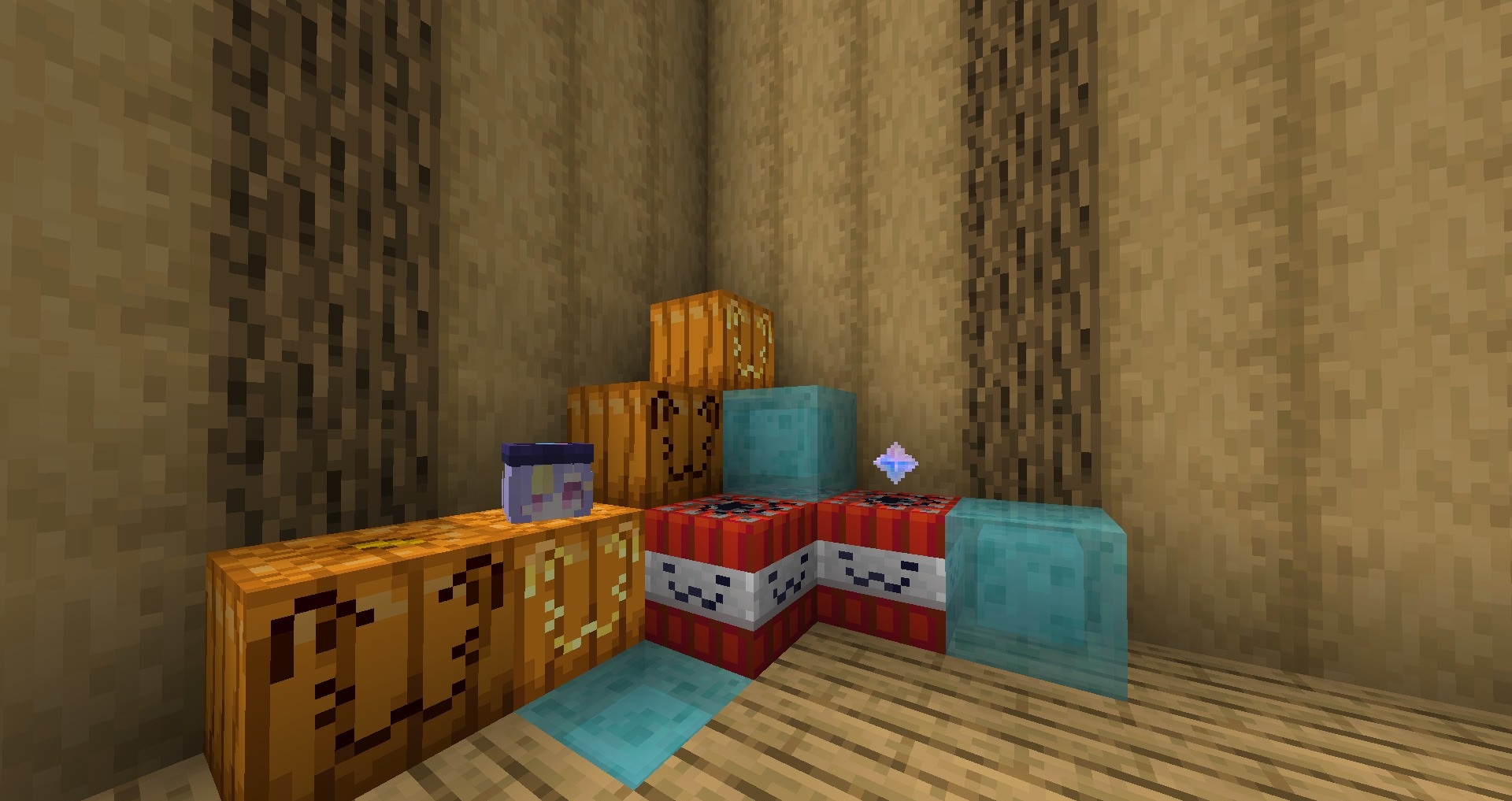
There are also less noticeable details. For example, cat faces have appeared on pumpkins and TNT blocks, and lava now has softer colouring. Obsidian has also changed: its surface now features smooth transitions between shades. The interface is darker, tooltips are coloured green, and the hunger and armour bars have been reworked.
How to install the texture pack:
First step: Download the texture pack using the link below.
Second step: Extract the downloaded archive and copy the Moon Darkens folder to c:\Users\Пользователь\AppData\Roaming\.minecraft\resourcepacks\ (if this folder does not exist, create it yourself) (For Windows)
Third step: In the game, go to Settings, then Resource Packs. Click the icon for the newly added texture pack in the list on the left.
Comments (0)