



Natural Texture Pack for Minecraft 26.3
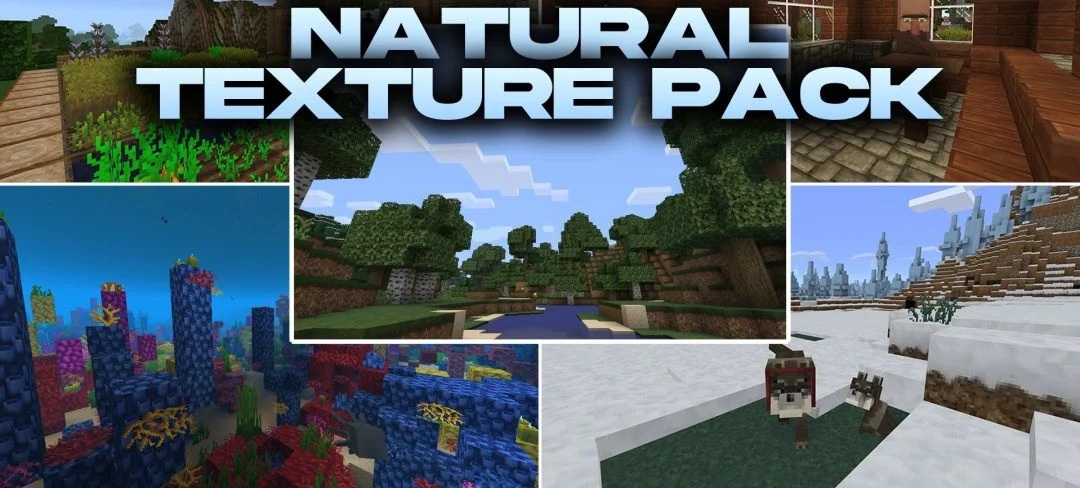
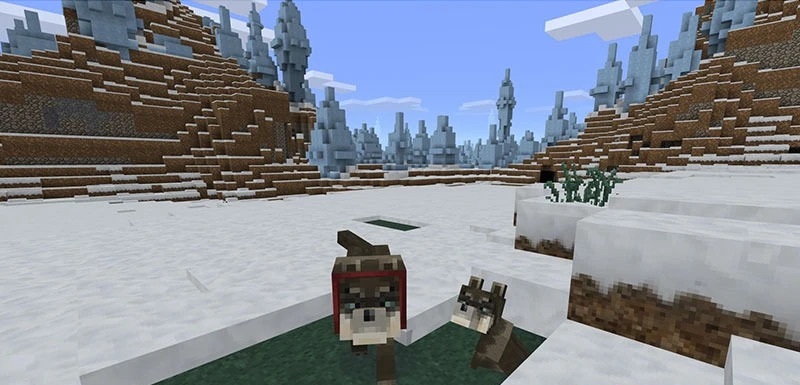
The visual style of Legacy Console Edition returns to modern versions thanks to Natural Texture Pack. The pack changes thousands of textures for blocks, items, mobs, and environmental details, using softer lines and warm, earthy shades.
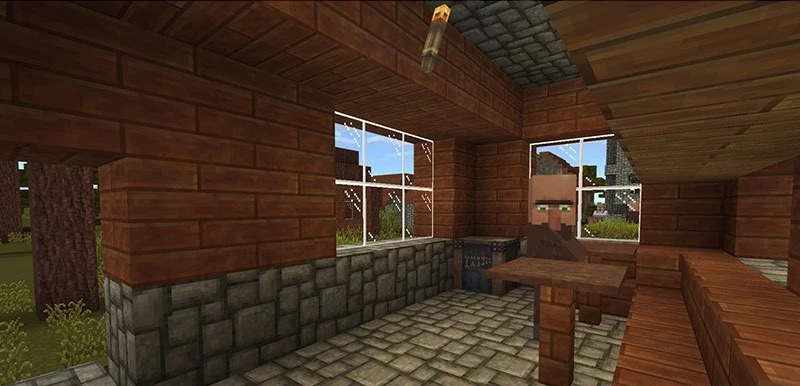
As a result, landscapes look calmer, while buildings receive a more cohesive and polished appearance without departing too far from Minecraft's classic style. The overhaul affects more than just the world: the interface, inventory screens, armor elements, paintings, maps, and particles are also updated. At the same time, the pack does not attempt to turn the game into a realistic simulator and preserves the blocky structure and recognizable shapes of the original.
How to install the texture pack:
First step: download and install Natural Texture Pack
Second step: copy the texture pack to the C:\Users\USER_NAME\AppData\Roaming\.minecraft\resourcepacks
Third step: in game settings choose needed resource pack.
Comments (0)