



Nature X for Minecraft 26.3
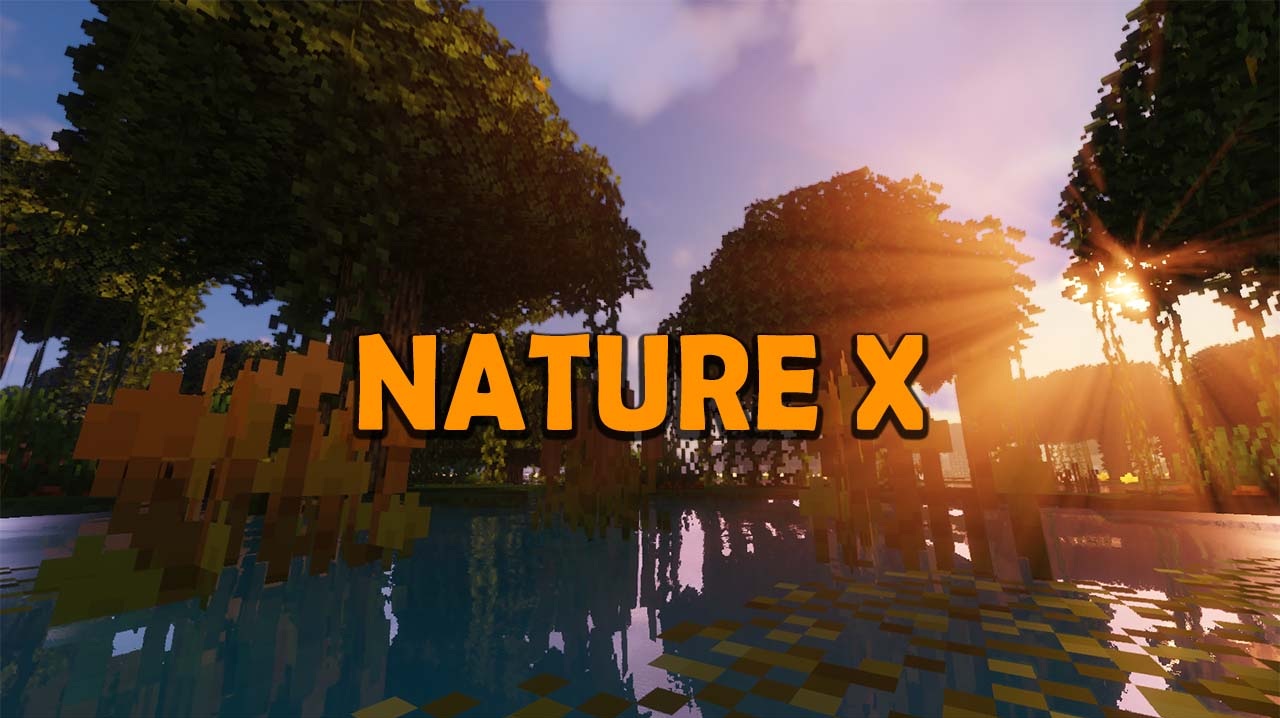
Natural areas take on a completely different visual appearance after installing Nature X. The pack focuses on reworking the surrounding landscape, aiming to make world exploration less monotonous and add visual variety to familiar environments.
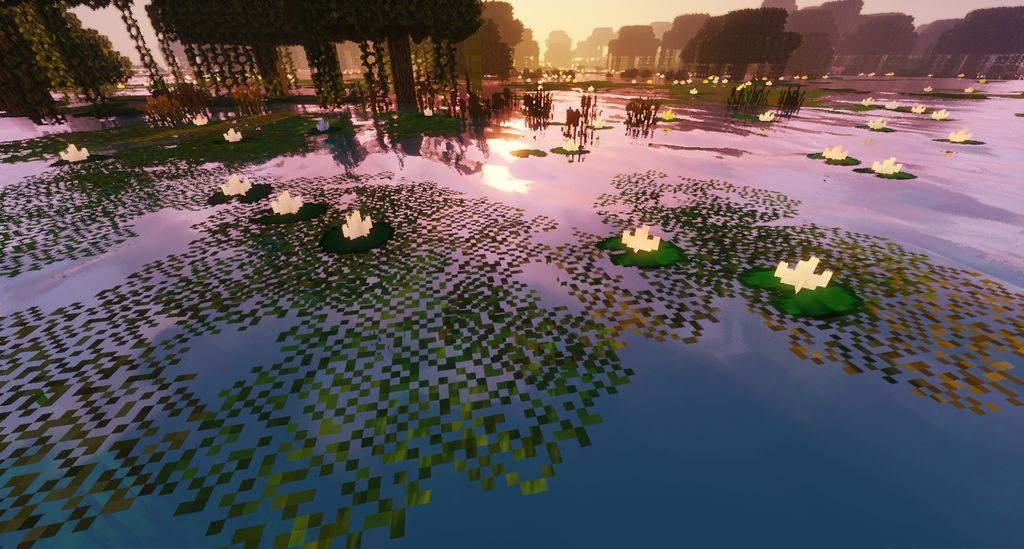
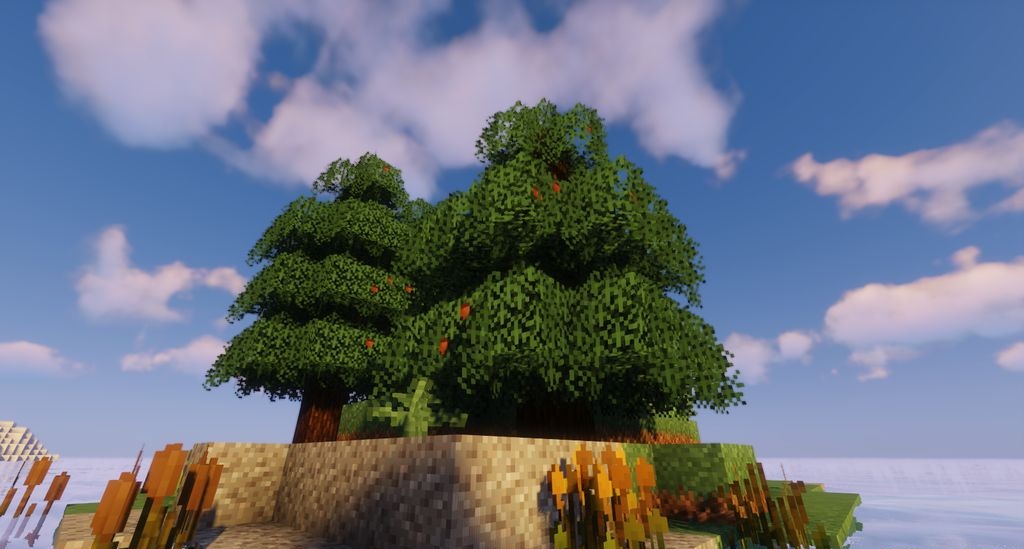
The main changes affect the natural environment, so familiar biomes are perceived differently even without changes to world generation itself. The author's approach is intended to prevent repeated journeys through the world from becoming a constant repetition of the same textures and color combinations. The pack introduces no new gameplay mechanics and works exclusively through graphics, changing the appearance of the environment.
How to install the texture pack:
First step: download and install Nature X
Second step: copy the texture pack to the C:\Users\USER_NAME\AppData\Roaming\.minecraft\resourcepacks
Third step: in game settings choose needed resource pack.
Comments (0)