



Neythox 3D Totem for Minecraft 26.3
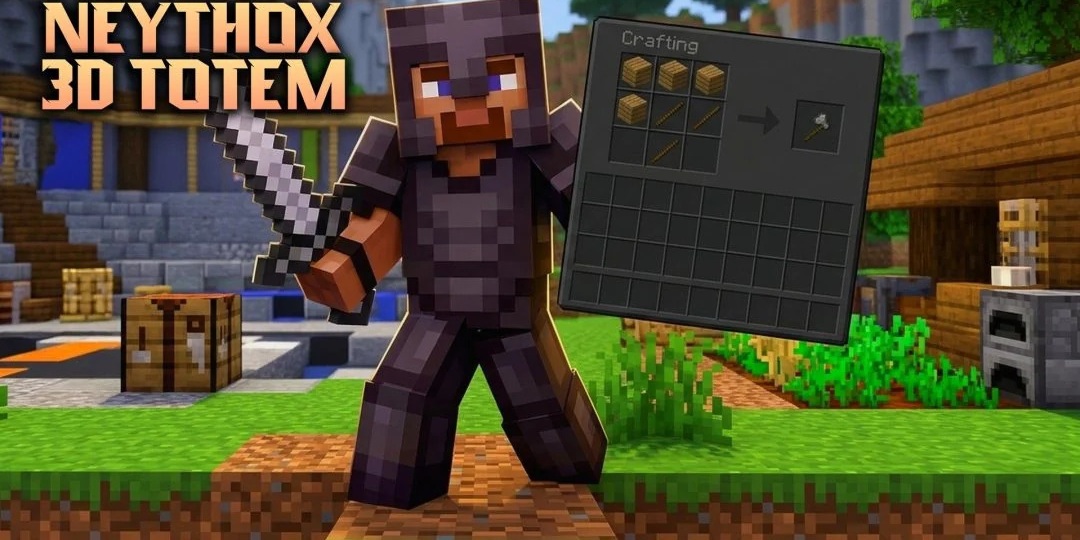
Instead of the usual flat Totem of Undying, the Neythox 3D Totem texture pack offers a small Minecraft character figurine. It features a fully developed 3D model, its own skin and an unusual bright green visor that resembles a holographic screen. The visor has separate textures, so it stands out clearly on the figurine’s face.
The most interesting feature is the ability to replace the standard skin with your own. To do this, you’ll need to edit the relevant texture files, after which the totem will resemble a scaled-down version of your character. You can also keep the green visor. The resource pack does not alter any other items or pieces of equipment.
How to install the texture pack:
Step one: Download the texture pack using the link below.
Step two: Extract the downloaded archive and copy the folder Neythox 3D Totem to c:\Users\Пользователь\AppData\Roaming\.minecraft\resourcepacks\ (if this folder does not exist, create it yourself) (For Windows)
Step three: In the game, go to Settings, then Resource Packs. In the list on the left, click the icon for the newly added texture pack.
Comments (0)