



Pharaoh’s Box for Minecraft 26.3
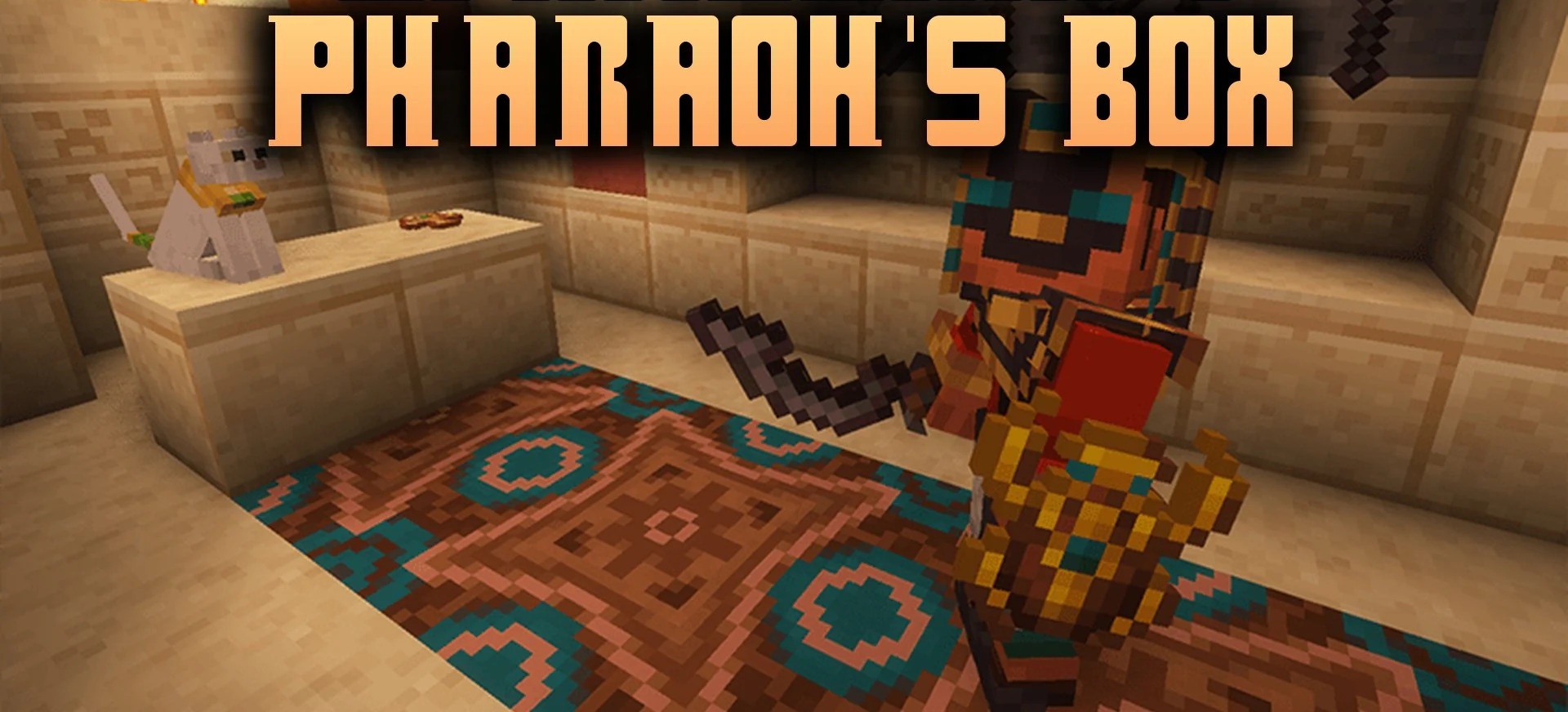
Pharaoh’s Box turns netherite gear into the equipment of an ancient Egyptian ruler. Instead of the familiar dark armour, the character wears a golden outfit with lapis lazuli decorations and a pharaoh’s headdress. The weapons look unusual too.
The netherite sword is replaced with a curved khopesh, and the tools take the form of ceremonial objects, chisels and sceptres. Gold trim and images of scarabs appear on shields, bows and crossbows. Some items feature three-dimensional models and animations, so the changes go beyond simply recolouring textures. Inventory icons have also been reworked.
How to install the texture pack:
Step one: Download the texture pack using the link below.
Step two: Unzip the downloaded archive and copy the Pharaoh’s Box folder to c:\Users\Пользователь\AppData\Roaming\.minecraft\resourcepacks\ (if this folder does not exist, create it yourself) (For Windows)
Step three: In the game, go to Settings, then Resource Packs. In the list on the left, click the icon for the newly added texture pack.
Comments (0)