



Pinku’s Pink GUI Pack for Minecraft 26.3
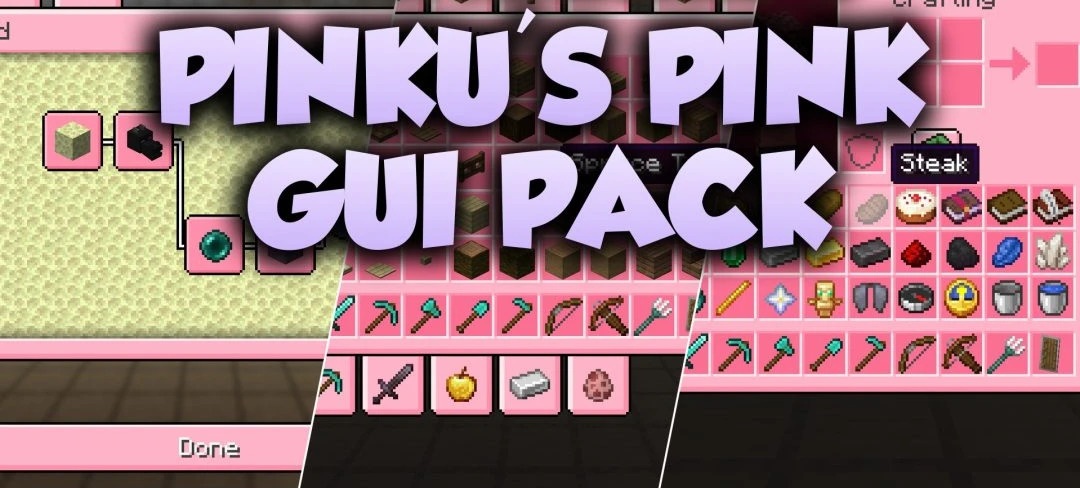
Soft pink and light blue are the two main colors in Pinku’s Pink GUI Pack. You'll find pink on the backgrounds and borders of the windows, with touches of blue on some buttons and other controls. Have a look at your hotbar: that's pink as well, but the selected slot is marked in blue.
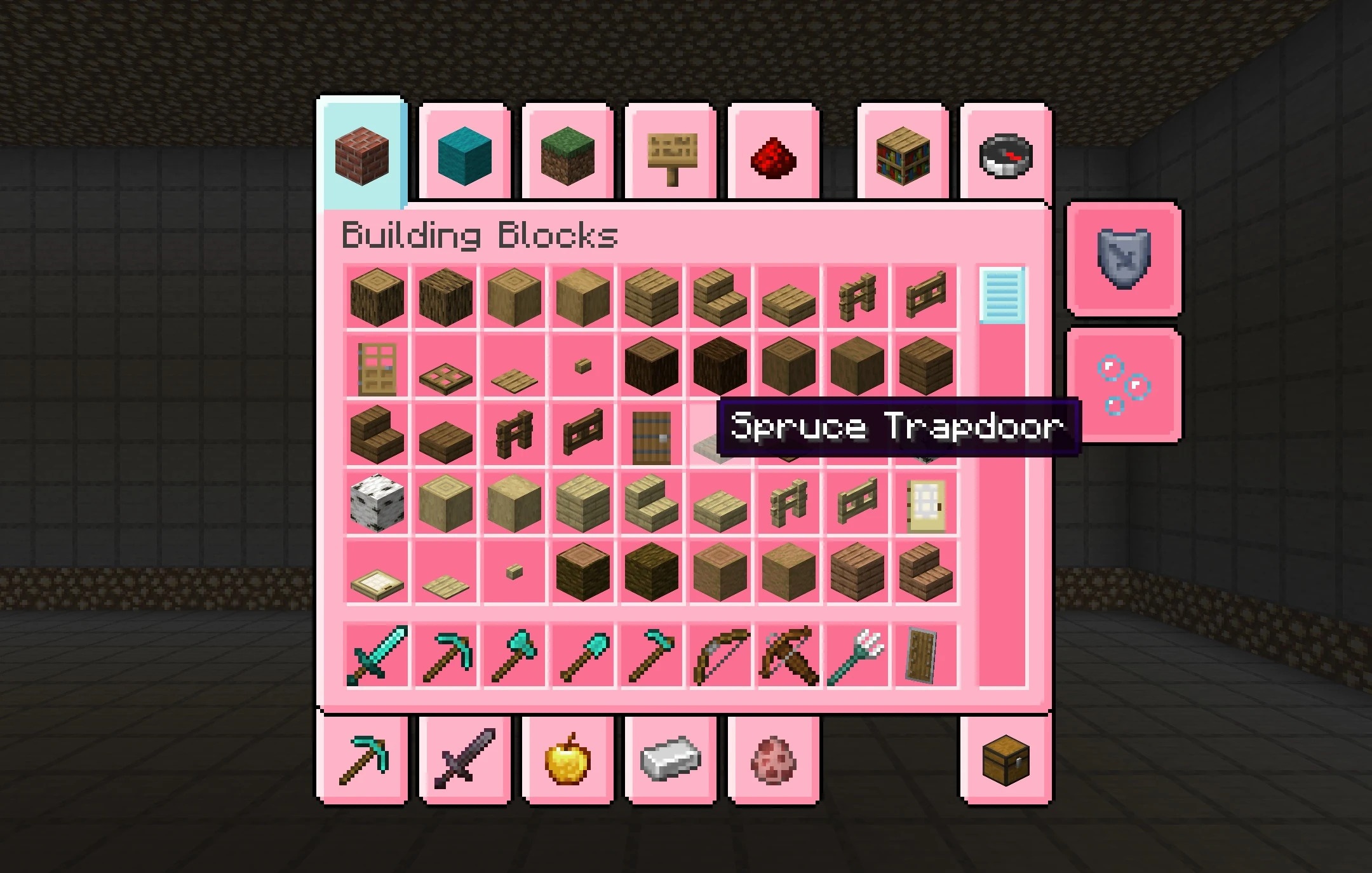
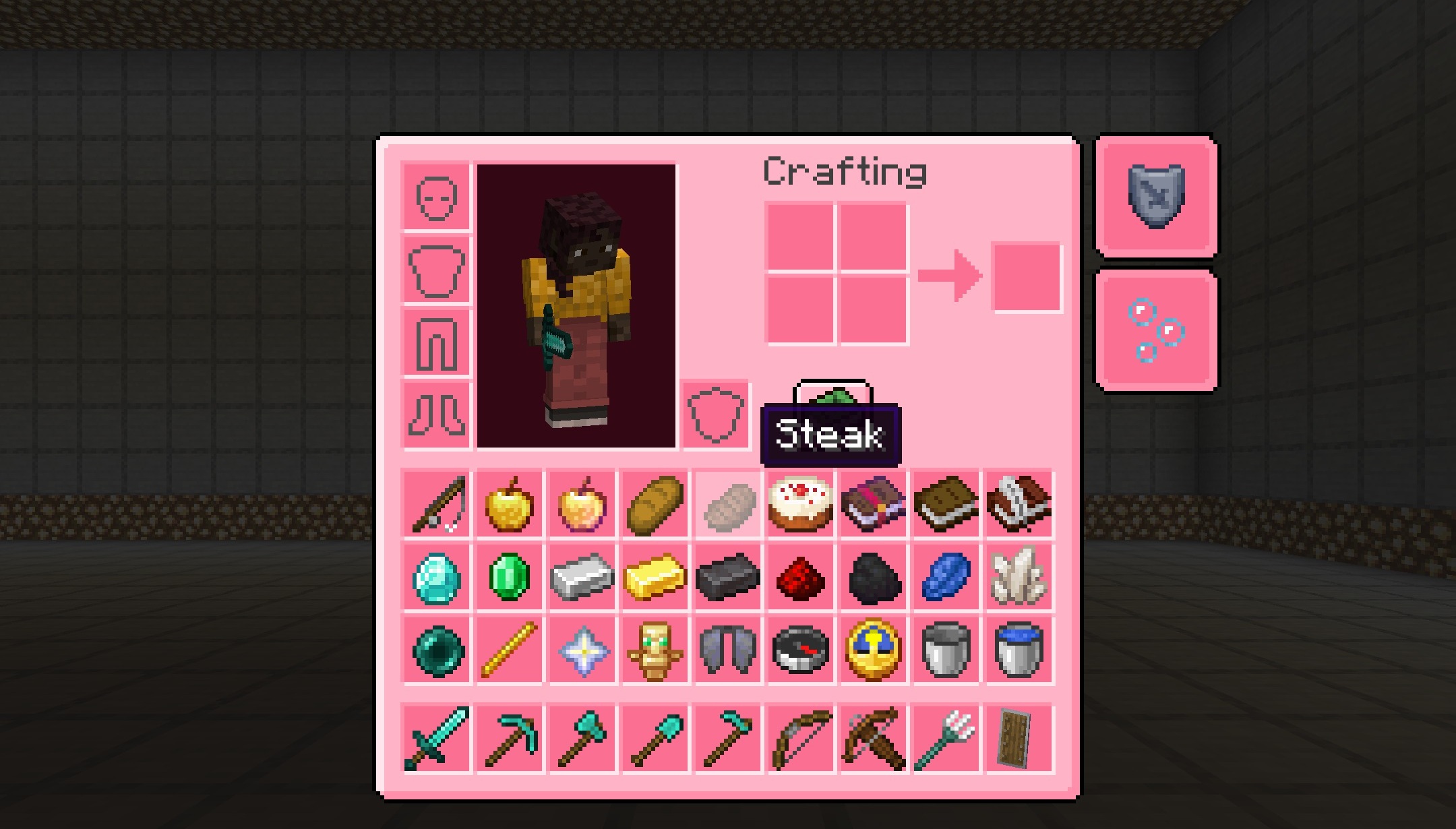
The new artwork goes beyond the inventory, crafting table and storage screens. It extends to the main menu, pause screen and settings. You won't need to learn your way around any of these menus again, as everything is still where you'd expect it to be. Even the little pictures of items are unchanged. It's only the menus themselves that look different.
How to install the texture pack:
First step: download and install Pinku’s Pink GUI Pack
Second step: copy the texture pack to the C:\Users\USER_NAME\AppData\Roaming\.minecraft\resourcepacks
Third step: in game settings choose needed resource pack.
Comments (0)