



Pretty Realistic PBR for Minecraft 26.3
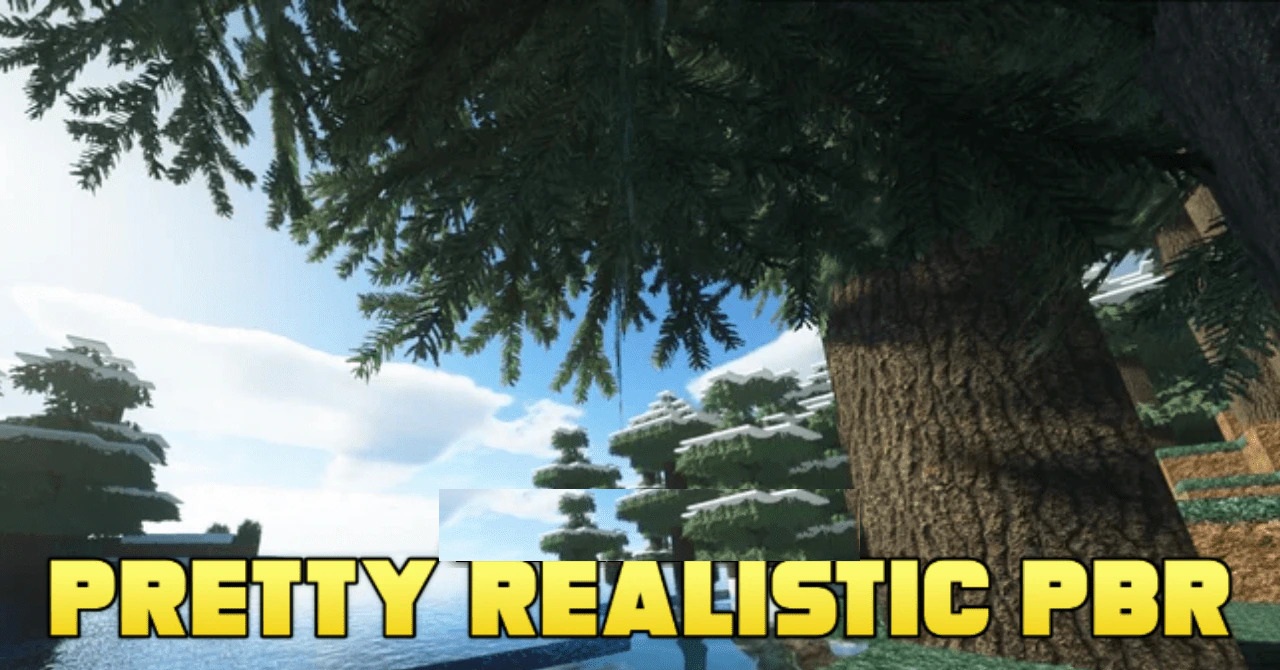
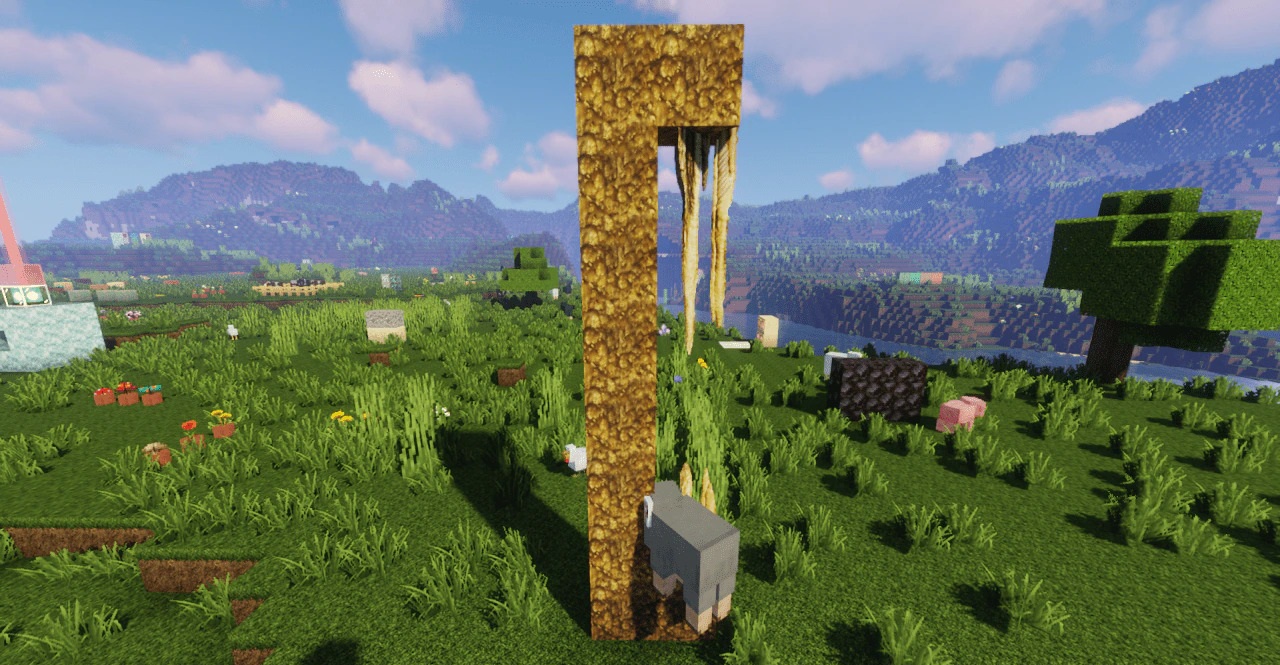
Photorealistic material properties become the foundation of Pretty Realistic PBR. The pack reworks blocks and items using PBR technology, giving metal, wood, stone, and other surfaces their own roughness, depth, and light-reflection characteristics. Flat textures are replaced by materials that react differently to lighting and better convey surface structure.
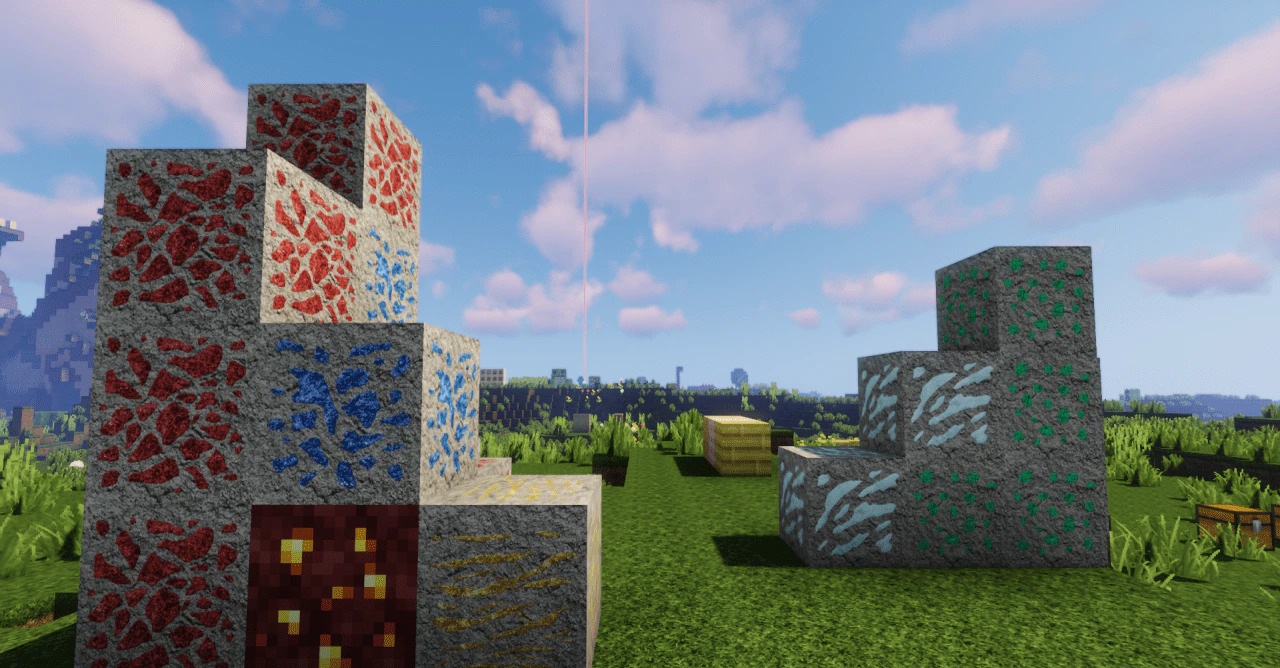
Landscapes also gain increased detail, making snow, cliffs, and underwater areas more expressive. A suitable shader pack is required to fully bring out these effects, since it is responsible for reflections, lighting, and additional material properties.
How to install the texture pack:
First step: download and install Pretty Realistic PBR
Second step: copy the texture pack to the C:\Users\USER_NAME\AppData\Roaming\.minecraft\resourcepacks
Third step: in game settings choose needed resource pack.
Comments (0)