



Prime’s HD Textures FREE 32x for Minecraft 26.3
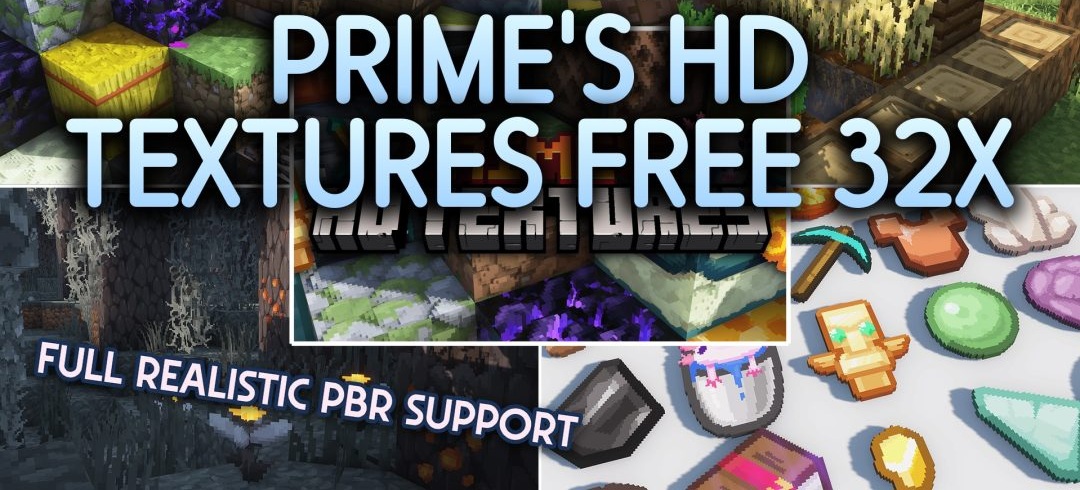
The basic vanilla style becomes sharper and more detailed with Prime’s HD Textures FREE 32x. The pack reworks the standard world at a higher resolution while preserving the familiar shapes and overall Minecraft aesthetic. The changes affect building materials, items, and natural elements, giving them a more modern level of detail.
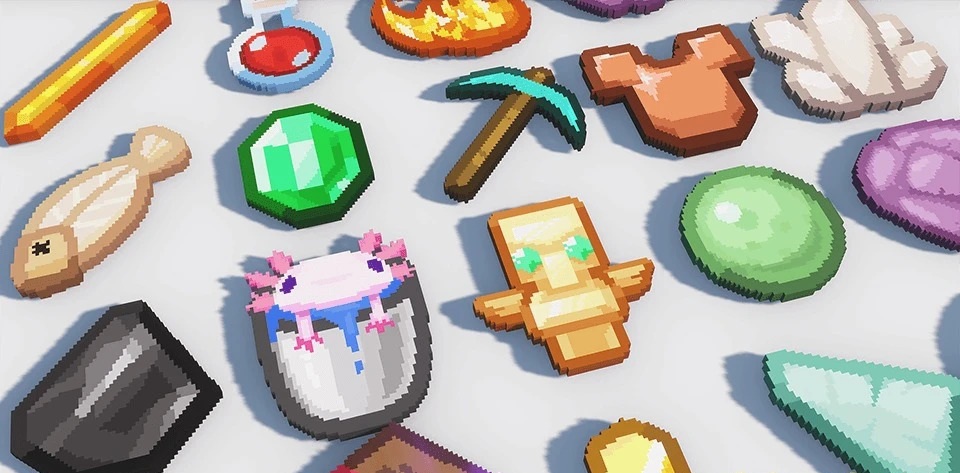
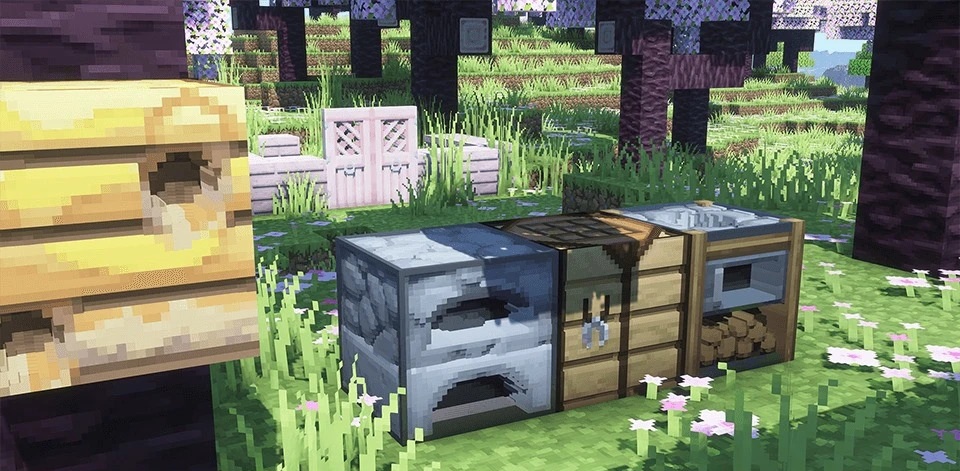
The visual pack also uses 3D shapes and shiny surfaces, so some objects look deeper than in the original. When compatible shaders are used, realistic reflections may appear on blocks, enhancing the sense of material.
How to install the texture pack:
First step: download and install Prime’s HD Textures FREE 32x
Second step: copy the texture pack to the C:\Users\USER_NAME\AppData\Roaming\.minecraft\resourcepacks
Third step: in game settings choose needed resource pack.
Comments (0)