



Programmer Art DX for Minecraft 26.3
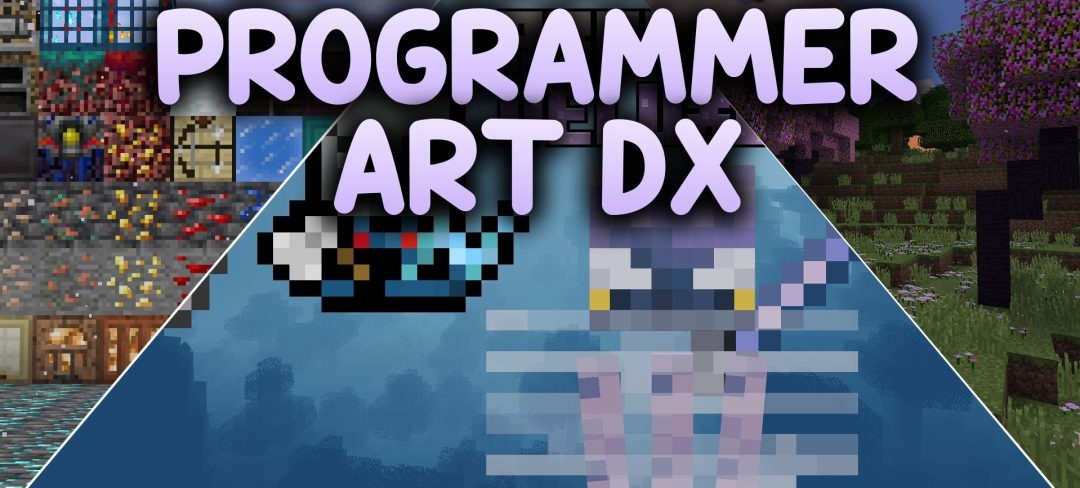
Programmer Art DX extends Minecraft’s old graphics to content introduced after version 1.13. More than 500 custom textures rework modern blocks, items, creatures, particles, and menu elements as if they had been created for the game’s earlier visual style.
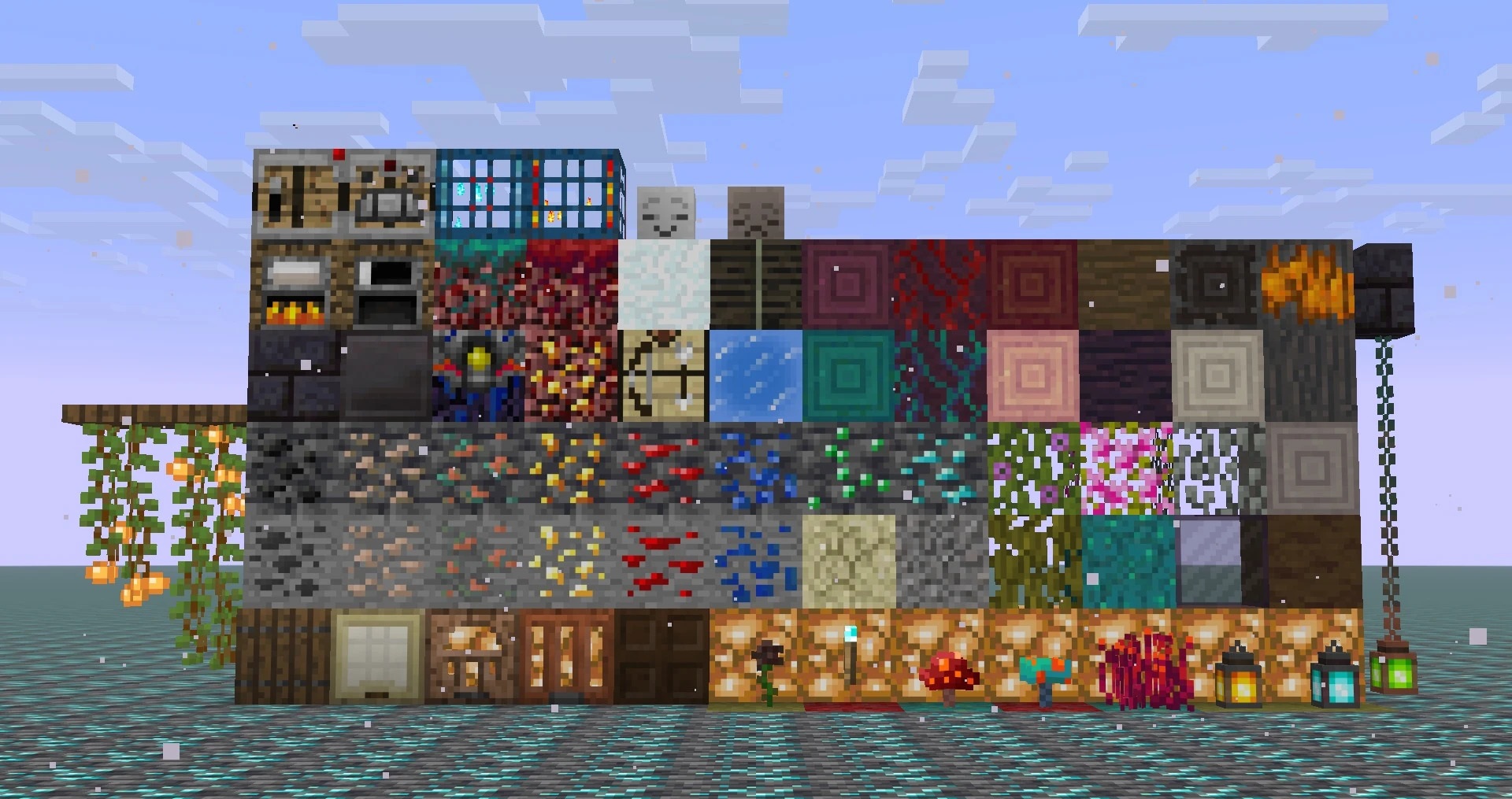
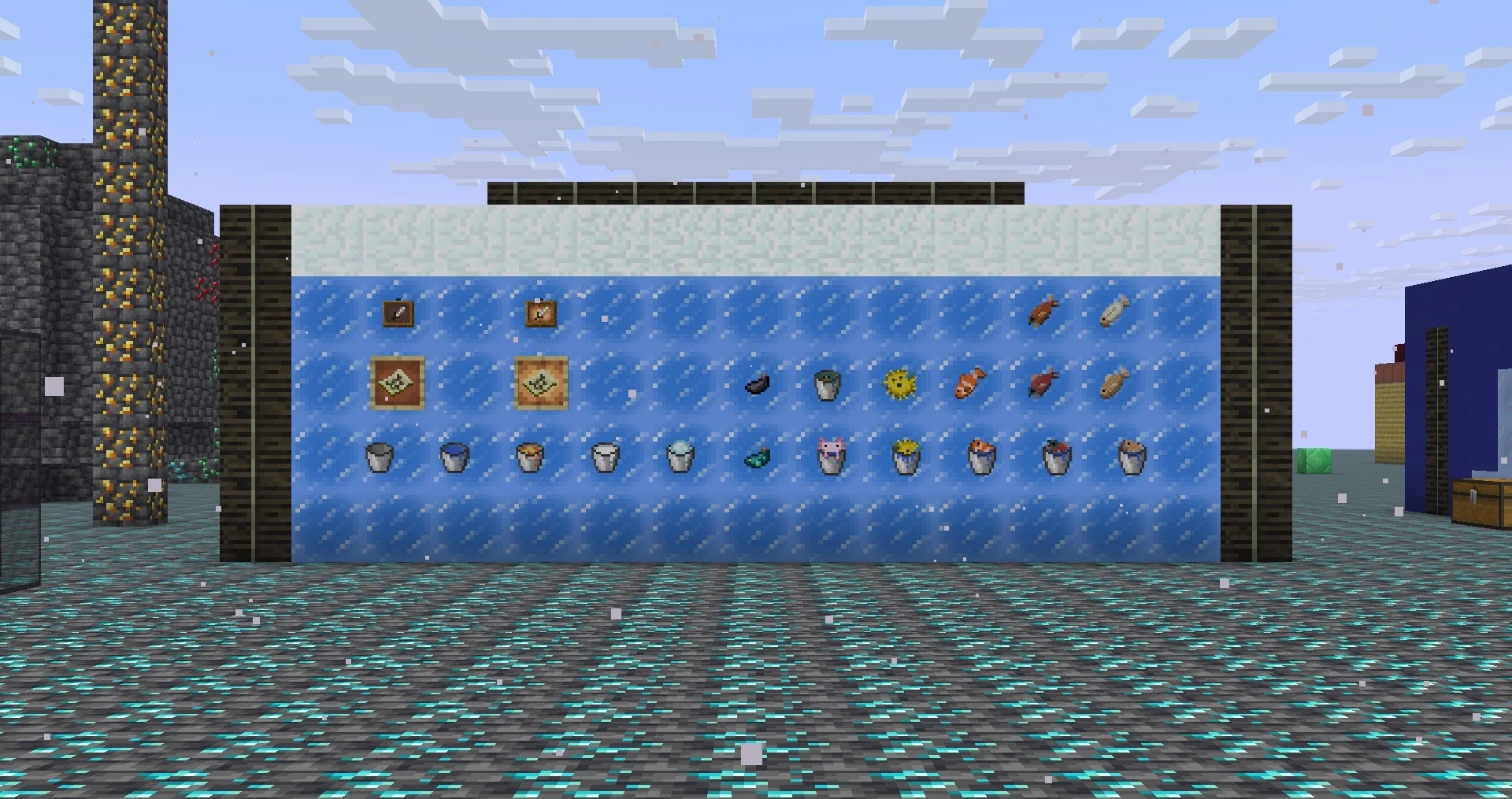
Ores receive classic shapes and pronounced outlines, while bats, vexes, and allays gain an older pixel-art appearance. Effect icons, signs, hanging signs, new types of foliage, buckets, fish, and modern metal ingots have been redrawn. Separate changes affect blue ice, honey, netherite equipment, and Nether fungi. The positioning of several models, including horse armor, has also been corrected.
How to install the texture pack:
First step: download and install Programmer Art DX
Second step: copy the texture pack to the C:\Users\USER_NAME\AppData\Roaming\.minecraft\resourcepacks
Third step: in game settings choose needed resource pack.
Comments (0)