



PvP Essentials Overlay for Minecraft 26.3
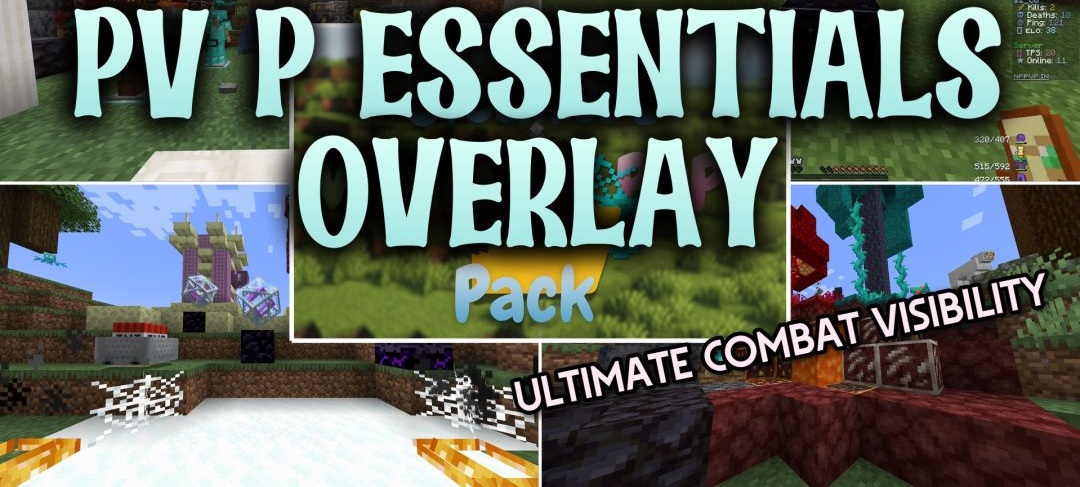
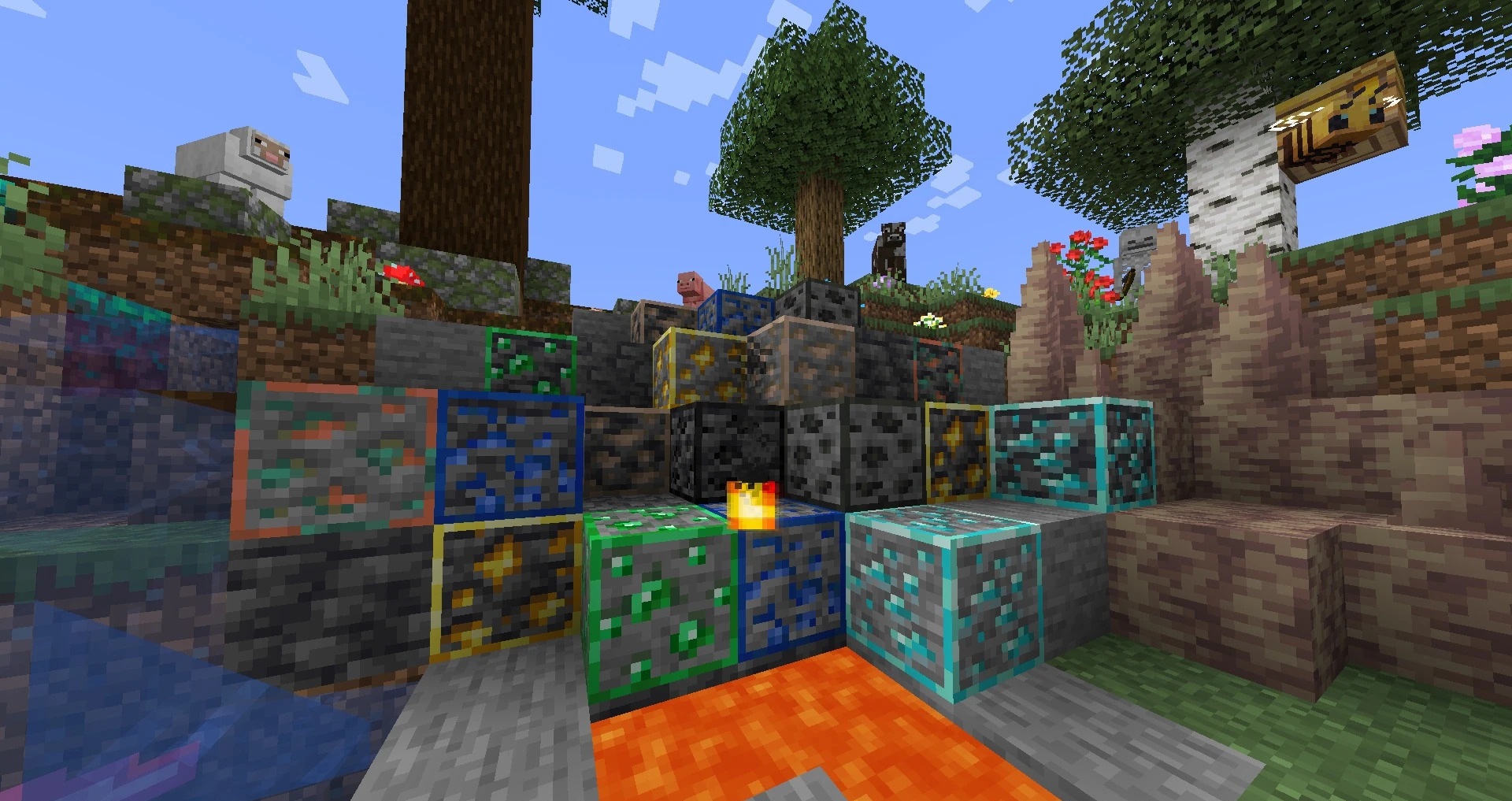
PvP Essentials Overlay works as an additional layer over other textures and removes elements that interfere with combat or exploration. Valuable ores receive bright outlines, while the drawn bowstring of bows and crossbows changes color, helping to identify when a shot is fully ready.
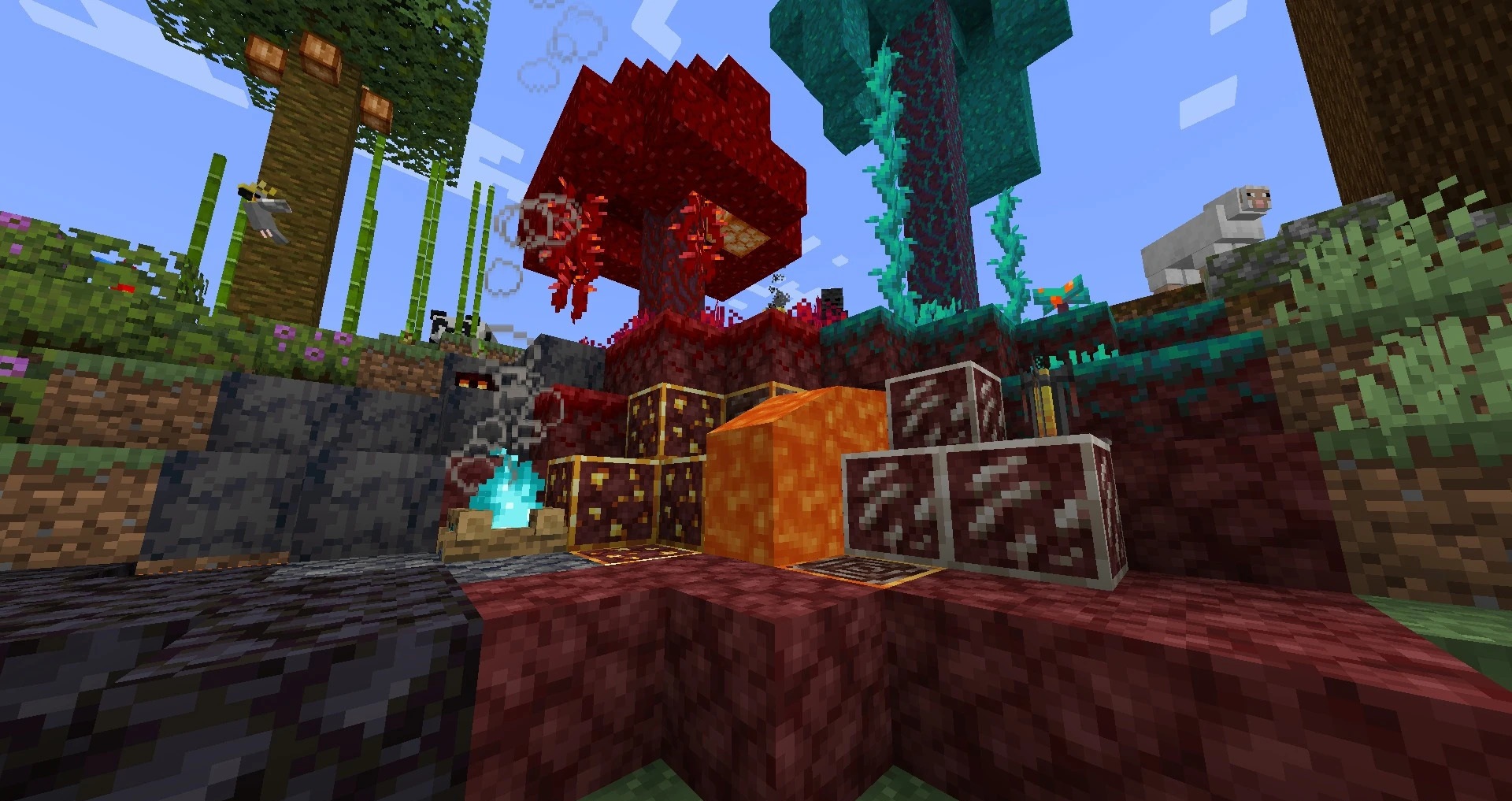
The shield, on-screen fire, and Totem of Undying become more compact, and the effect of the totem's activation is reduced. The pack also increases water transparency, connects glass blocks without noticeable lines, and adds small crop maturity indicators. Some visual noise is also removed, including blur and thick smoke from explosions.
How to install the texture pack:
First step: download and install PvP Essentials Overlay
Second step: copy the texture pack to the C:\Users\USER_NAME\AppData\Roaming\.minecraft\resourcepacks
Third step: in game settings choose needed resource pack.
Comments (0)