



Quartz UI for Minecraft 26.3
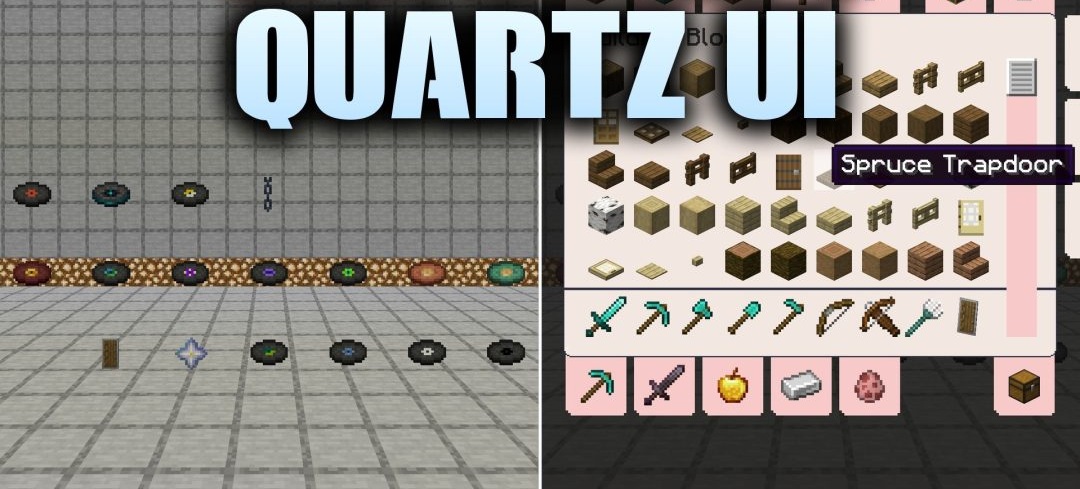
A light quartz palette completely replaces the standard gray-brown interface in Quartz UI. The pack reworks menus, containers, crafting stations, and game settings using clean cream-white shades. At the same time, the positions of buttons, slots, and tabs, as well as window sizes, remain unchanged, so there is no need to get used to navigation again after installation.
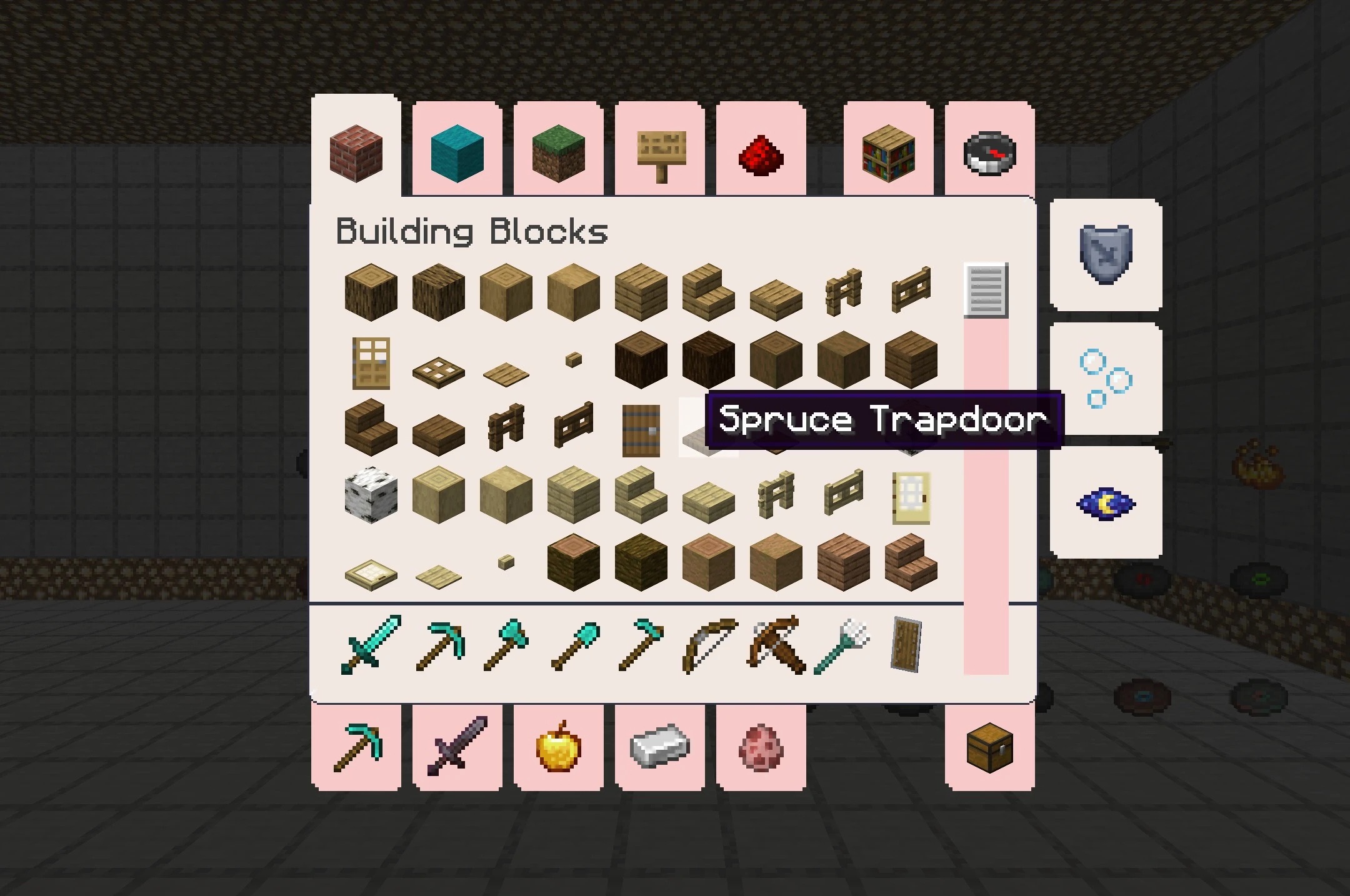
The changes affect the GUI specifically, not blocks or the environment, allowing Quartz UI to be easily combined with other resource packs for the world, items, or mobs. The resolution remains the standard 16x, keeping the interface lightweight and avoiding unnecessary load.
How to install the texture pack:
First step: download and install Quartz UI
Second step: copy the texture pack to the C:\Users\USER_NAME\AppData\Roaming\.minecraft\resourcepacks
Third step: in game settings choose needed resource pack.
Comments (0)