



Rainbow’s Foliage Polytone for Minecraft 26.3
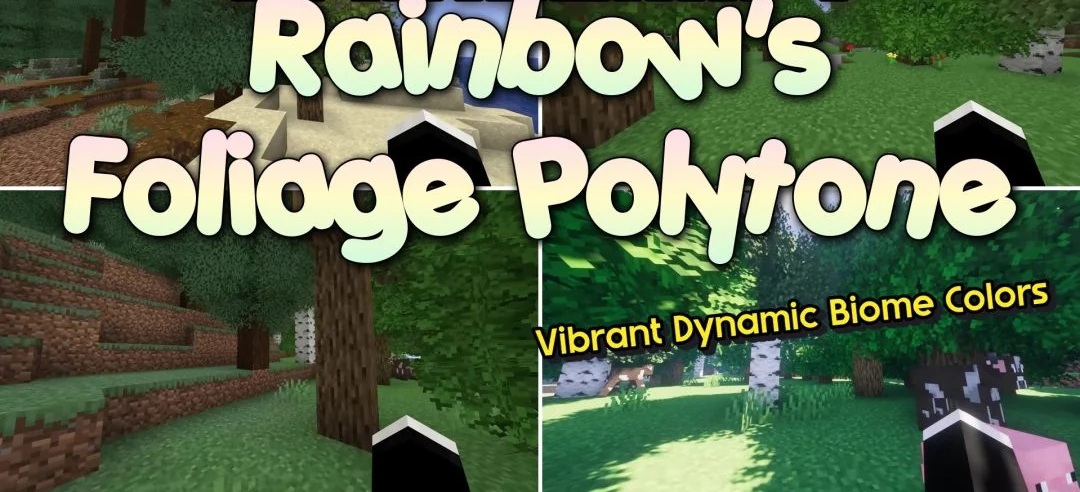
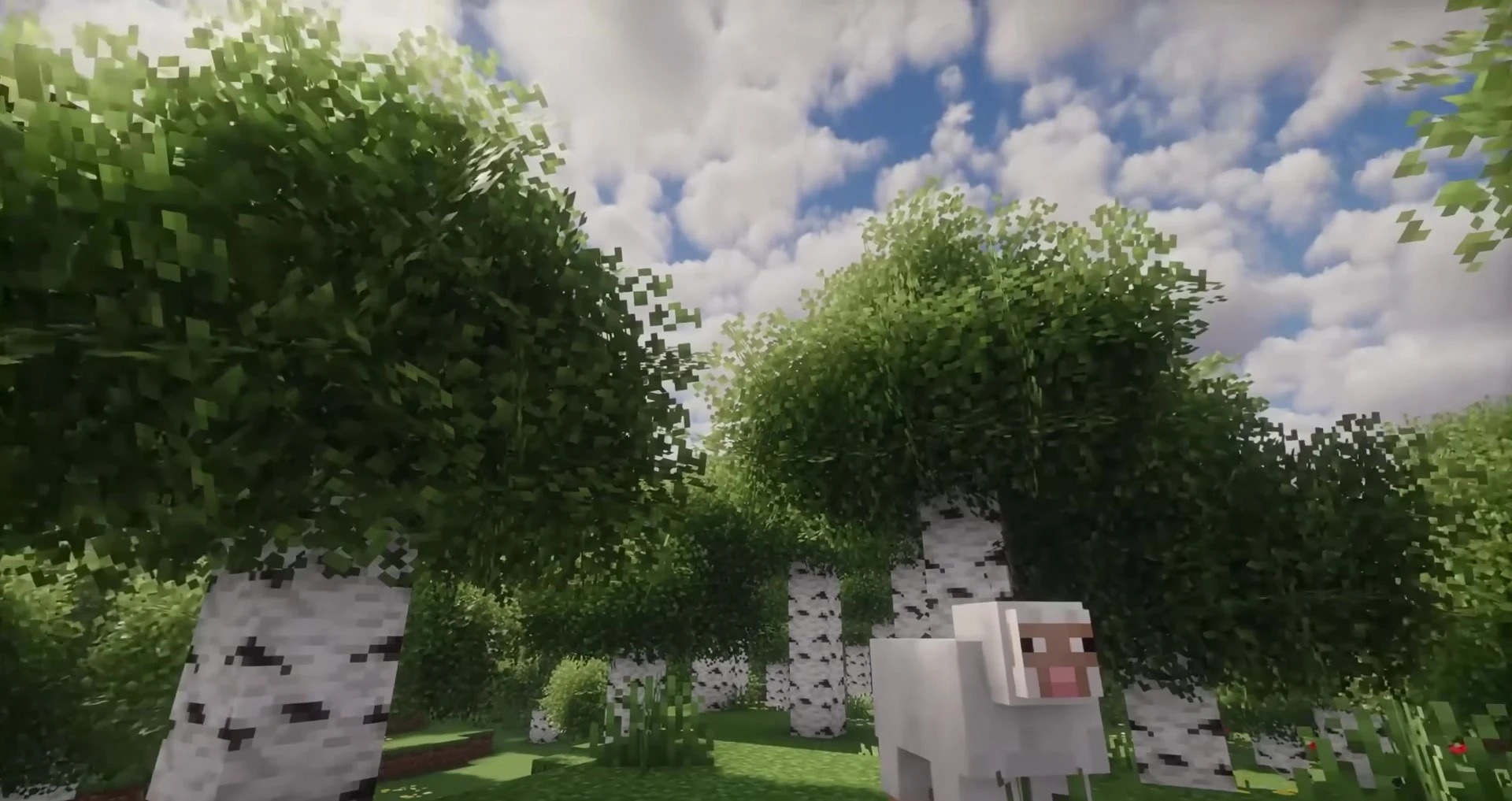
You can tell at a glance that the treetops in vanilla Minecraft are built from cubes of leaves. Rainbow’s Foliage Polytone softens that rather blocky shape. Extra leaves poke out beyond the sides of the cubes, making the trees look much fuller. What's interesting is how this has been done. The block models are rotated rather than built with unnecessarily complicated geometry that might be harder on your computer.
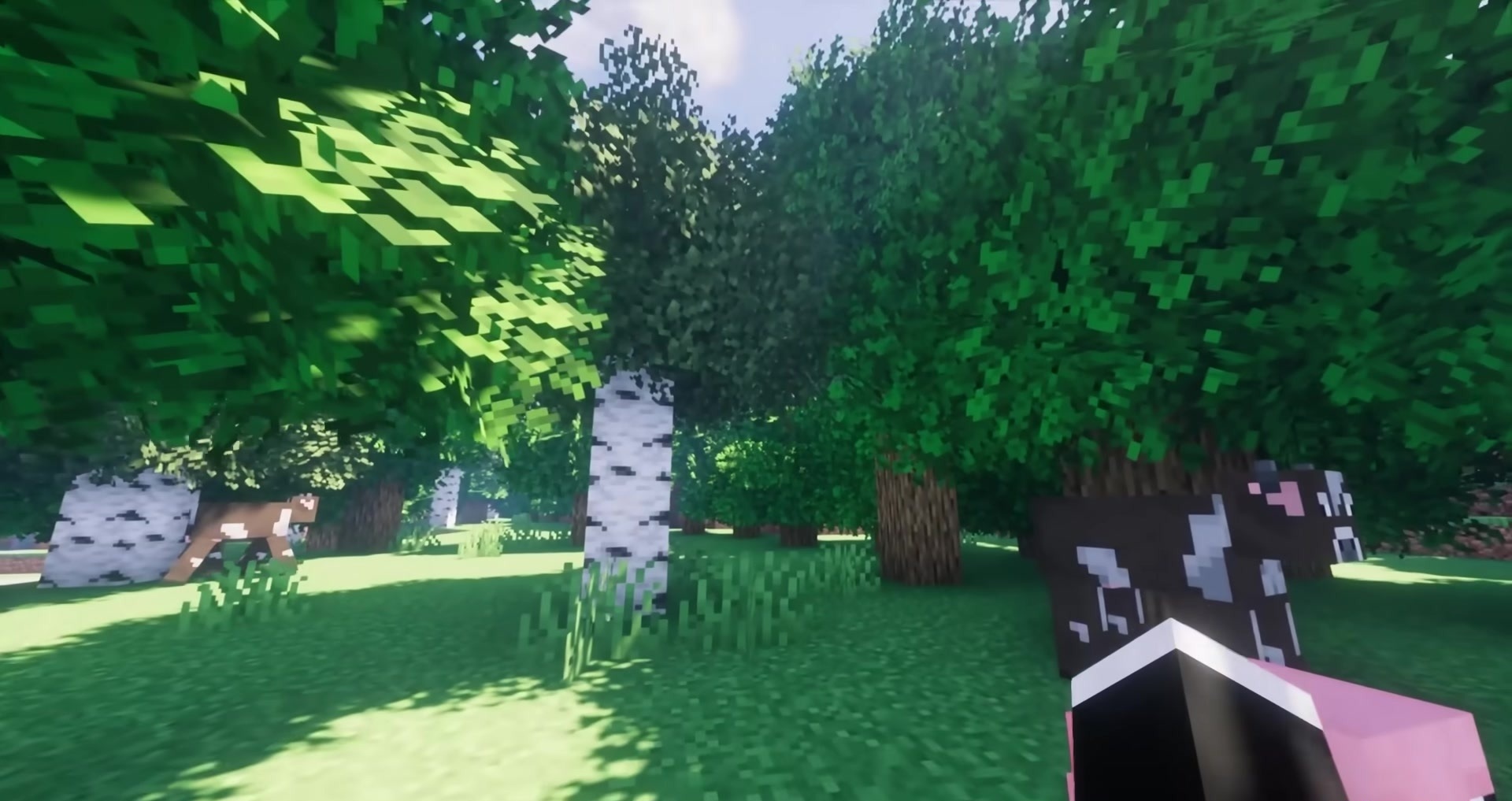
Each kind of foliage also has its own model file, which helps cut down the size of the resource pack. Trees aren't the only things that benefit; plenty of other Minecraft plants have more depth to them now. You'll need the PolyTone mod to use this pack.
How to install the texture pack:
First step: download and install Rainbow’s Foliage Polytone
Second step: copy the texture pack to the C:\Users\USER_NAME\AppData\Roaming\.minecraft\resourcepacks
Third step: in game settings choose needed resource pack.
Comments (0)