



Realistic Blocks 1024X for Minecraft 26.3
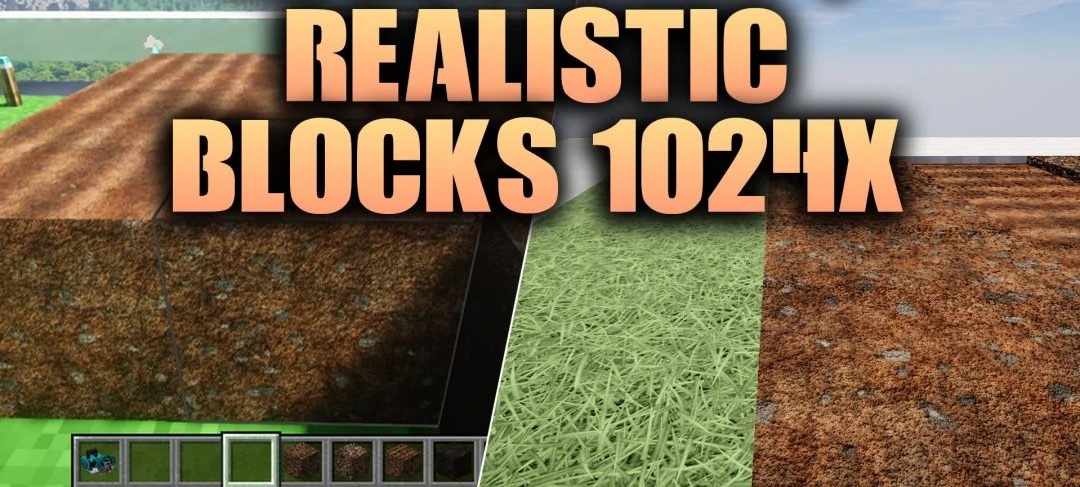
Ordinary dirt in Minecraft looks rather plain, especially when viewed up close. Realistic Blocks 1024X changes that, offering 36 block textures with a resolution of 1024x. You can now make out fine irregularities and surface details on grass, soil, mud and tilled farmland.
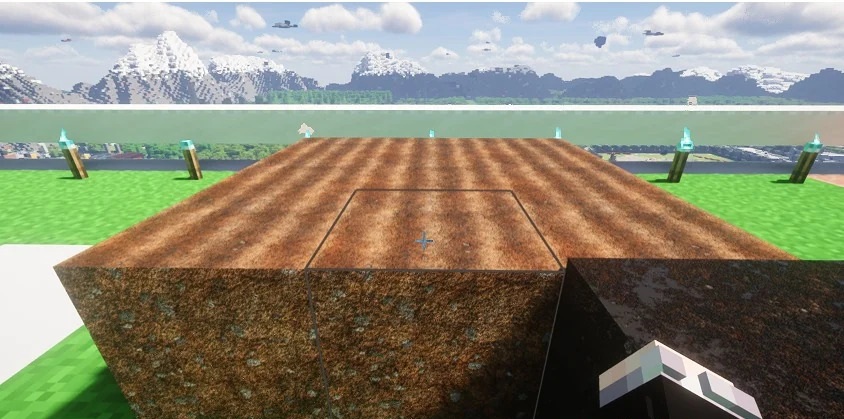
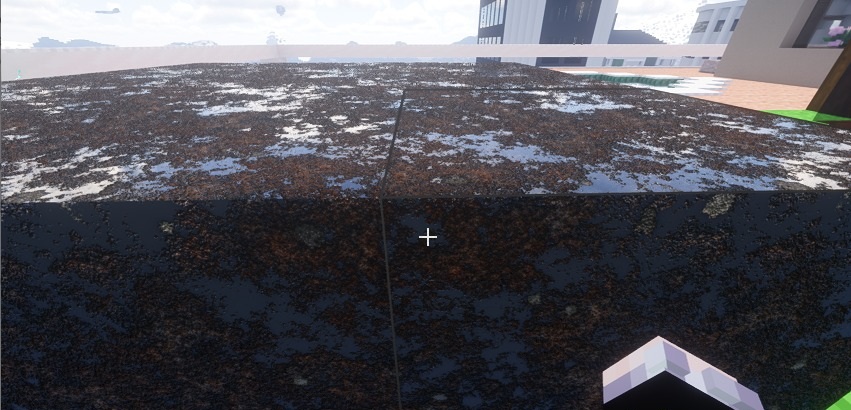
With support for POM and LabPBR, materials gain additional depth, roughness and surface relief. The changes are most noticeable when using compatible PBR shaders, which help bring out the finer details. The blocks themselves retain their original shape, but no longer look quite so flat. That said, you should exercise caution when installing such textures on a low-spec computer.
How to install a texture pack:
Step one: Download the texture pack using the link below.
Step two: Extract the downloaded archive and copy the Realistic Blocks 1024X folder to c:\Users\Пользователь\AppData\Roaming\.minecraft\resourcepacks\ (if this folder does not exist, create it yourself) (For Windows)
Step three: In the game, go to Settings, then Resource Packs. Click the icon for the newly added texture pack in the list on the left.
Comments (0)